FLIR Tools

FLIR Tools Summary
FLIR Tools is a free iOS app in Photo And Video by FLIR Systems Aktiebolag. Released in Apr 2012 (14 years ago). It has 34 ratings with a 1.82★ (poor) average. Based on AppGoblin estimates, it reaches roughly 34 monthly active users . Store last updated Aug 13, 2026
FLIR Tools SDKs Summary
App not yet scanned for SDKs.
1.82★
Ratings: 34
Screenshots
App Description
FLIR Tools Mobile - an intuitive app for FLIR cameras.
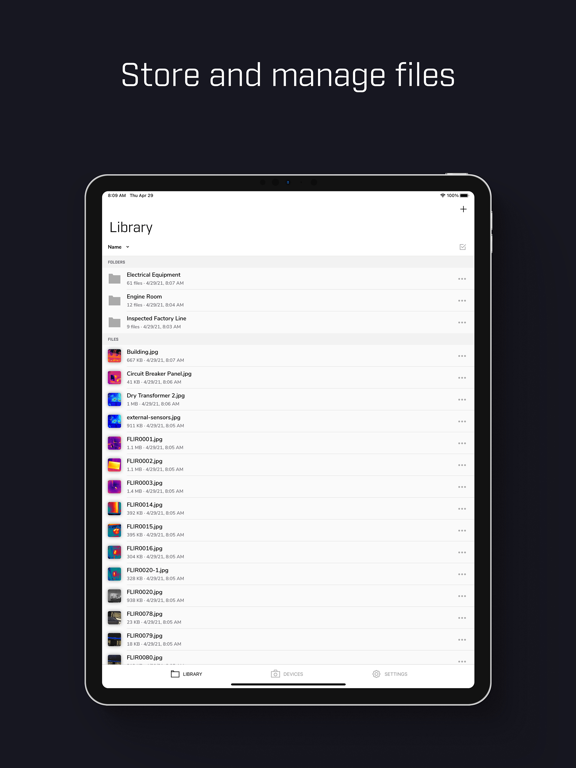
FLIR Tools Mobile lets professional thermographers use an iPad, iPhone, or iPod touch to see and capture live, streaming infrared video and stills from select FLIR cameras.
With FLIR Tools Mobile the camera can be stationed in one area and operated wirelessly from another – highly useful for IR inspections of energized equipment or performing IR surveys in hard-to-reach locations and harsh working environments. Streaming video and remote access also gives decision makers and others on your team a valuable opportunity to observe and collaborate in the thermal imaging process
Using FLIR Tools Mobile, you can do one or more of the following:
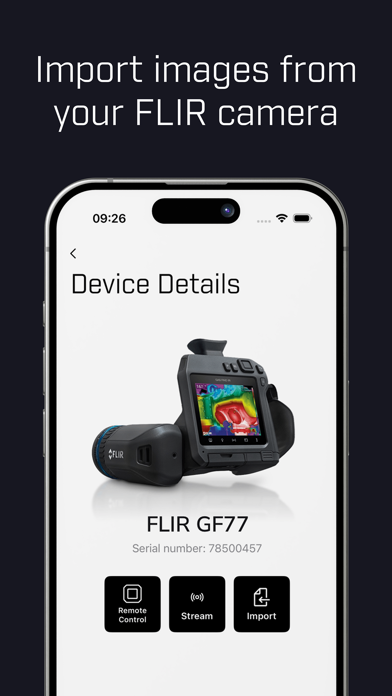
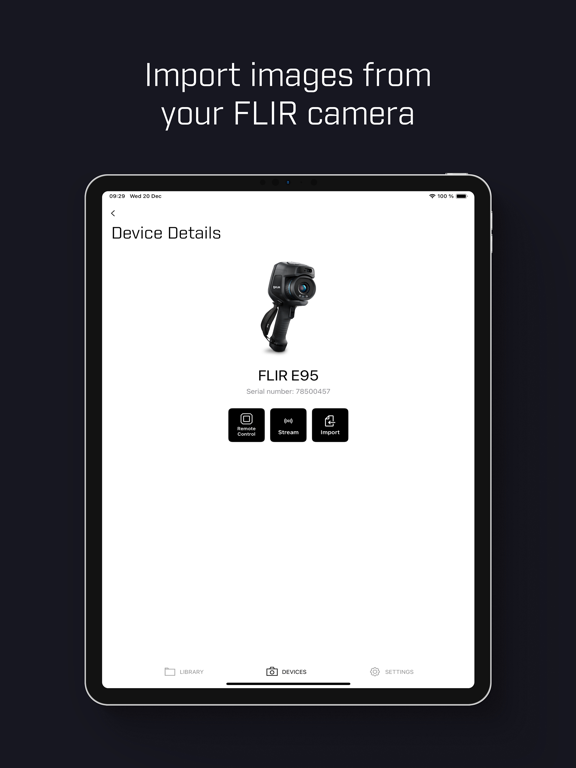
• Import images from your infrared camera
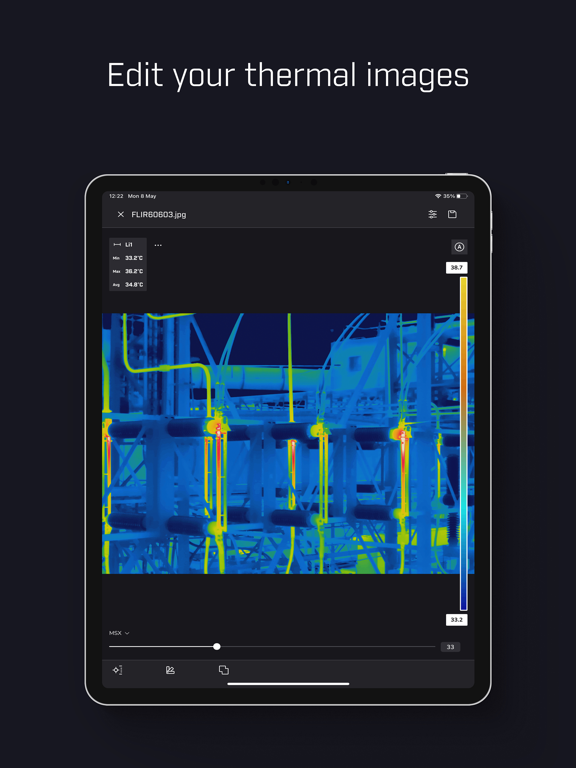
• Lay out and move measurement tools on the image
• Read out temperature measurements
• Zoom in on images
• On the iPhone/iPad, remotely take snapshots when a camera is connected
• On the camera, take snapshots that will automatically be saved in the iPhone/iPad
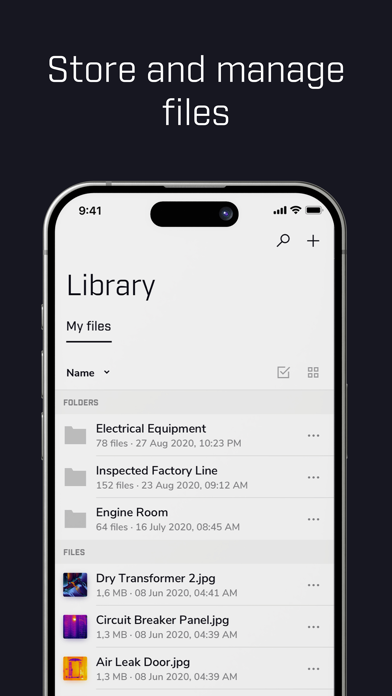
• Delete any images on the iPhone/iPad
• Display an image’s GPS coordinates on maps
• Create and e-mail imagesheets
• Create and e-mail reports
• Print imagesheets and reports to any AirPrint-enabled printer
• Save images to iPhone/iPad photo library
• Display image information, such as object parameters, text comments, file information, etc.
• Play-back voice comments
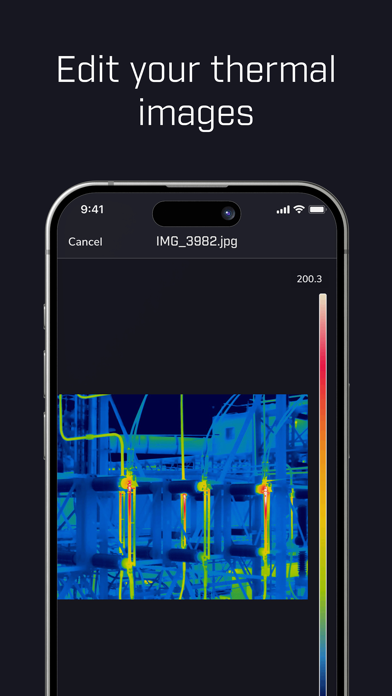
• Change level and span
• Change general settings in the app
• Change palette
FLIR Tools Mobile lets you take control of the following features on selected cameras:
• Auto and manual focus
• Level and span
• Color palettes
• Temperature measurement analytics
• Spot
• Area box
• Circle
• Line
• Parameter settings
• Emissivity
• Reflected temperature
• Relative humidity
• Atmospheric temperature
• IR and visible light image blending
• Picture-in-picture
• Thermal fusion
• Image storage
• MPEG 4 video
• Radiometric JPEG stills