PocketJot - Handwritten Notes

PocketJot - Handwritten Notes Summary
PocketJot - Handwritten Notes is a with in-app purchases iOS app in Productivity by iStArtApp. Released in Jun 2012 (14 years ago). It has 65 ratings with a 4.35★ (good) average. Based on AppGoblin estimates, it reaches roughly 110 monthly active users and generates around $<10K monthly revenue (100% IAP / 0% ads). Store metadata: updated Feb 12, 2023.
Store info: Last updated on App Store on Feb 12, 2023 .
4.35★
Ratings: 65
Screenshots


App Description
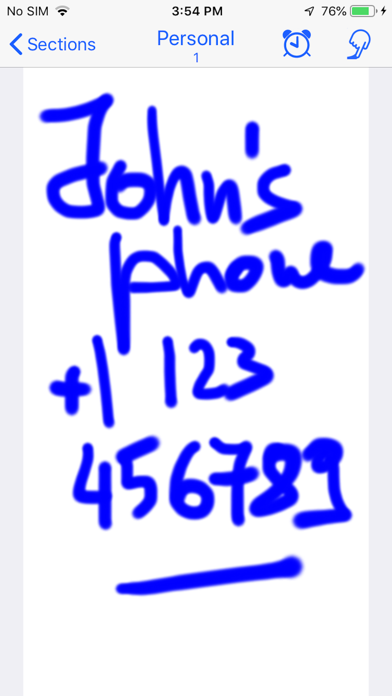
Draw your notes on your iPhone/iPad with PocketJot!
PocketJot turns your iPhone/iPad into your portable notebook.
PocketJot is fast, easy to use, fun and always with you.
>> USE IT AS A SMALL PAPER NOTEBOOK
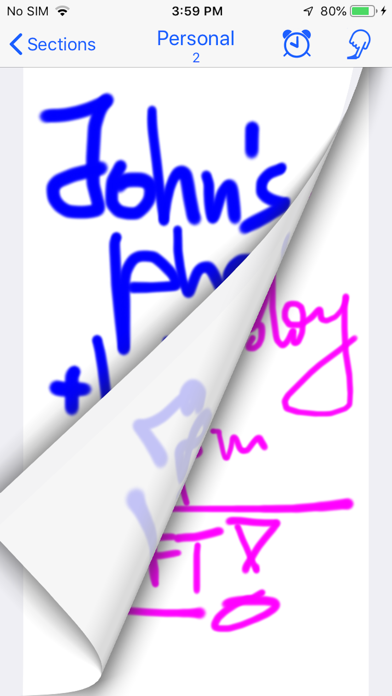
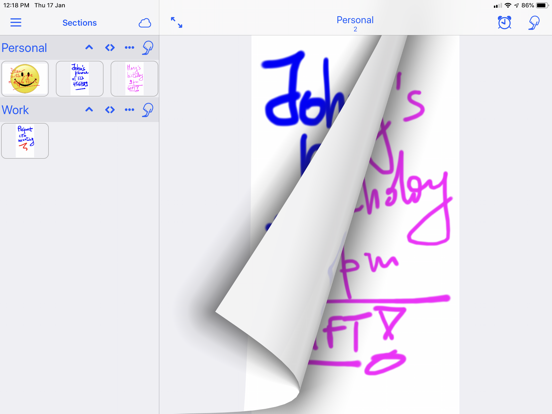
Have fun flipping through your notes as if they were on a small notebook.
Always with you.
>> EASY TO USE
PocketJot is designed for everyday use, quick and fun.
Just trace with your finger, at full screen on your device. Or, if you like, type a note using the keyboard.
>> APPLE PENCIL
On devices that support it you can use to draw, if you want, even the pencil.
>> SECTIONS
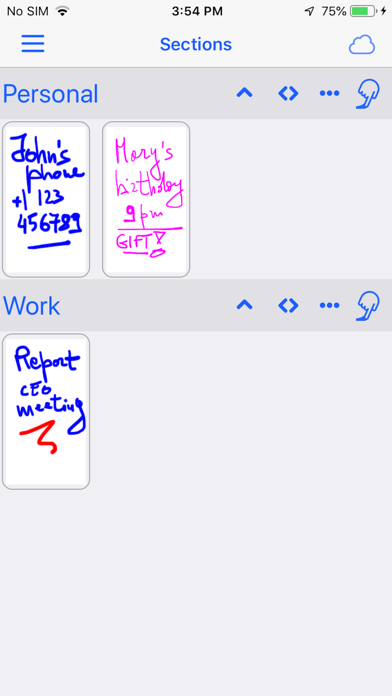
You can, if you want, organize your notes in various sections. You can assign a name to each section and organize the order to show the sections.
>> DRAG AND DROP
You can change the order of the notes within the sections. Just keep your finger pressed on a note and drag it where you want, inside the section or in another. All very easy.
>> COMPLETED NOTES
If a section contains various notes with things to do, as you complete them
you can mark each note as 'completed'. The completed notes are displayed with a check mark.
Do you have to shop? Make a 'Supermarket' section with things to take. When you go shopping, as you take them, check them out. Once finished you can hide the check for all things to be taken for the next time.
>> PROGRAMMABLE ALARMS
Take your notes and, if you need, mark the time when the phone or tablet will warn you: a meeting, a phone call, something to do.
PocketJot will remind you to remember it!
>> SHARING NOTES BETWEEN YOUR DEVICES
Synchronize your notes and keep them automatically updated among all your devices. It is very simple: it does everything for itself. All you need to do is to enable synchronization in app Settings. PocketJot uses your iCloud account.
>> COLOR AND DIMENSION OF PENCIL TO CHOOSE
When you draw you can choose the color and the size of the stroke.
PocketJot remembers for each note the last pencil you used and reuse it when you reopen the drawing if you want to change it.
>> PHOTO
You can import a photo of your device into the note so you can draw on it. In addition, you can save your note, with what you have drawn, among the photos of your device.
>> PDF AND EMAIL
If you want to send your notes you can not only export the note saved from the photos, but directly within the app, create an email with an attached pdf file of the note.