
Glink Summary
Glink is a paid iOS app in Tools by Gallagher & Robertson AS. Released in Jul 2012 (14 years ago). Store last updated Jun 30, 2025
Glink SDKs Summary
App not yet scanned for SDKs.
0★
Ratings: 0
Screenshots

App Description
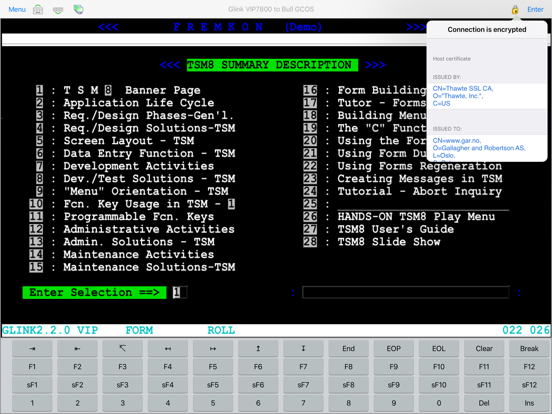
Glink for iOS is a terminal emulator application that runs on iPad, iPhone and Mac's with M1/M2 chip. It is a port of our immensely successful and popular Glink for Windows product that has been chosen by more than 600,000 people world wide for connection to legacy host applications.
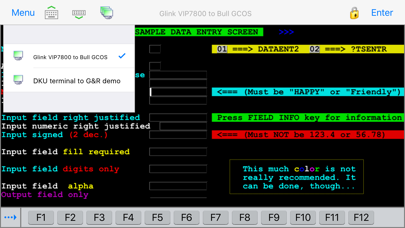
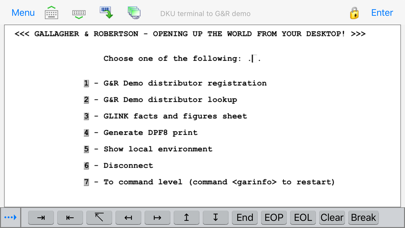
Glink is used to access applications running on Bull, IBM, DEC, UNIX and Linux host systems. Glink has emulations for the IBM 3270 and 5250 terminals, Bull Questar DKU7102, DKU7107 and DKU7211 terminals, Bull VIP7800, VIP7760 and VIP7700 terminals, and DEC VT420, VT320/340, VT220 and VT102 terminals. ANSI 3.64 is supported for general communications work.
Glink brings you a high quality and proven emulator for your iPad, iPhone devices and Mac computers with M1/M2 chip.
Glink supports GlinkProxy, a server application designed to provide persistent host connections for Glink clients where the connection from the client device is unreliable. This may be because the device enters sleep mode or goes out of Wi-Fi range.
FEATURES
- IBM3270, IBM5250, Bull DKU7107, Bull VIP7800, Bull VIP7700, Bull DKU7102, VT420, VT320/340, VT220, VT100/VT102, ANSI 3.64 terminal emulation, all screen sizes
- TN3270, TN5250, TNVIP, Telnet and Ggate communication to host
- IPv6 (Internet Protocol version 6) support
- SSL/TLS support for secure communication
- SSH for direct communication with the SSH Daemon.
- SSH tunneling for Telnet protocol
- Username/password or private key for SSH authentication
- Multiple concurrent host sessions
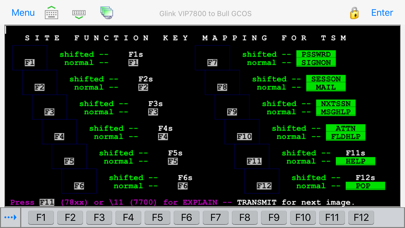
- Configurable multi line toolbar with function keys and macros
- Configurable hot spots for function keys, numbers, characters and URLs
- Macro recording for auto-login and for assignment to toolbar
- Pop-up standard keyboard with support of international characters
- Tab/shift-Tab and arrow-keys supported on external Bluetooth keyboard
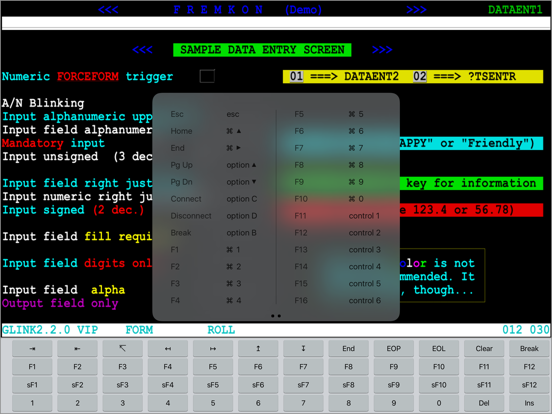
- All major function keys available as keyboard shortcuts
- Press and hold Command-key on external keyboard to see list of built-in keyboard shortcuts
- Colors can be customized
- Supports GlinkProxy Session Persistence Server
- Multiple host configurations supported
- Export and import of configurations
- Supports Managed App Configuration, which allows users to configure Glink remotely through Mobile Device Management (MDM)
- Optional password to access configurations
- Optional auto-connect and auto-login at startup
- Optional