DataScan (legacy Version)

DataScan (legacy Version) Summary
DataScan (legacy Version) is a mobile iOS app in Business by Keitgen GmbH. Released in Dec 2012 (13 years ago). Store metadata: updated Jun 10, 2025.
Store info: Last updated on App Store on Jun 10, 2025 .
0★
Ratings:
Screenshots


App Description
DataScan turns iOS devices into flexible EAN or QR code scanners, replacing expensive hand-held MDEs thanks to its smart reading and export modes. For retailers, rental companies, field staff, sales teams, and lots more besides.
DataScan is the perfect tool wherever stock or quantities need to be logged using a portable device to read their barcode for subsequent data processing using another software solution.
Whether retailers scan stock, re-order items or run inventory checks – DataScan replaces expensive dedicated devices.
Companies that rent out devices or products log the rented or returned items and quantities by scanning their barcode right there on the spot, and send this data straight to the office.
IT administrators or equipment-pool coordinators keep an overview of their devices by scanning the barcode, and can store additional information in their database under a product barcode already on the device.
Sales teams can log items that need to be re-ordered, returned sale-or-return goods or issued samples right there on the spot – all without the need for an additional device or piles of paperwork. After all, you’ve always got your phone with you when you’re on the road.
DataScan has been designed specifically to be universal, offering limitless possibilities focusing on the flexible reading and sending of scanned codes.
This makes DataScan easy to integrate into existing and planned workflows and processes.
DataScan can read multiple codes including UPC-A, UPC-E, EAN–8, EAN–13, Code 39, Code 93, Code 39 mod 43, PDF417, Code 128, Aztec as well as simple alphanumeric QR codes.
DataScan sends scanned data as a CSV file. The CSV file format options (delimiters, line breaks, data format, time format, file encoding, file ending, header row names) are customizable.
Scanned data is exported as a .CSV file and sent via FTP or email – this can also be done at the tap of a finger.
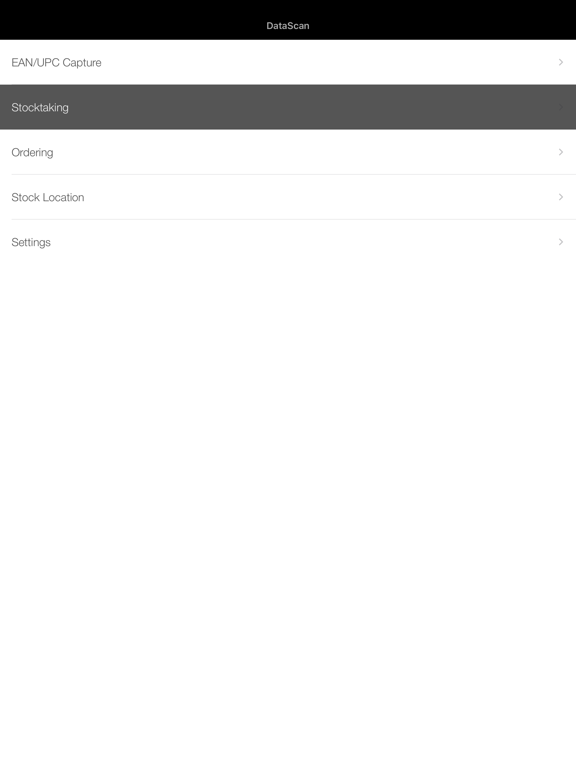
DataScan features several reading modes that cover the majority of typical usage needs, including: EAN Reading mode, Inventory mode, Order mode.
All settings can be locked so the operator can’t change the settings.
‘EAN/UPC Capture’ mode:
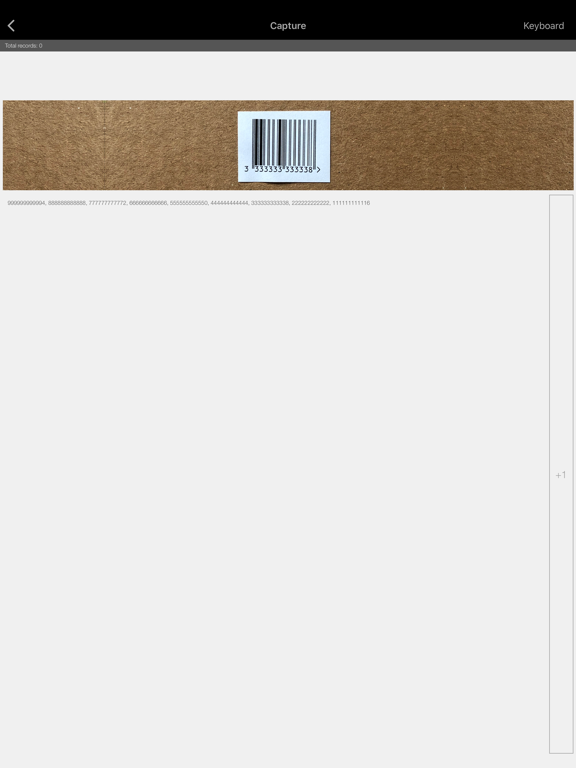
EAN /UPC Capture is a simple, non-stop way to read barcodes. This method is designed for reading a large number of EANs or UPCs such as when adding articles to an inventory for later administration.
‘Ordering’ mode:
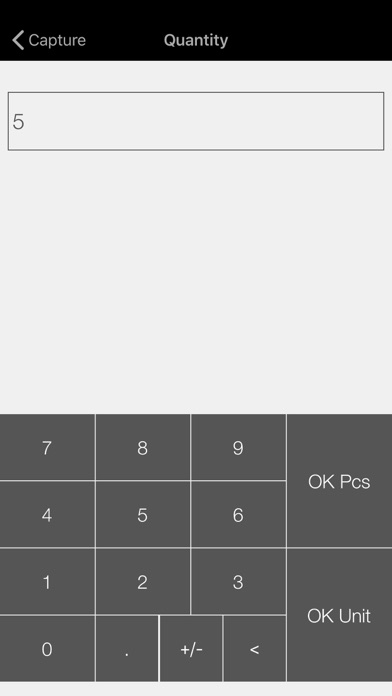
Ordering mode lets you scan an item and then enter a particular quantity (or sales unit).
‘Stock Location’ mode:
Stock Location mode offers two ways to read items:
- Reading of a single item