Nearpod

Nearpod Summary
Nearpod is a free, with in-app purchases iOS app in Education by Nearpod. Released in May 2012 (14 years ago). It has 3.5K ratings with a 3.37★ (mixed) average. Based on AppGoblin estimates, it reaches roughly 3.1K monthly active users and generates around $<10K monthly revenue (100% IAP / 0% ads). Store last updated Jun 17, 2026
Recent activity: -1 new ratings this week View trends →
SDK intelligence: AppGoblin detected 1 analytics: product(e.g. Mixpanel),and 1 development tools integrated into Nearpod. View full SDK list →
Nearpod SDKs Summary
Nearpod was last scanned for SDKs on 2026-07-15. Below is the overview of third-party companies detected in the app. The full list of SDKs, permissions and unknowns is available here.
 Mixpanel
 Flutter
3.37★
Ratings: 3.5K
Screenshots



App Description
Nearpod: Interactive Lessons That Engage Every Student
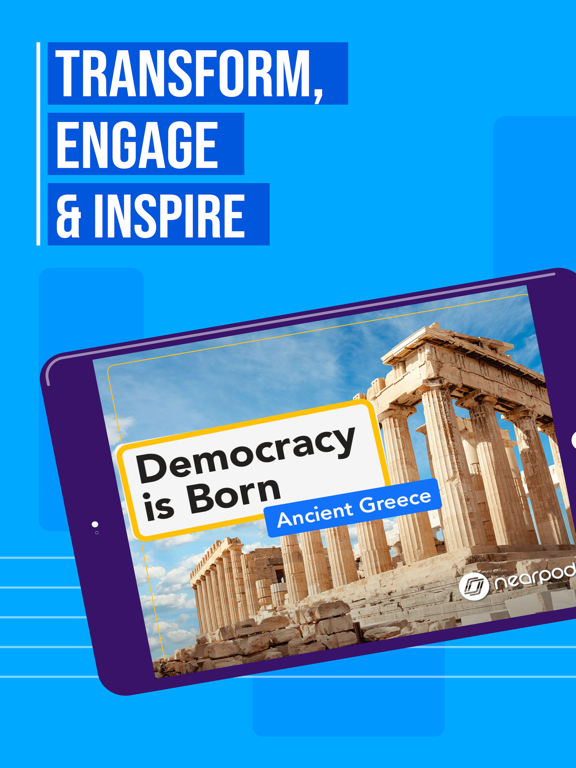
Nearpod helps K–12 teachers create engaging, student-centered learning experiences that drive participation and deepen understanding. Whether you're teaching math, science, ELA, or any other subject, Nearpod gives you the tools to bring your lessons to life.
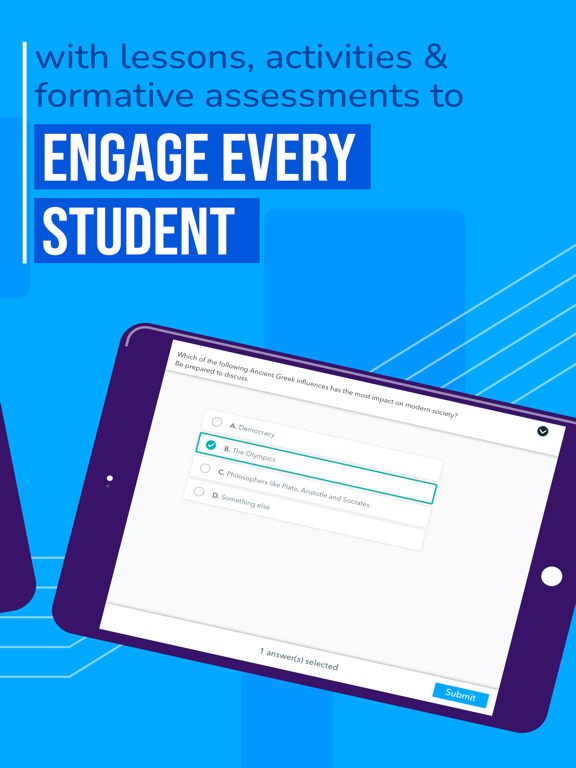
Use interactive features like polls, quizzes, and virtual reality to spark curiosity and keep students involved. Monitor progress with real-time formative assessments and adjust instruction based on instant feedback. With flexible teaching modes, you can lead live lessons or assign student-paced activities that fit your classroom flow.
Why Teachers Love Nearpod:
Interactive slides, videos, and activities that promote active learning
Real-time insights to support data-informed instruction
Seamless integration with Google Slides, YouTube, and your LMS
Access to 22,000+ standards-aligned lessons and resources
Tools for differentiation and student voice
Nearpod works with the platforms you already use and adapts to your teaching style. Whether you're enhancing your curriculum or building lessons from scratch, Nearpod helps you deliver instruction that sticks.
How Nearpod works:
1. Learning experiences are created by teachers from scratch, uploading slides, with AI (on tablet or web), or selected from a catalogue of over 22,000 experiences found in the Nearpod Library.
2. Students join synchronous learning experiences led by their teachers or learn at their own pace.
3. Students actively engage in interactive media, formative assessments, and activities such as videos, quizzes, polls, 3D objects, virtual reality, drawing tools, and more.
4. Teachers receive immediate insights into student learning, allowing them to provide feedback, correct misconceptions, and adjust instruction.
5. Students are introduced to content through dynamic multimedia that includes VR Field trips, 3D objects, PhET simulations, BBC videos and more.
To make your technology integration as seamless as possible, Nearpod has partnered with:
Apple
Google
Microsoft
Canvas
Schoology
Brightspace by D2L
Blackboard
Moodle
Clever
ClassLink
What teachers are saying:
"Nearpod provides me and my teachers with an excellent tool for engaging students. Activities and the different functions offer opportunities