iOBD2

iOBD2 Summary
iOBD2 is a mobile iOS app in Tools by 翔宇 金. Released in May 2012 (14 years ago). It has 491 ratings with a 2.98★ (poor) average. Based on AppGoblin estimates, it reaches roughly 1.9K monthly active users . Store metadata: updated Apr 27, 2016.
Store info: Last updated on App Store on Apr 27, 2016 .
2.98★
Ratings: 491
Screenshots

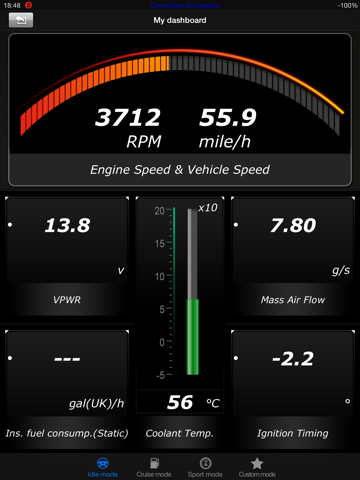
App Description
iOBD2 is an app for your car. It makes your iPhone/iPod touch/iPad into a cool vehicle diagnostic tool to read your engine data.
1. When you are driving and MIL is on, you can check your car and know whether you can go on or not.
2. When there are troubles with your car, you can check it yourself and know what the problems are, and then ask for help by twitter or facebook from others.
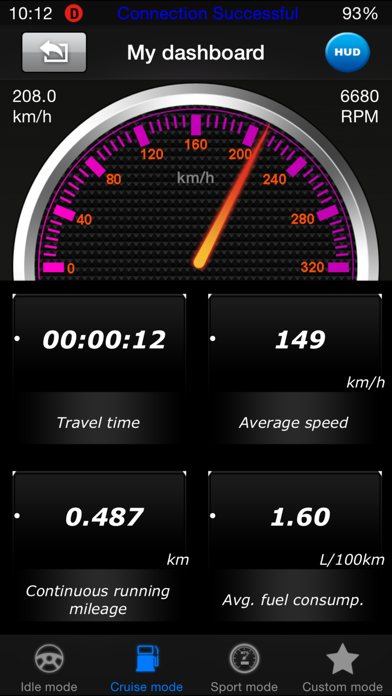
3. You can know real time information such as fuel consumption, torque, acceleration, etc from iOBD2 on your iPhone/iPod touch/iPad.
4. iOBD2 can customized your gauge and after select the data that you are interested in, it will show you only the data which you concern.
5. You can share the record what you get from the car by iOBD2 on twitter and facebook.
!!Attention:
1.Please make sure that your vehicle is with OBD-II/EOBD compliance before purchasing!
2.You can upgrade your general iOBD2 to iOBD2-BMW or iOBD2-VAG when you only have iOBD2 hardware , and you only need to pay $80.00 for iOBD2-BMW or $30.00 for iOBD2-VAG without paying extra money for hardware.
Buy multiple gauges iOBD2 with scream and best price! (Note: Not all OBD-II compliant vehicles support all these parameters)
DISCLAIMER: After buy our iOBD2 hardware interface, and download iOBD2 App, then your iPhone/iPod touch/iPad can communicate with the vehicle. You can buy it on our ebay shop or amazon shop or contact our sales.
Function:
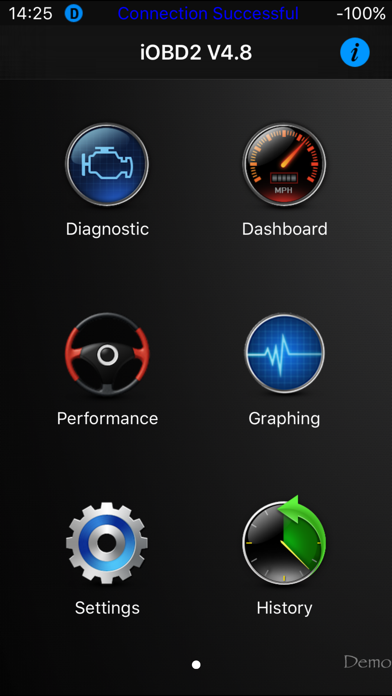
1. Diagnostic
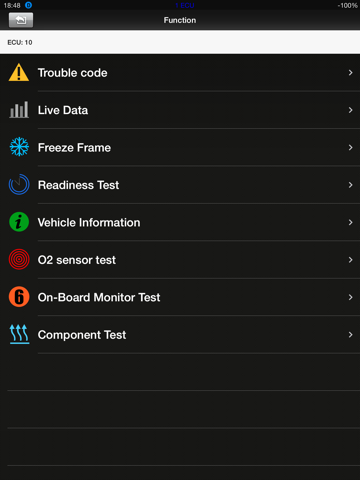
[Read DTC]: Read the current DTC that engine has stored, and show DTC info.
[Clear DTC]: Clear all the current DTC.
[Live data]: Read all the running parameters that related to the ECU.
[Freeze frame data]: When OBD system sets the DTC, it will record the system running parameters related to the malfunction at the same time. And these parameters are called freeze frame data.
[Readiness test]: Readiness reflects the status that all the valid diagnostic functions.
[Read vehicle info]: Read vehicle info such as Vehicle Identification Number (VIN), Calibration IDs (CALID) and Calibration Verification Number (CVN).
[O2 Sensor test]: It allows access to the on-board oxygen sensor monitoring test results. The same information may be obtained by the use of [Mode 6 test].
[Mode 6 test]: It allows access to the results for on-board diagnostic monitoring tests of specific components/systems that are not continuously monitored.
[EVAP System Test]: The purpose of this ser