Speedometer 55 Pro. GPS kit.

Speedometer 55 Pro. GPS kit. Summary
Speedometer 55 Pro. GPS kit. is a with in-app purchases iOS app in Maps And Navigation by Stanislav Dvoychenko. Released in Jun 2012 (14 years ago). It has 6.9K ratings with a 4.68★ (excellent) average. Based on AppGoblin estimates, it reaches roughly 17K monthly active users and generates around $<10K monthly revenue (100% IAP / 0% ads). Store last updated Sep 24, 2026
Recent activity: 2.00 new ratings this week View trends →
Speedometer 55 Pro. GPS kit. SDKs Summary
App not yet scanned for SDKs.
4.68★
Ratings: 6.9K
Screenshots


App Description
A powerful GPS speedometer, mileage tracker, and trip-cost monitor with dash-cam and action-cam video. See your speed at a glance, receive clear speed-limit alerts, record detailed routes, and understand the real cost of each trip.
Features:
■ Speed Limits & Alerts
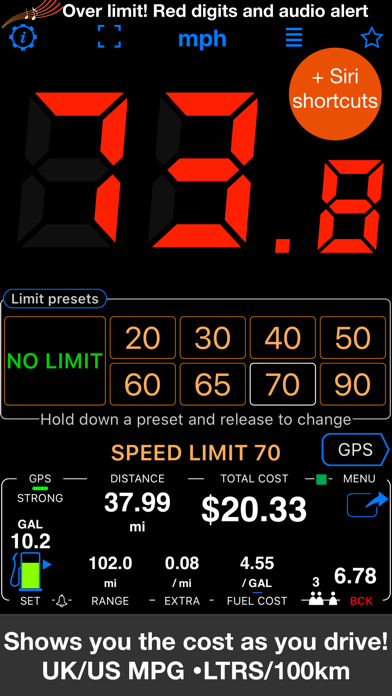
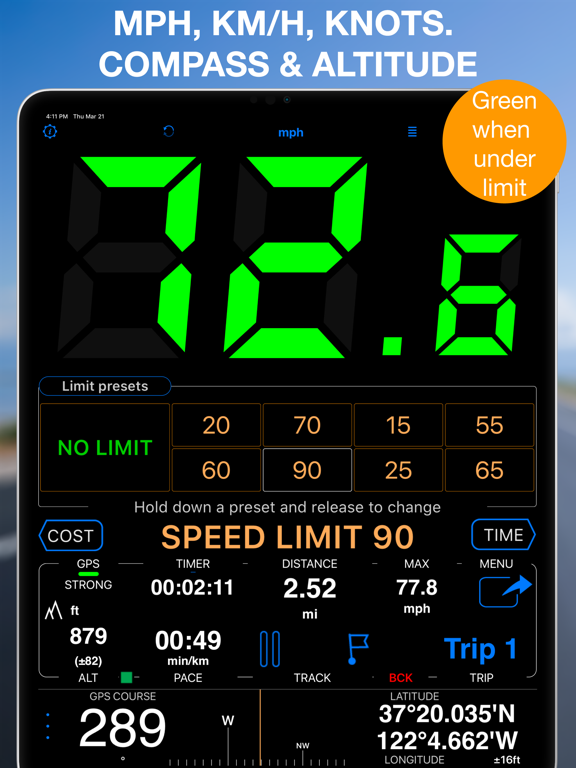
Set speed limits with 4 or 8 one-tap presets. Large digits change from green to red and a sound alerts you when you exceed the selected limit. The app can remember where limits were used and reapply them automatically.
■ Cost, Fuel & EV Monitor
See driving costs in real time for combustion and electric vehicles. For fuel, enter price and efficiency (US/UK MPG or L/100 km). For an EV, enter electricity price per kWh, usable battery capacity, full-charge driving range, and charging efficiency—the app accounts for charging losses. Add optional charges per mile or kilometer, split costs between passengers, and monitor estimated remaining range with configurable alerts.
■ GPS Tracking
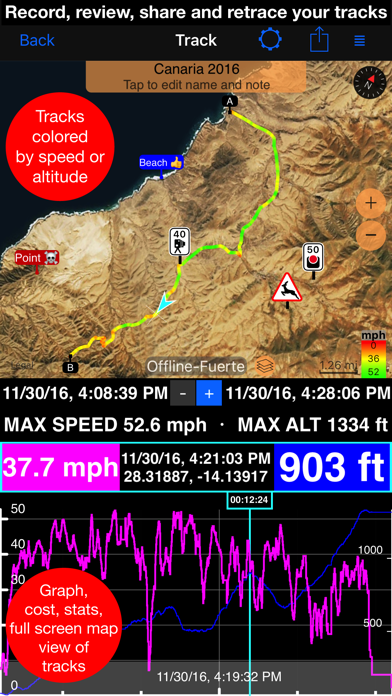
Record detailed mileage and routes, review speed, altitude, and statistics, or add a previous track back to the map to retrace it. Import and export GPX, KML, and KMZ files.
■ GPS Dash Cam & Action Cam Video
Record the road or the action with synchronized speed, location, heading, and map data. Choose engaging overlays such as speed, map, Pitch & Roll, and G-Cross for live view, replay, or stamped exports. Keep a clean original, export a full video or selected range, and turn an exact replay frame into a georeferenced photo and waypoint. Loop recording can retain the latest part of a drive without filling storage with one endless recording.
Because of iOS privacy restrictions, video can be recorded only while the camera recording screen is visible. Recording stops if you leave that screen or the app moves to the background. The app does not provide parking surveillance or automatic vehicle-power startup.
■ Mileage Calculator & PDF Reports
Calculate distance, fuel costs, and mileage between addresses. Fill gaps in a mileage log, categorize trips, and create customizable professional reports for reimbursement or tax records.
■ Maps
Choose Apple, Google, blank, or offline road, satellite, and topographic maps. Import MBTiles or SQLiteDB maps, download maps in the app, and create or share KMZ ground overlays.
■ Driving and Navigation Modes
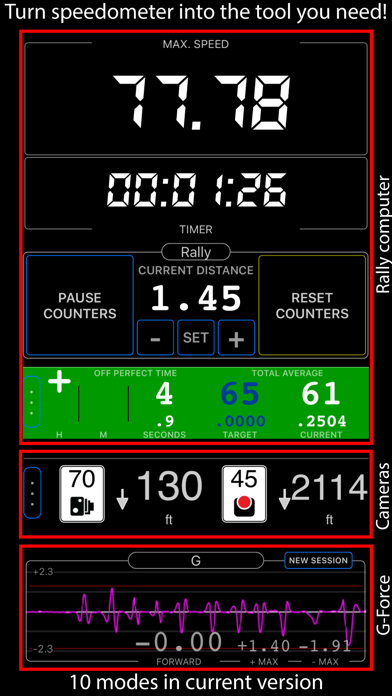
Use a full-screen speed display, mirrored HUD, rally computer,