Picture Collage Maker - Frames

Picture Collage Maker - Frames Summary
Picture Collage Maker - Frames is a free, ad-supported, with in-app purchases iOS app in Photo And Video by pixel force private limited. Released in Jul 2012 (14 years ago). It has 58K ratings with a 4.36★ (good) average. Based on AppGoblin estimates, it reaches roughly 30K monthly active users and generates around $<10K monthly revenue (41% IAP / 59% ads). Store last updated Aug 24, 2026
Recent activity: 56 new ratings this week View trends →
Picture Collage Maker - Frames SDKs Summary
App not yet scanned for SDKs.
4.36★
Ratings: 58K
Screenshots


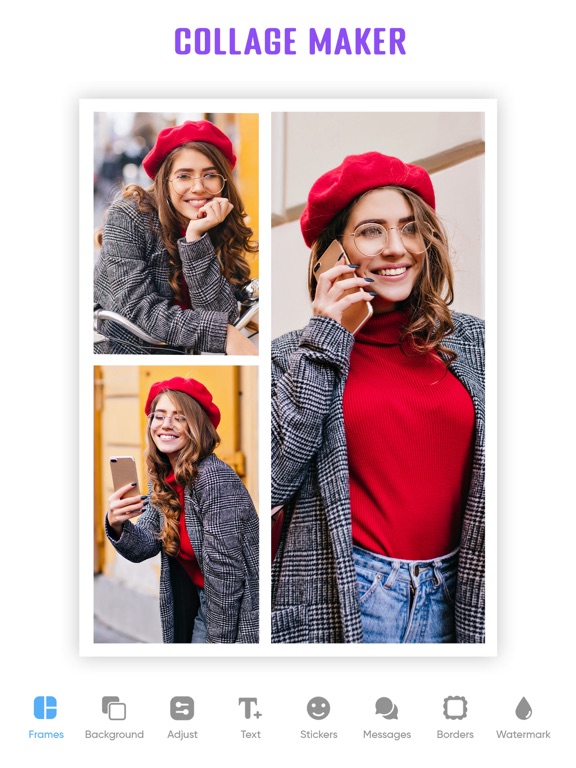

App Description
Picture Collage Maker & Photo Frames App for iPhone & iPad
Photo Collage Maker app helps you create aesthetic photo collages, scrapbook memories, Instagram layouts, birthday memory board, travel photo dump, and social media designs using AI-powered editing tools and thousands of creative templates. Picture Collage Maker delivers professional results without complicated editing software.
What can I make with Picture Collage Maker?
You can create:
- Grid collages and free-style scrapbook layouts
- Magazine-style photo spreads
- Instagram posts, stories, and reels covers
- TikTok thumbnails and Pinterest graphics
- Birthday, wedding, and baby milestone collages
- Travel photo collections and couple edits
- Greeting cards, invitations, and printable memory albums
- Aesthetic moodboards and Pinterest-style layouts
Square, portrait, and landscape sizes are all supported.
Create content designed for today’s social platforms and creator trends:
- Design aesthetic Instagram story layouts and photo dump collages
- Create eye-catching reels covers and social media posts
- Build Pinterest-style moodboards and visual journals
- Make scrapbook-inspired memories with creative stickers and typography
- Turn everyday photos into share-ready content in minutes
- Create stylish layouts for influencers, creators, students, and small businesses
Whether you're posting travel memories, lifestyle edits, couple photos, or event highlights, Picture Collage Maker helps your content stand out across Instagram, TikTok, Pinterest, and more.
How do I edit photos in the app?
Use smart AI-powered tools to enhance any photo:
- AI Background Remover - erase backgrounds in one tap
- Object Remover - clean up unwanted elements instantly
- AI Image Extend - expand your photo beyond its original frame
- Old Photo Restore - bring faded memories back to life
- Blur Background - create depth-of-field portrait effects
- Beauty Filters - enhance selfies and portraits automatically
- Photo Enhancement - sharpen, brighten, and recolor images
What customization options are available?
Every collage is fully customizable:
- 2,000+ templates, frames, and seasonal designs
- Adjustable borders, spacing, and grid layouts
- Crop, rotate, and resize any photo
- Filters, effects, and color adjustments
- Text overlays, captions, and typography styles
- Stickers, doodles, and decorative backgrounds
- Soli