Lapse It

Lapse It Summary
Lapse It is a with in-app purchases iOS app in Photo And Video by INTERACTIVE UNIVERSE CREATIVE SOFTWARES EIRELI. Released in Jul 2012 (13 years ago). It has 1.5K ratings with a 3.33★ (mixed) average. Based on AppGoblin estimates, it reaches roughly 736 monthly active users and generates around $<10K monthly revenue (100% IAP / 0% ads). Store metadata: updated Oct 24, 2019.
Store info: Last updated on App Store on Oct 24, 2019 .
3.33★
Ratings: 1.5K
Screenshots
App Description
FEATURED IN THE MEDIA:
• Featured on the English TV Show "The Gadget Show" http://youtu.be/QjjayQVHnrk
• You can watch a great video review at http://youtu.be/8jhIyDYcumM
••••••••••••••••••••••••••••••••••
Lapse It is intuitive and simple to use, you will be able to capture and edit your time-lapse or stop-motion projects powered by unique features available in your device.
No need for expensive photography equipment, you just need Lapse It.
POWERFUL AND UNIQUE FEATURES:
• Create time lapse and stop motion projects using the full potential of your device
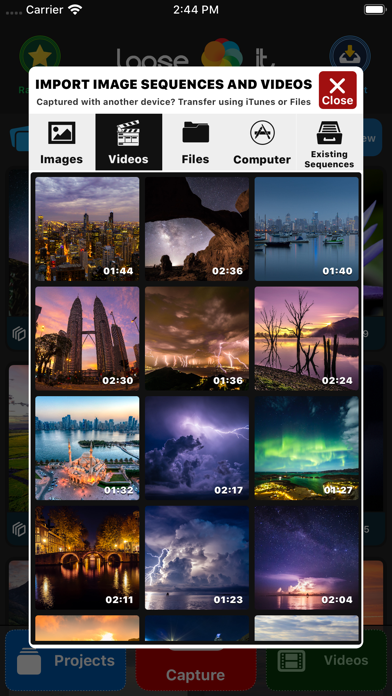
• Import multiple images and videos from multiple sources to compose a new project using many editing tools
• Instant preview and fast export of your compositions creating gorgeous UHD 4K+ videos
CAMERA FEATURES:
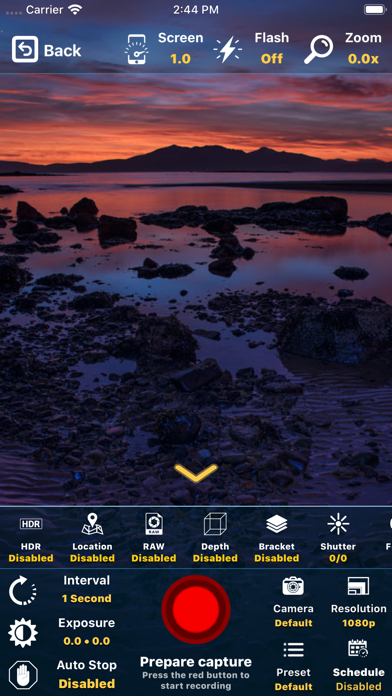
• Capture sequences of pictures using powerful camera and timings features.
• Camera can be easily adjusted to capture images using all the powerful features your device has to offer.
• Include capturing in HDR ( High Dynamic Range ), GPS ( Location ), RAW ( Unprocessed image ), Depth ( 3D Map ), Bracket ( Multiple instant shots )
• Schedule a time for the capture to start automatically
• Define when the capture should stop ( after a number of frames or a time length )
• Manual camera controls for exposure, focus, ISO and white balance
• Remote live access to the captured images while recording using iCloud
• Zoom can be adjusted over time while recording including remotely using Apple Watch
• Stop motion mode with extra features: onion skin ( previous image as 'ghost' for the next ) and touch-less capture using sound ( for example a 'clap' )
• Resume previous captures for multiple days recording or to continue a project on a different location
• Other options are low-lightning mode, color space, image format, onion skin and grid
EDITING FEATURES:
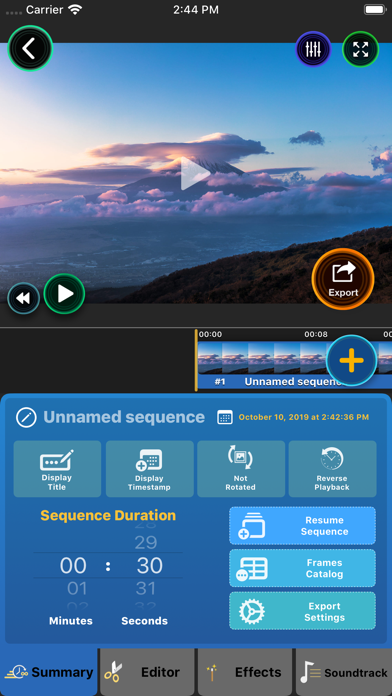
• Play and export sequences of images as videos including advanced editor tools
• Define the duration of your time lapse with millisecond precision, easily making it play slower or faster
• Stylize your compositon choosing from the unique 50 stunning filters, including the miniaturization tilt-shift effect
• Image color post-processing controls for saturation, brightness, contrast, opacity, blur and more
• Duplicate or