HEX Editor

HEX Editor Summary
HEX Editor is a mobile iOS app in Tools by aZeR DiLLs. Released in Aug 2012 (13 years ago). It has 68 ratings with a 1.84★ (poor) average. Based on AppGoblin estimates, it reaches roughly 191 monthly active users . Store metadata: updated Oct 24, 2023.
Store info: Last updated on App Store on Oct 24, 2023 .
1.84★
Ratings: 68
Screenshots



App Description
** Featured in Editor's Picked by Best10Apps.com **
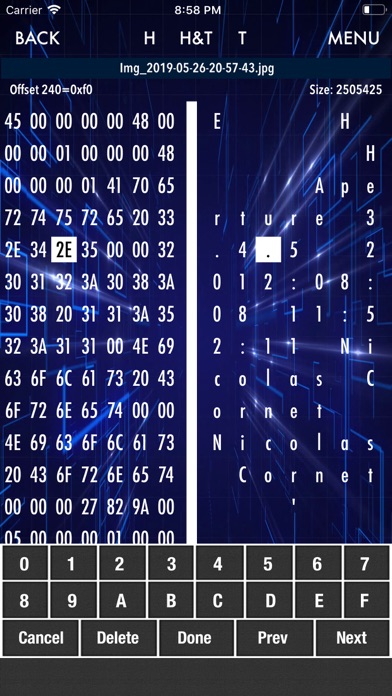
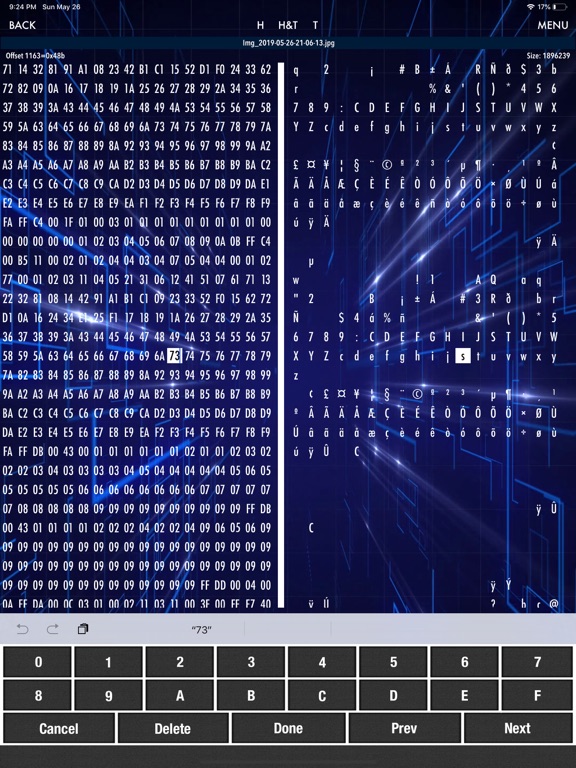
HEX Editor iOS App allows you to view & edit the raw data contents of a file. The data of the file are represented in two columns; hexadecimal paired values & ASCII characters.
HEX Editor supports editing & viewing on all types of file (regardless of OS platform). With its simple UI yet packed with features, editing any type of files on-the-go will be effortless. Features include:
1. Supports editing in both HEX or TEXT mode concurrently.
2. Switch views between HEX only, TEXT only or both views anytime while editing a file.
3. Search function supports both for HEX & TEXT mode. Users are now able to select "Find Next", "Replace" once, or "Replace All". In addition, "Exact Match" or "Case Insensitive" search options are added.
Note** - replacing bytes will results in adding or removing of bytes IF number of bytes you are replacing is different from the number of bytes you are searching. i.e. if you search "00FF" & replace with "AA01FF", this will automatically insert the additional byte to the file. If you search "editor" & replace with "edit", this will automatically delete the unwanted 2 bytes.
4. Move easily between bytes while editing via the "Prev" & "Next" buttons on the keyboard.
5. Insert & delete any number of bytes at any given locations are supported.
6. "Jump to.." any location of the file easily by specifying the byte number to go to.
7. "Save" or "Save as" edited files are supported.
8. Export files via email or Files App instantly within App.
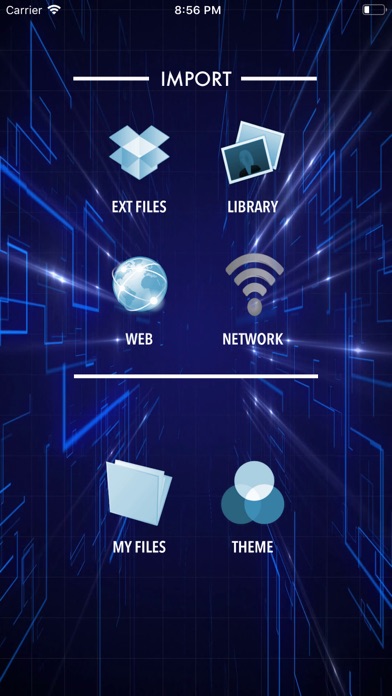
9. File manager allows user to rename, delete, and preview all files inside the App's document folder.
10. From the preview view, users will have the options to export or open the files via any other installed App that supports that particular type of files or do other useful supported actions for example.. if the file is "PDF", user can export & open this file in iBooks, print to any air print printer, email file, export to Files, export to PDF Assembler, etc.
10a. Use AirDrop feature to share files with others or to import files from other iOS device!
11. Theme selector will allow you to choose the color theme while in edit mode. This will help many users to choose colors that are best for their eyes only i.e. black background with white text, etc.
12. Web downloader will allow users to download files from the internet or LAN.
13. Media