Montessori Numbers for Kids

Montessori Numbers for Kids Summary
Montessori Numbers for Kids is a mobile iOS app in Education by Pierre Abel. Released in Aug 2012 (14 years ago). It has 29 ratings with a 4.07★ (good) average. Based on AppGoblin estimates, it reaches roughly 28 monthly active users . Store last updated Dec 6, 2018
Montessori Numbers for Kids SDKs Summary
App not yet scanned for SDKs.
4.07★
Ratings: 29
Screenshots
App Description
• "This is a must-have app, for any early learning setting" - Editor's Choice - 4.8 stars out of 5 -Children's Technology Review
• "A fantastic app for helping the young students understand the relationship between numbers and the quantity they stand for” - NBCNews.com
• Featured by Apple as "Best for Ages 5 and under" & as 'New and Noteworthy' (Education)
• 26,000 units sold to US schools !
_____
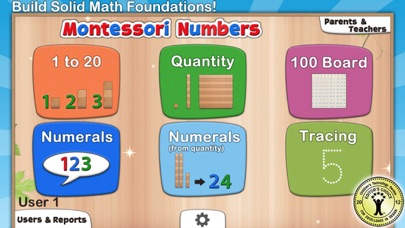
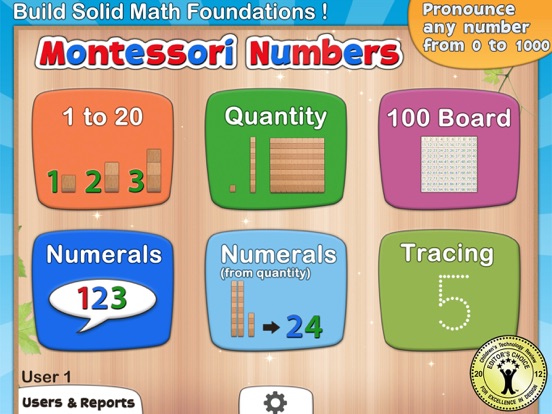
Montessori Numbers is designed to help build sound mathematical foundations in children aged 3-7 by using a concrete, visually significant material inspired from the Montessori methodology.
Montessori Numbers offers a sequence of guided activities that gradually help children reinforce their skills. Each activity offers several levels of increasing complexity.
• Learn to count up to 999
• Experiment with quantities and learn their names
• Learn the numerals and their names
• Understand the relationship between numbers and quantities
• Understand the decimal system and place value
• Master the numerical order
• Learn to trace numbers
Montessori Numbers builds on the iPad’s touch feature, and uses verbal feedback for more efficient learning. The app can pronounce any number between 0 and 1009 (American, British and Australian voices available).
___________
Common Core State Standard
___________
This app will help your child in learning the following Common Core State Standards domains:
• Counting and Cardinality (K.CC)
• Operations and Algebraic Thinking (K.OA, 1.OA.1/2/5)
• Number & Operations in Base Ten (K.BNT,1.NBT.1/2/4/5/6, 2.NBT.1/2/3/5/8/9, 3.NBT.1/2). The app is great to deal with place value.
___________
Activities
___________
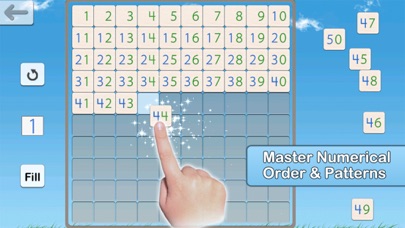
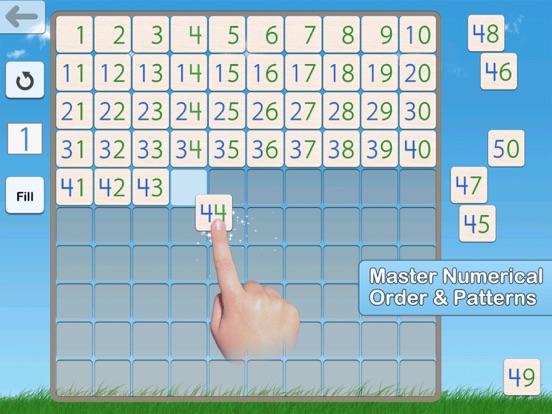
• Hundred Board
A great activity to help your child master the numerical order of 1-1000, and to introduce numerical patterns. The hundred board displays 100 numbers in a square. The first number (1,101,201,...) can be chosen so it can customized for each child
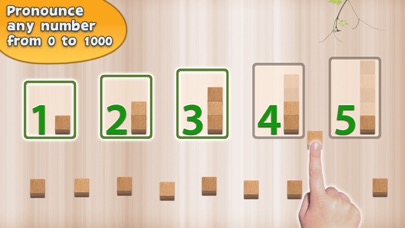
• 1 to 20
This activity is designed to introduce numbers.
3 levels of difficulty: 0 to 5, 0 to 10 and 11 to 20.
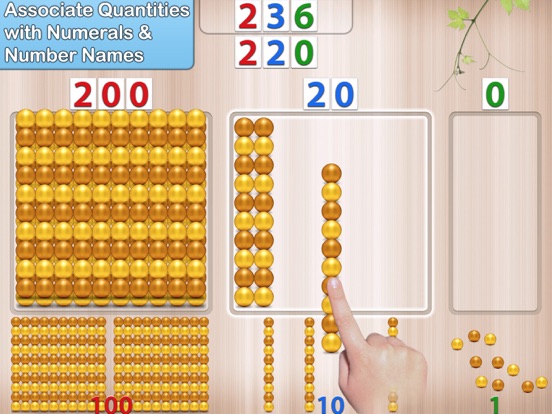
• Quantity
In this activity, kids associate quantities to numbers by manipulating units, bars of 10, and squares of 100 to match a given number which is pronounced and optionally displayed.
Levels of difficulty: 0 to 9, 10 to 99, 100 to 999 or custom
• Numerals
In this activity, number names are to be asso