Numero: Personal Finance

Numero: Personal Finance Summary
Numero: Personal Finance is a mobile iOS app in Finance by Jason Cox. Released in Sep 2012 (13 years ago). It has 68 ratings with a 4.47★ (good) average. Based on AppGoblin estimates, it reaches roughly 399 monthly active users . Store metadata: updated Apr 27, 2026.
Store info: Last updated on App Store on Apr 27, 2026 .
4.47★
Ratings: 68
Screenshots

App Description
Introducing Numero, the next generation of personal finance and wealth management for iPhone and iPad!
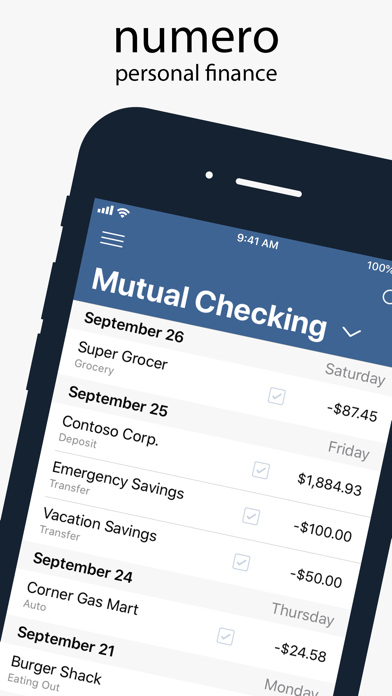
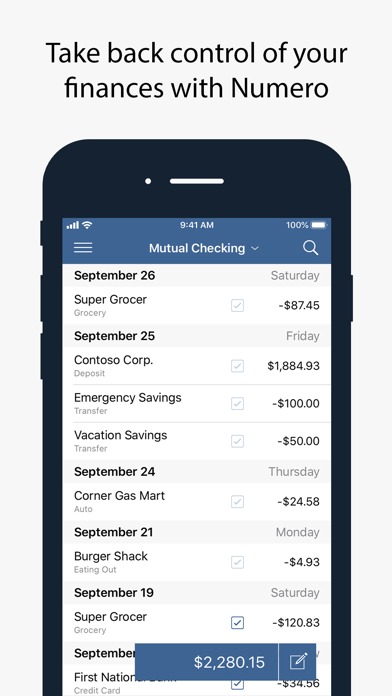
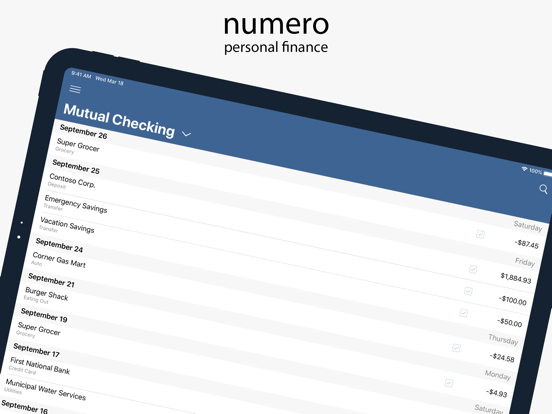
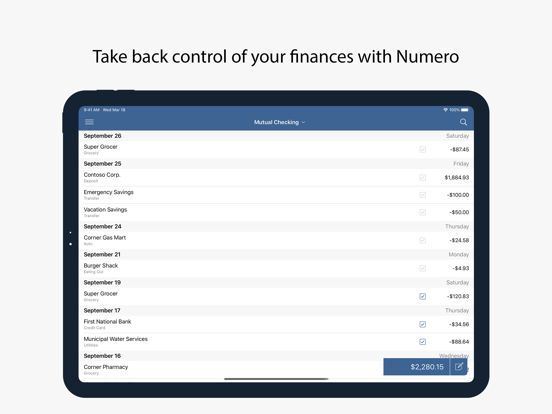
Numero replaces your old paper account register with a simple and easy to use app that is designed to be used on the go. Gone are the days of stuffing receipts in your pockets when you're out and about. Instead, just launch Numero and enter the transaction. It’s that simple!
Numero helps to keep you informed about where your hard-earned money is going and, most importantly, how much money you have available.
SIMPLIFY YOUR FINANCES
Designed to be simple and easy to use, Numero makes everything from balancing your checkbook to seeing how much you spent at the market easier than ever before.
EASY TO USE
Quickly add a purchase, reconcile a deposit or search through your entire transaction history with the tap of a finger.
MONTHLY SUMMARIES
Track and compare your expenses and income from month to month. Want to learn more about a transaction? Just tap it!
CREATE A BUDGET
Reign in your spending by creating a budget! Can you afford to go out for lunch today? Check your budget!
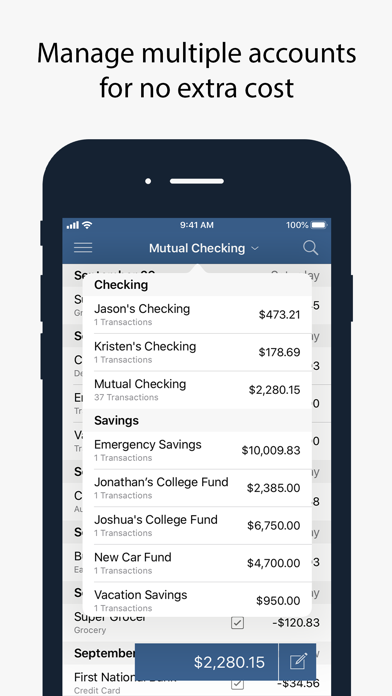
MULTIPLE ACCOUNTS
Multiple account types such checking and savings accounts are supported at no additional fee!
SYNC
Sync your transactions safely and securely between all of your iOS devices for no extra charge.
OTHER FEATURES
• Export your data to any other number of apps, including Microsoft Excel, or to send to your accountant.
• Setup a Passcode, or use Touch ID or Face ID, to safeguard your private information.