Workflowy: Note, List, Outline

Workflowy: Note, List, Outline Summary
Workflowy: Note, List, Outline is a free, with in-app purchases iOS app in Productivity by FunRoutine INC. Released in Sep 2012 (14 years ago). It has 23K ratings with a 4.83★ (excellent) average. Based on AppGoblin estimates, it reaches roughly 80K monthly active users and generates around $<10K monthly revenue (100% IAP / 0% ads). Store last updated Oct 7, 2026
Recent activity: 9.00 new ratings this week View trends →
SDK intelligence: AppGoblin detected 2 development tools(e.g. Google),and 1 analytics: product integrated into Workflowy: Note, List, Outline. View full SDK list →
Workflowy: Note, List, Outline SDKs Summary
Workflowy: Note, List, Outline was last scanned for SDKs on 2026-09-23. Below is the overview of third-party companies detected in the app. The full list of SDKs, permissions and unknowns is available here.
 Google
 nanopb
 Firebase
4.83★
Ratings: 23K
Screenshots

App Description
Workflowy is a simple, distraction-free app for capturing notes, managing tasks, and organizing your thinking.
Infinitely nestable, surprisingly powerful - it helps you manage all the information in your life.
With Workflowy you can:
• Capture notes and ideas in an instant
• Organize complex thinking with infinite nesting
• Ask AI to summarize, rewrite, or brainstorm with your notes
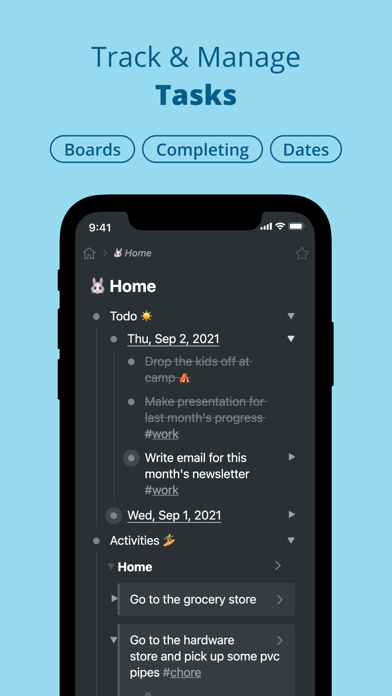
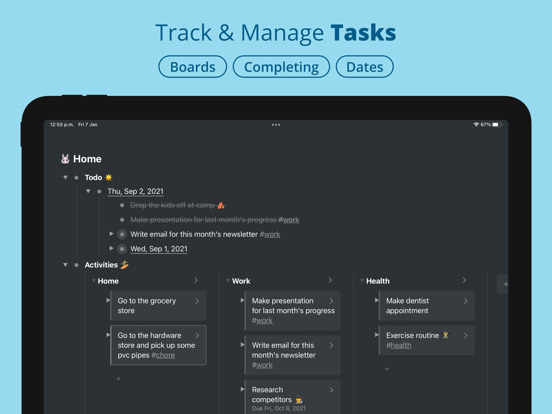
• Plan and manage tasks with kanban boards
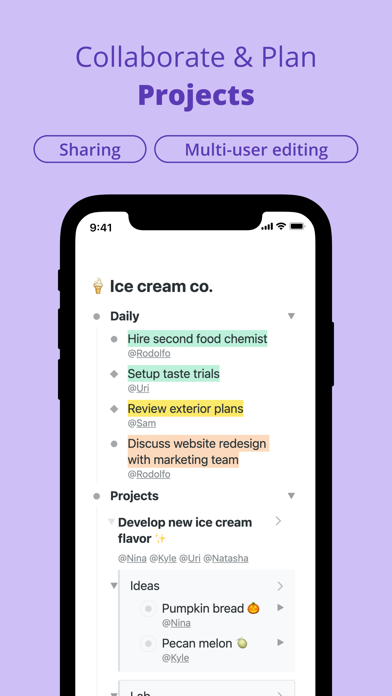
• #Tag and @assign items to stay on top of things
• Link items across lists - edit once, update everywhere
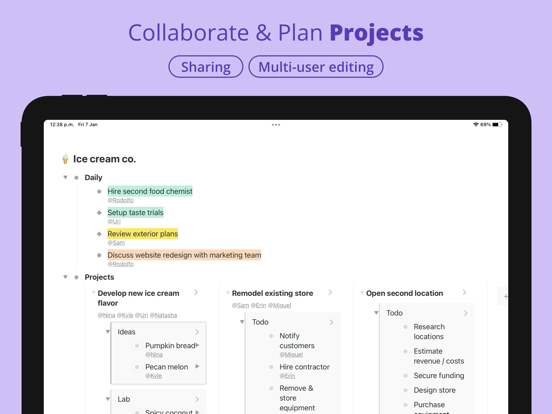
• Share and collaborate in real-time
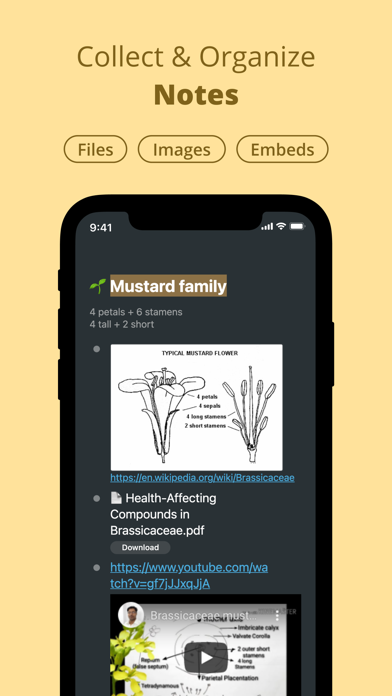
• Upload photos, files, and embed videos
• Search and filter your entire Workflowy in seconds
Workflowy syncs across all your devices and auto-saves everything. No more missing notes or lost files.
Trusted by teams and thinkers at: Atlassian, Slack, The New York Times, and thousands of entrepreneurs, writers, engineers, scientists, and students worldwide.
Feature highlights:
• Infinitely nested lists
• Workflowy AI (chat with notes, AI nodes, quick actions)
• Calendar
• Kanban boards
• Mirrors (live synced copies)
• #Tags and @mentions
• Date organization with /date shortcuts
• Global text search and filtering
• Simple sharing and permissions
• Works offline
• Syncs with desktop and web
• One-swipe task completion
• File uploads and image attachments
• Highlight text and color tags
• Item starring
• YouTube and X embeds
• MFA (Multi-factor authentication)
• Expand and collapse lists
• Mobile keyboard shortcuts
Terms of Use (EULA): https://www.apple.com/legal/internet-services/itunes/appstore/dev/stdeula/