Math Brain Booster Games

Math Brain Booster Games Summary
Math Brain Booster Games is a free, with in-app purchases iOS app in Education by Kirill Dyakonov. Released in Nov 2012 (13 years ago). It has 49K ratings with a 4.70★ (excellent) average. Based on AppGoblin estimates, it reaches roughly 40K monthly active users and generates around $<10K monthly revenue (100% IAP / 0% ads). Store last updated Jun 11, 2026
SDK intelligence: AppGoblin detected 2 ad networks(e.g. Google), 2 development tools, 1 analytics: product,and 1 business tools integrated into Math Brain Booster Games. View full SDK list →
Math Brain Booster Games SDKs Summary
Math Brain Booster Games was last scanned for SDKs on 2026-08-13. Below is the overview of third-party companies detected in the app. The full list of SDKs, permissions and unknowns is available here.
 Google
 Facebook
 nanopb
 Firebase
 RevenueCat
4.7★
Ratings: 49K
Screenshots

App Description
Want to INCREASE productivity of your mind?
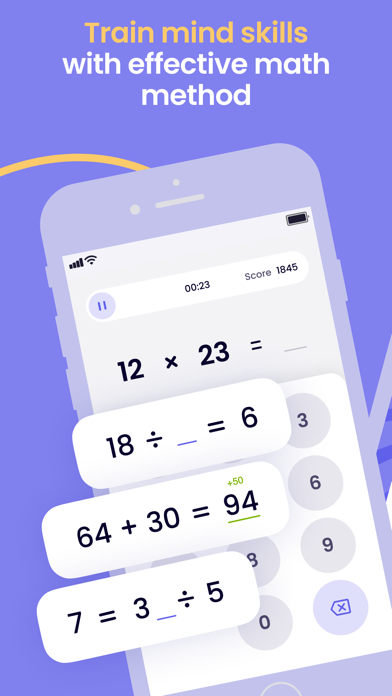
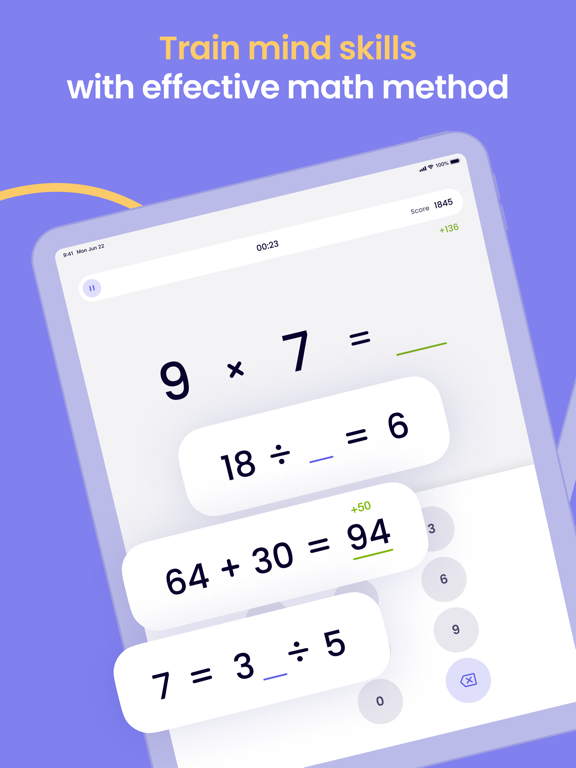
With this app you'll improve ATTENTION, REACTION and VELOCITY of mind! Just run and solve simple tasks with time limit. Simple, isn't it?
== NEW METHOD ==
When a person solves simple arithmetic exercises on the rate, in the cerebral cortex are utilized areas which responsible for MEMORY, ATTENTION, LOGICAL THINKING. Therefore, the more a person does these exercises, the more he develop his mind & his mathematical skills.
== UNDER THE HOOD ==
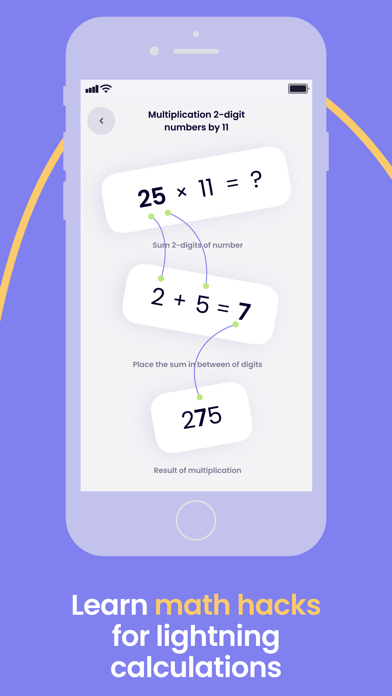
'Math Brain Booster' consists of different training modes, each of them consists of sequences of simple arithmetical tasks.
All you have to do is concentrate on problem solving and try to solve as many as possible in limited time. In a while you will feel progress in task solving and growing of your mind.
== HOW TO USE ==
• Choose 'BOOST MODES' when you need concentrate quick, esp. before important meeting or examination.
• Customize your session in 'Personal Training'.
• Use 'Math tables' to not forget math basics.
• All mistakes accumulate within training sessions. You can always access and correct them via 'Mistakes workout'.
• Set up reminder for next sessions. Check out this option in 'Settings'.
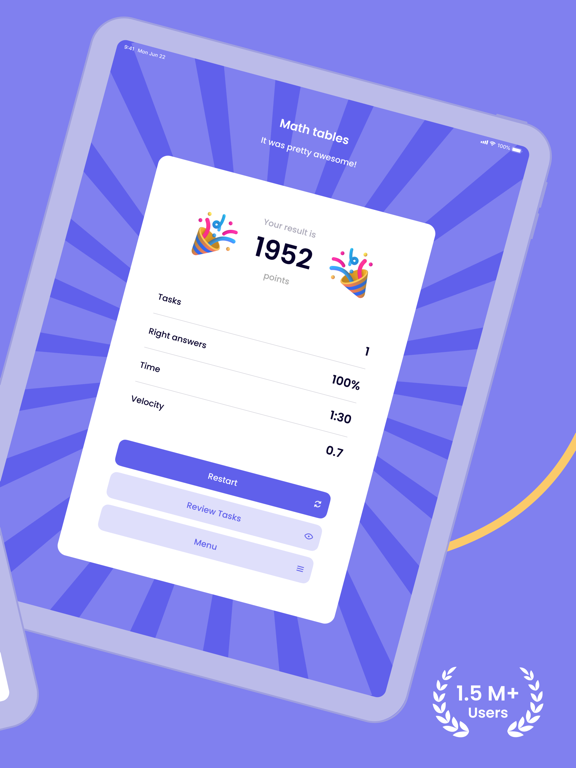
• Share you success with your friends. Tap on Facebook or Twitter button on Results screen and commit fresh results.
• Spend your time with advantage!
Terms of Use: https://www.apple.com/legal/internet-services/itunes/dev/stdeula