Ogopogo Music Player - the smart mp3 player

Ogopogo Music Player - the smart mp3 player Summary
Ogopogo Music Player - the smart mp3 player is a free, with in-app purchases iOS app in Music And Audio by Kilian IT-Consulting. Released in Jan 2013 (13 years ago). It has 4.00 ratings with a 4.75★ (excellent) average. Based on AppGoblin estimates, it reaches roughly 13 monthly active users and generates around $<10K monthly revenue (100% IAP / 0% ads). Store last updated Oct 31, 2014
Ogopogo Music Player - the smart mp3 player SDKs Summary
App not yet scanned for SDKs.
4.75★
Ratings: 4.00
Screenshots



App Description
Have you ever had difficulties finding music in your library that fits your current activity and mood? If so, this app is for you.
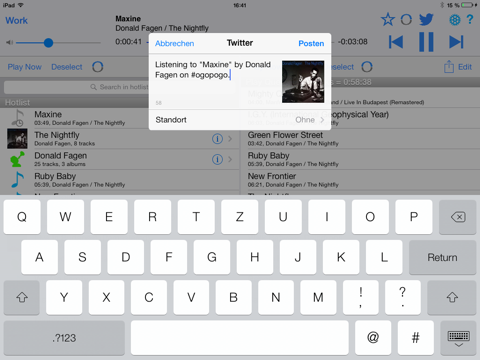
Ogopogo is a context-aware music player designed to help you create the soundtrack to your life, from the content of your music library. It lets you quickly find the right titles, artists and lists (albums, playlists) for the given moment, and queue them up for seamless playback. It learns your listening habits and preferences and suggests titles based on them. It helps you re-discover long-forgotten gems in your large music library and lets you easily tell your friends about the music you are listening to via Twitter.
Features:
* learns which music you like (and dislike) to listen to in a given situation
* seamlessly works with your iTunes music library and supports AirPlay
* hotlist provides easy and intuitive, context-aware access to your music library
* play queue lets you decide what to listen to for the next minutes or hours
* auto-select keeps the music playing when your play queue is empty,
by selecting titles from your library based on your listening context and
history
* contexts automatically associate specific titles and kinds of music
with a given situation
* simply swipe a track, album, artists or genre to the right to add it to
the play queue
* use favourites to collect starting points for your musical journeys
* search by text or learned similarity
* create and edit lists containing tracks, albums, artists and other lists
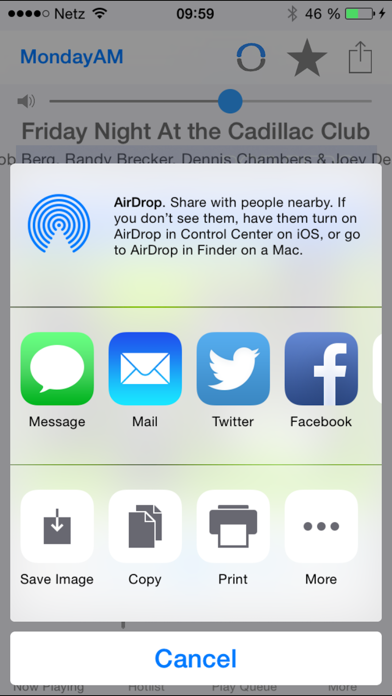
* let your friends know what you are listening to via Twitter and Facebook
* share lists of titles from your play queue, history or hotlist via e-mail