Wine Cellar Database
Wine Cellar Database Summary
Wine Cellar Database is a with in-app purchases iOS app in Food And Drink by Adysseus. Released in Dec 2012 (13 years ago). It has 127 ratings with a 3.24★ (mixed) average. Based on AppGoblin estimates, it reaches roughly 429 monthly active users and generates around $<10K monthly revenue (100% IAP / 0% ads). Store metadata: updated May 4, 2018, version 1.
Data tracking: SDKs and third-party integrations were last analyzed on Feb 20, 2026.
Store info: Last updated on App Store on May 4, 2018 (version 1).
SDKs, Trackers & Permissions
Wine Cellar Database was last scanned for SDKs 2026-02-20. Below is the overview of third party companies detected in the app. The full list of raw SDKs, app permissions and unknown SDKs is available here.
AppGoblin saw Wine Cellar Database uses 1 Ad Networks
 Facebook
App Details
App Store
Ads & App-Ads.txt
AppGoblin SDK Scans
3.24★
Ratings: 127
Screenshots
App Description
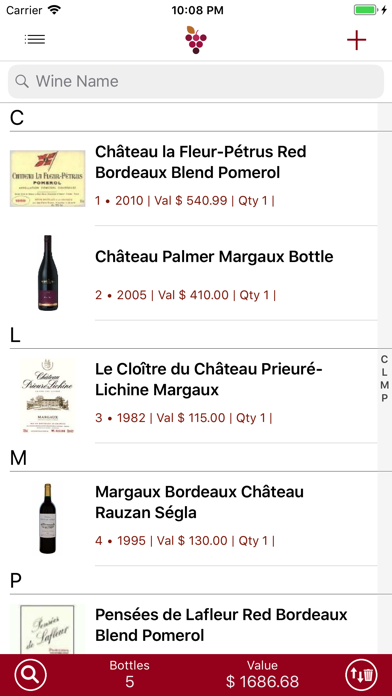
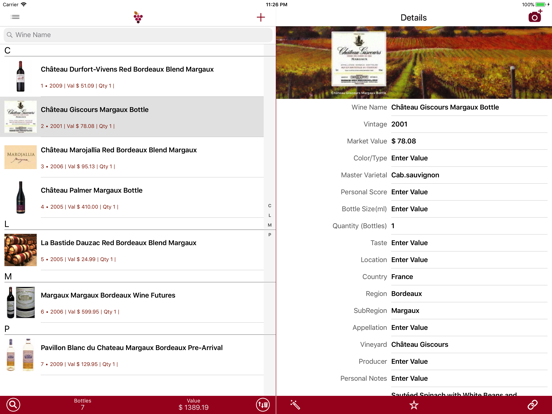
Wine Cellar Database allows you to customize your wine cellar with total flexibility. Choose from a selection of hundreds of thousands of wines online or load it from your own spreadsheet files or Cellar Tracker. Updated for new iPhone and iPad sizes.
-- This app gives 10 free spaces for 10 unique wines. You purchase extra spaces based on the size of your wine cellar after the initial 10 spaces.
Features
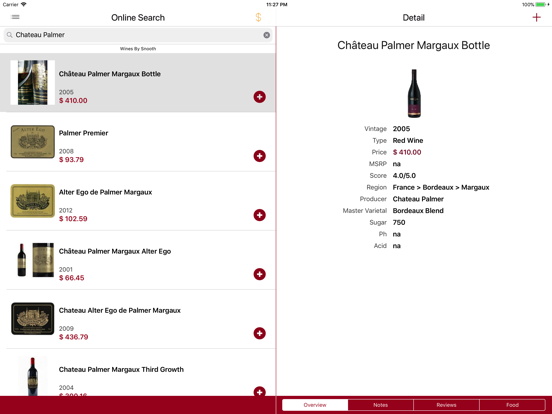
Online search:
-Search from hundreds of thousands of wines online.
-Recommendations from critics and consumers.
Flexibility and Freedom:
-Rearrange, rename and create your own wine categories.
-Sort your cellar by vintage or name in ascending or descending order
-Duplicate wines.
-Search wines multiple filters e.g.( Red wines + wines made in France).
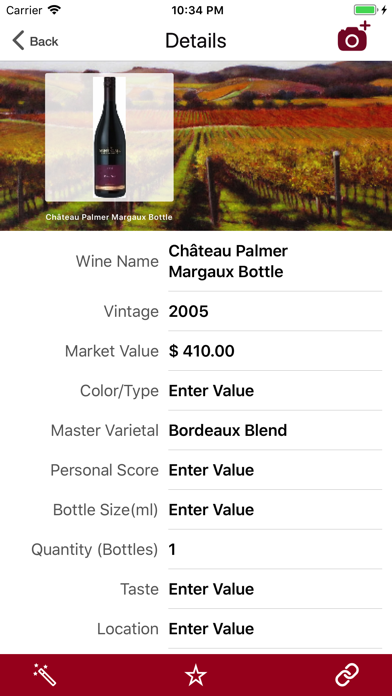
-Arrange cellar row information how they are arranged and shown. e.g. location, row number, vintage, etc.
Photos:
-Add infinite number of photos to a single wine at any resolution.
-Pinch and zoom all your photos in full screen mode.
International Support:
-Auto detects your currency, and allows currency changes.
-Text support for all languages and special characters.
Transfer:
-Dropbox transfer between iPhones and iPads .
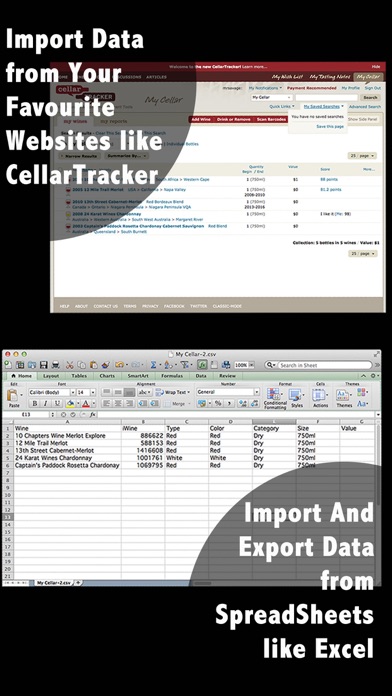
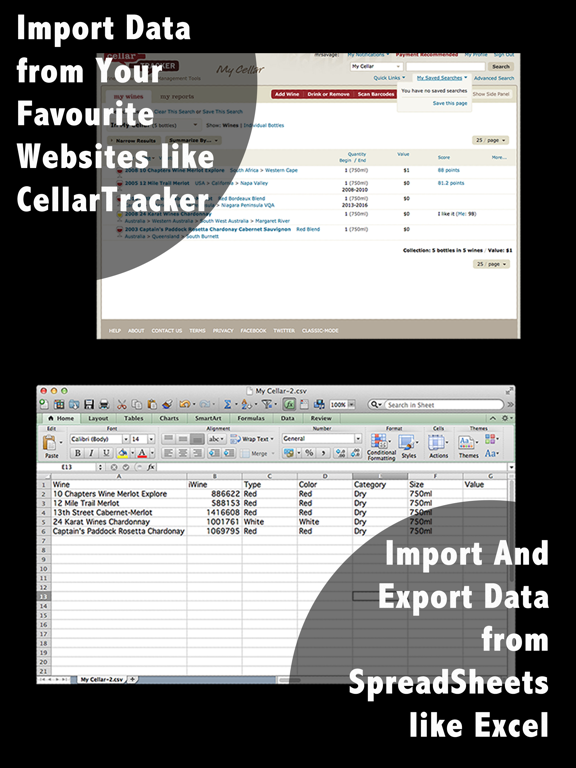
-Import and export wines to and from your spreadsheet files created by Excel or from wine website like Cellar tracker.
Statistics:
-Real time calculation of all bottles and total valuation of your cellar.
-In any category there is a break down of the wines according to the values in the category. (Eg. "current market value" will break down the wines according to the prices).
Purchases Permanent:
-In-app purchases bought on any iPad or iPhone are available for your other iPads or iPhones when you install this app on them.
If you have any problems please email us inside the app. Go to Support-> Email in Wine Cellar Database .
If you have problems entering the app, turn on debug mode in your devices -> settings -> WineDB -> DebugMode. This will allow you access. Then go to the support section and email us.
or
you can email us via strikespark.herokuapp.com/contact