Mathematical Imagery Trainer

Mathematical Imagery Trainer Summary
Mathematical Imagery Trainer is a mobile iOS app in Education by Terasoft, a.s.. Released in Dec 2012 (13 years ago). It has 3.00 ratings with a 5.00★ (excellent) average. Based on AppGoblin estimates, it reaches roughly 2.00 monthly active users . Store metadata: updated Jul 22, 2019.
Store info: Last updated on App Store on Jul 22, 2019 .
5★
Ratings: 3.00
Screenshots

App Description
Developed by Berkeley professor of mathematics education, this is an innovative entry to the concept of proportion. “Impressive”, says Edutopia
- Making Math Meaningful.
o Based on scientific theory of learning
o Engaging hands-on problem solving
o Sets off from intuitive exploration
o Gradually introduces math symbols
o Individualized classroom activity
o Rich visualization for conceptual connections
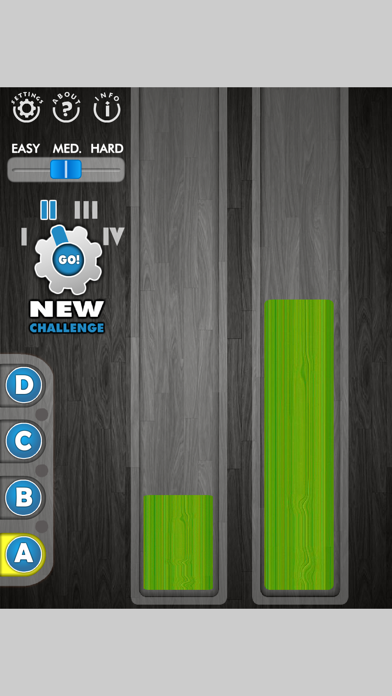
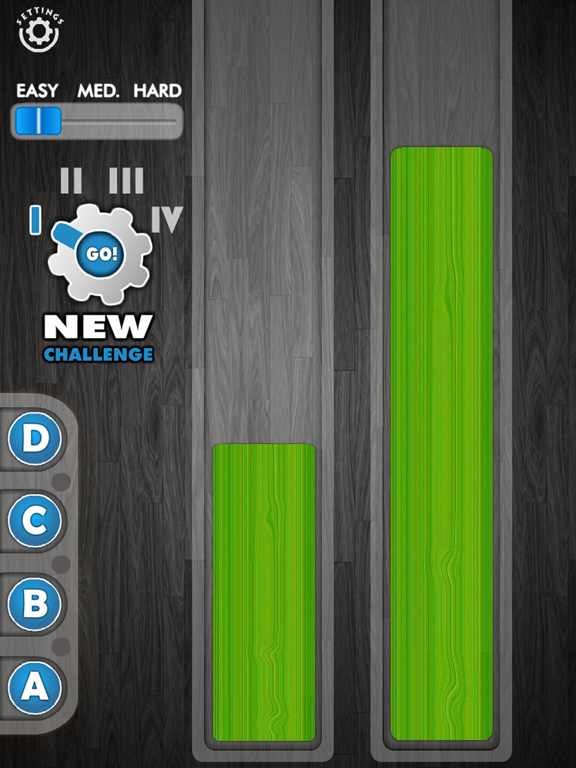
Make the bars green! How? Put your left index on the left bar, your right index on the right bar, and move the fingers up and down. Can you do it?
Sounds simple enough! Once you've found a combination that makes the bars green, can you find another one? How about another? Can you move your fingers while all the while keeping the bars green? How are you doing this? What are you noticing?
Look on the left: You've been working on “A”. Now click “B”. These horizontal lines could help you find “green” locations. Play with this for a while. What's new? Have you discovered a new technique? You can change the calibration of these lines by pressing on the arrow in the bottom-right-hand corner.
Next, click on “C”. See if these numbers help you move between green combinations. What are you noticing this time?
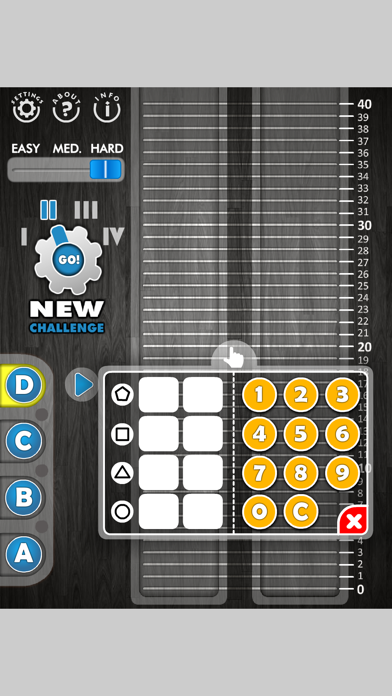
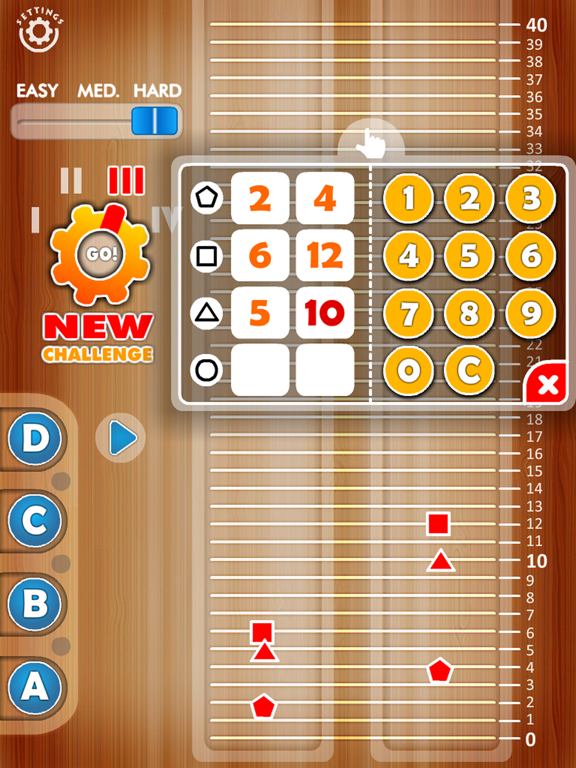
Finally, click “D”. Same game, but now you get to input numbers in a ratio table. Are your shapes green? Study the table: figure out shortcuts for predicting green number pairs. Click the arrow to make the bars go up and down in green.
The Roman numerals take you to different ratios.
Use Easy/Medium/Hard option to control how precise you must be to get green
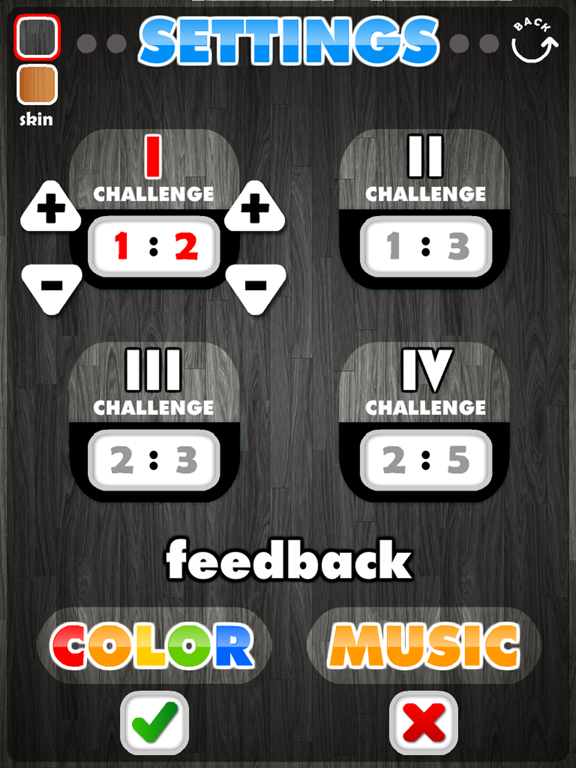
Use Settings to create your own secret ratios for the four conditions.
Teachers:
o Proportion is challenging because it is a multiplicative, not
additive concept, so it breaks away from students' arithmetic habits
o Use this app to introduce the topic in primary school or revisit
it in middle school. Have your students discuss their strategies.
o Ask students what was surprising for them. Students will say that
they found a “green” pair, then moved both fingers up, but the bars went red.
o Here's what students will discover for the 1:2 ratio:
o The fingers need to move in different ways.
o The right finger needs to move double the speed of the left hand.
o It's about the relation betwe