AirDisk: File Manager

AirDisk: File Manager Summary
AirDisk: File Manager is a with in-app purchases iOS app in Productivity by Felix Yew. Released in Aug 2021 (4 years ago). It has 163 ratings with a 3.96★ (average) average. Based on AppGoblin estimates, it reaches roughly 454 monthly active users and generates around $<10K monthly revenue (100% IAP / 0% ads). Store metadata: updated Mar 26, 2026.
Recent activity: 1.00 new ratings this week View trends →
Store info: Last updated on App Store on Mar 26, 2026 .
3.96★
Ratings: 163
Screenshots


App Description
AirDisk Pro – The Easiest Way to Transfer & Manage Files Wirelessly
AirDisk Pro transforms your iPhone or iPad into a powerful wireless flash drive, allowing you to seamlessly transfer files between your computer and iOS device using just a web browser—no cables, no complex setup. Simply connect both devices to the same Wi-Fi network, open a browser on your computer, and start transferring files effortlessly.
New Feature: Wirelessly Transfer Photos
Now, you can directly transfer photos from your iOS Photos app to your computer using the web interface—making it easier than ever to back up and organize your pictures.
Why Choose AirDisk Pro?
• Fast & Easy Wireless Transfers – Drag and drop files from your Mac Finder or Windows Explorer into the AirDisk Pro web interface for instant transfers.
• No Cables, No Hassle – Works over your local Wi-Fi network for quick file sharing between your computer and iOS device.
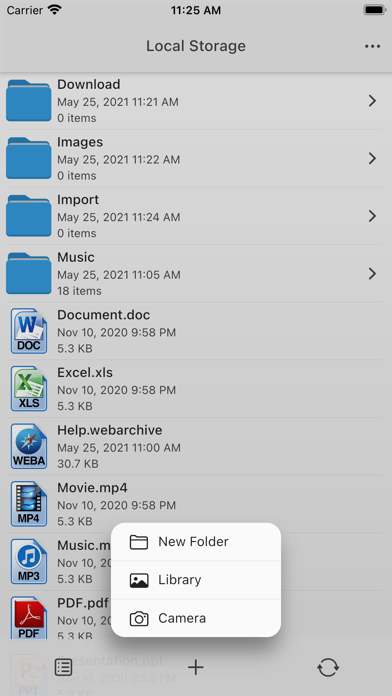
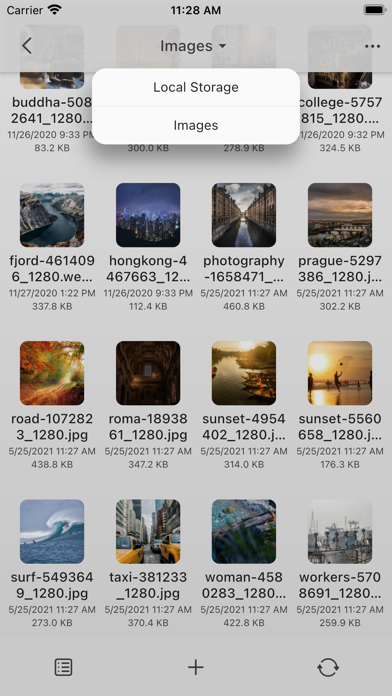
• All-in-One File Manager – Store, organize, and access all your documents, music, photos, and videos in one place.
• Built-In Media & Document Support – View PDFs, play music, browse images, open Office/iWork files, and more—all within the app.
Key Features:
Effortless Wireless File Transfers
• New! Transfer photos directly from the iOS Photos app to your computer via the web interface.
• New! Download files from the iOS Files app to your computer using the built-in web browser interface.
• Upload, download, and manage files through your computer’s web browser—no additional software required.
• Supports Mac & PC with drag-and-drop functionality for quick transfers.
Secure & Private
• Password protection for Wi-Fi and HTTP/FTP file transfers to keep your data safe.
• Touch ID / Face ID support for enhanced security.
Music & Media Player
• Create and play custom playlists.
• Background audio support with shuffle and repeat options.
Advanced File Management
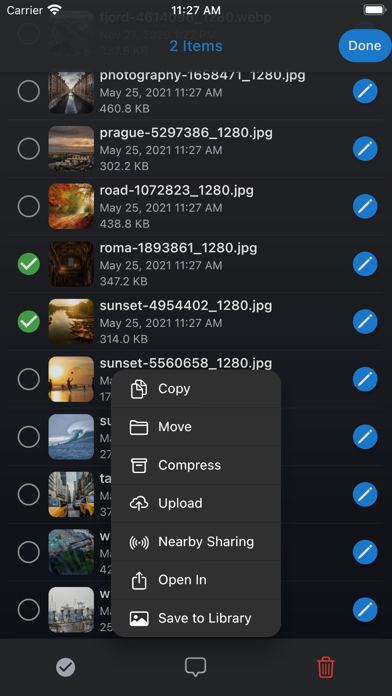
• Move, copy, rename, delete, zip/unzip, and organize files into folders.
• Create text files, voice memos, and even capture photos/videos directly in the app.
Cloud Integration
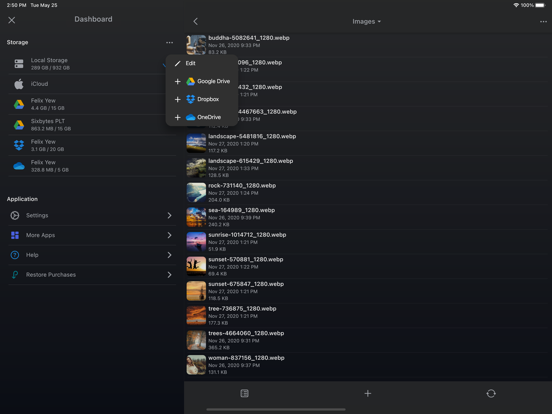
• Seamlessly access files from iCloud Drive, Google Drive, Dropbox, and OneDrive.
Universal App
• One purchase gives you full access on both iPhone and iPad.
Supported File Formats:
Documents: PDF, Word, Excel, PowerPoint, iWork (Pages, Numbers, Keynote)
Audio: