Thisissand

Thisissand Summary
Thisissand is a with in-app purchases iOS app in Entertainment by Beige Elephant. Released in Dec 2012 (13 years ago). It has 1.8K ratings with a 4.52★ (excellent) average. Based on AppGoblin estimates, it reaches roughly 8.1K monthly active users and generates around $<10K monthly revenue (100% IAP / 0% ads). Store metadata: updated Aug 25, 2019, version 2.4.5.
Recent activity: 1.00 new ratings this week View trends →
Data tracking: SDKs and third-party integrations were last analyzed on Sep 13, 2025.
Store info: Last updated on App Store on Aug 25, 2019 (version 2.4.5).
SDKs, Trackers & Permissions
Thisissand was last scanned for SDKs 2025-09-13. Below is the overview of third party companies detected in the app. The full list of raw SDKs, app permissions and unknown SDKs is available here.
 Facebook
 Bugsnag
App Details
App Store
Ads & App-Ads.txt
AppGoblin SDK Scans
4.52★
Ratings: 1.8K
Screenshots


App Description
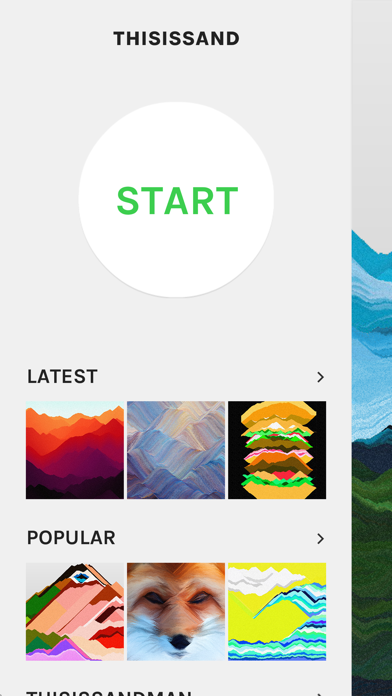
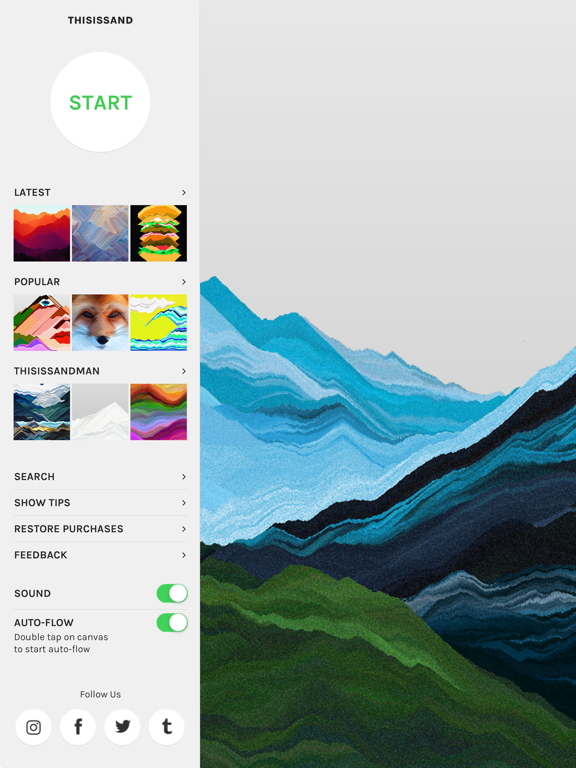
Thisissand is an app for making and sharing pictures out of sand.
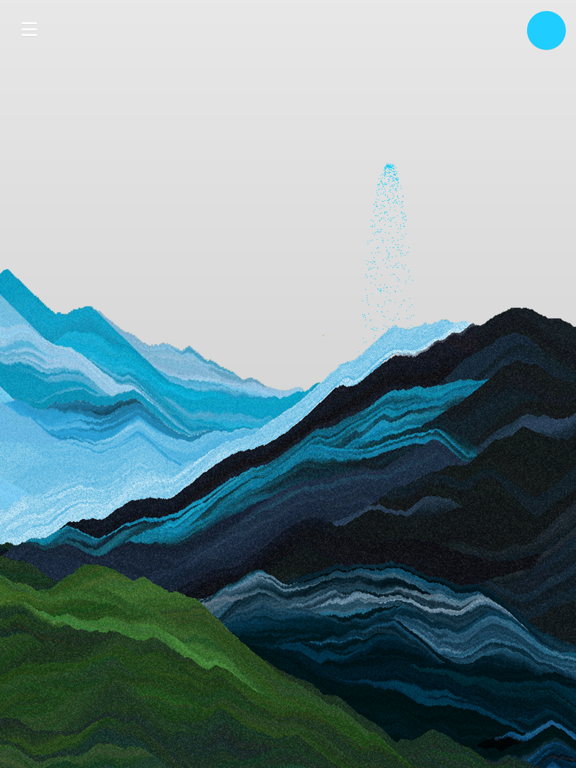
Watch and listen to the sand piling into beautiful layers of sand on the bottom of your screen and get relaxed during the slow and therapeutic process. Once finished, share your creation and become a part of the community!
• Free to download and free to play
• Does not display ads
• Offers you to sign-up, but does not require you to
• Offers you to purchase a Toolkit of special features, but does not require you to
- - - - - - - - - -
Thisissand was created in 2008 as a website. It was a school project of a few art students, and to a surprise for the creators it attracted lots of visitors for years to come. In 2012 Thisissand was developed into an app and is still run by an original founder.
Thisissand offers different kinds of tools for choosing the sand color. Originally and still at the moment on Thisissand website, only the essential Color Palette tool is available. For the app, we have developed a few special kinds of tools which we offer in the Toolkit in-app purchase. Just like on the website, the special tools are not at all necessary to enjoy the app, but they're pretty cool and we're happy and thankful for your support if you're willing to try them out!
COLOR PALETTE: Use Color Palette to choose specific colors from a vast swatch of colors. You may choose a solid color, or multiple colors to variate between. Use the intensity slider to adjust how fast the colors change. You may also use the randomize button to get surprising color combos.
COLOR SHIFTER: Color Shifter continuously changes the sand color subtly or dramatically depending on the intensity slider adjustment. Color Shifter often produces rainbow like hues. To set the initial Color Shifter color, choose a color with Color Palette and then select the Color Shifter tool.
COLOR PICKER: With Color Picker, you may pick the sand color from around you using your device camera. It takes a little practice to point your camera and draw at the same time, but in return you get truly unique colors. Try adjusting the color change intensity low in the beginning to keep things under control!
PHOTO SAND: Want to try making a sand version of one of your photos? Photo Sand picks the sand color directly from the photo you've chosen from your camera roll. Try it out and learn the tricks to make abstract and/or photorealistic re