Lists To do
Lists To do Summary
Lists To do is a with in-app purchases iOS app in Tools by Thomas Tsopanakis. Released in Nov 2012 (13 years ago). It has 133.5K ratings with a 4.79★ (excellent) average. Based on AppGoblin estimates, it reaches roughly 361.7K monthly active users and generates around $10K+ monthly revenue (100% IAP / 0% ads). Store metadata: updated May 4, 2026.
Recent activity: 99 new ratings this week View trends →
Data tracking: SDKs and third-party integrations were last analyzed on Apr 4, 2025.
Store info: Last updated on App Store on May 4, 2026 .
4.79★
Ratings: 133.5K
Screenshots
App Description
ORGANISE ALL YOUR TASKS, LISTS AND TO-DO
Punch of productivity
------------
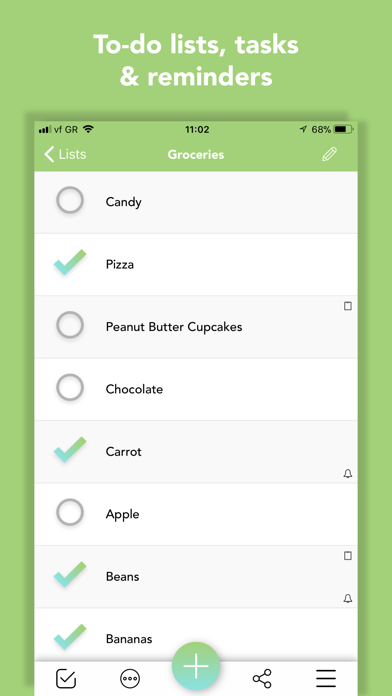
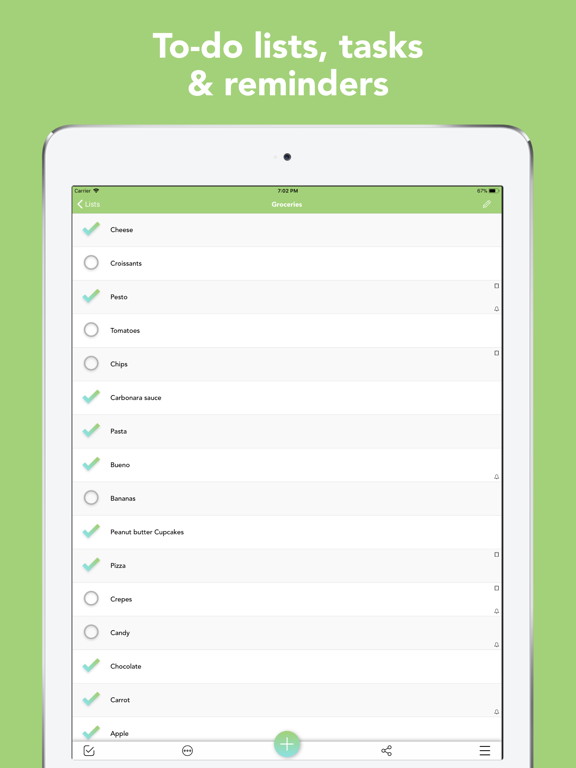
• Managing tasks, lists, to-dos and checklists has never been this easy.
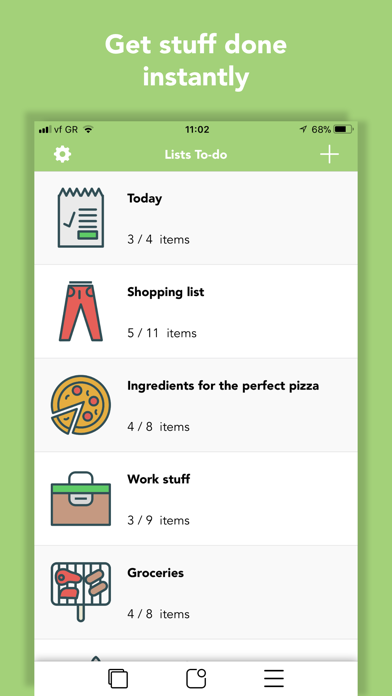
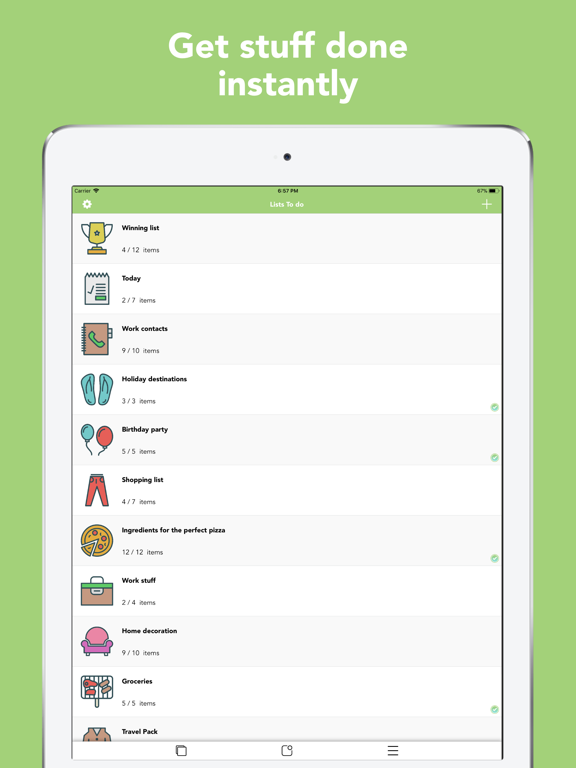
• Keep tracks of all your lists : shopping lists, work items, grocery lists and more.
Intuitive Design
------------
• Lists To do was designed with simplicity and functionality.
• stunning graphics make capturing ideas easy and awesome.
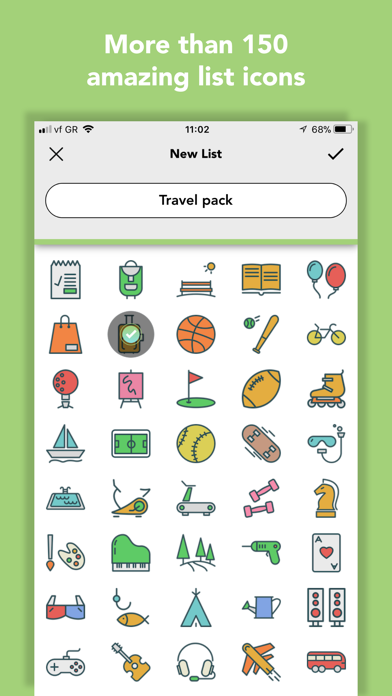
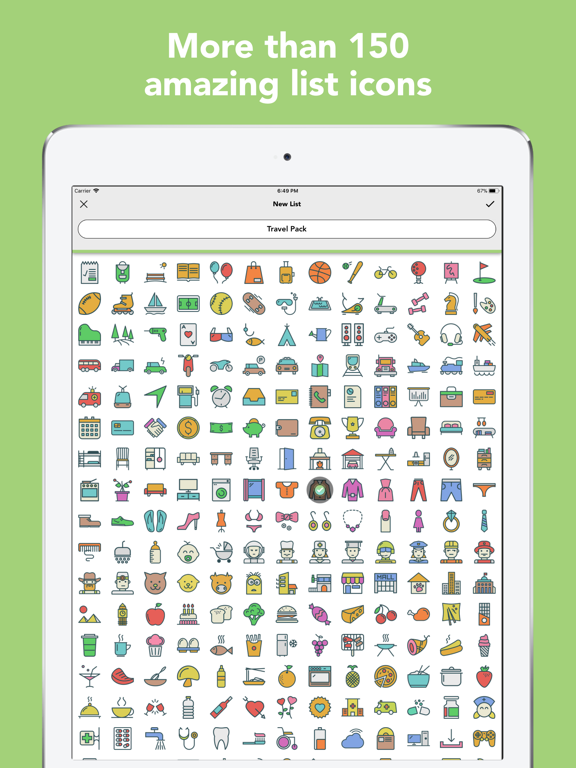
• more than 150 category icons
• switch between light, dark & dark blue mode
Intelligent features
------------
• delete all completed/uncompleted tasks immediately
• sort lists alphabetically, inverse alphabetically, by date created, by dated created inverse or manually
• duplicate lists
• move items between lists
• use the red badge icon of the app to show how many unchecked items are left for a list or for all your lists combined
• check/uncheck a whole list
• keep checked items at the bottom, separated from the unchecked items
• get statistics for your lists (percent filled, number of unchecked things, etc.)
• pin items or lists on top to easily access the important ones
• universal search to find the list or list item you want
• manage recently deleted items to instantly recover them
Reminders
------------
• need to set a reminder for a lists item? Lists To do notifies you, so you’ll never miss an important task again!!
• setup recurring reminders for things you need to do (daily, weekly, monthly, quarterly or annually)
• import reminder dates from calendar
• view all your upcoming items, based on the reminders you have set, for all your lists combined in one feed
Red Badge Icon
------------
• use the red badge icon of the app to show how many unchecked items a list has
• the red badge icon updates automatically every time you perform a task!
iCloud
------------
• synchronise automatically your lists between your iOS devices, signed-in with the same iCloud account. You don’t have to do any setup!!!
• stay organised from all your devices
Share lists
------------
• share your lists from right inside the app
• take a screenshot of the whole list automatically and share it or set it as a lock-screen background
• print your lists using AirPrint
Lists Statistics
------------
View the progress of all your lists combined, as well as each list individually. You have to check every last task to get