iSecret Message
iSecret Message Summary
iSecret Message is a with in-app purchases iOS app in Social Networking by iFahja. Released in Nov 2012 (13 years ago). It has 17 ratings with a 4.53★ (excellent) average. Based on AppGoblin estimates, it reaches roughly 53 monthly active users and generates around $<10K monthly revenue (100% IAP / 0% ads). Store metadata: updated Jul 27, 2018.
Store info: Last updated on App Store on Jul 27, 2018 .
4.53★
Ratings: 17
Screenshots


App Description
-- With this app only he/she (the intended recipient) can understand your message. Even if an irrelevant person receives your message, he/she will not be able to understand it.
-- It keeps your messages private
-- Fully compatible with iOS 11
-- Simply secure all your SMS, email and other text messages with your iPhone or iPod.
-- Secure your messages and send it to people, people cannot see the plain text unless he/she knows the key/password.
FEATURES:
- Create a private email or private sms message.
- Decode messages that were secured by Secret Message.
- Easy copy & paste options for moving text to/from other applications.
- Send encrypted/decrypted messages straight to email or text within Secret Message.
HOW DOES IT WORK?
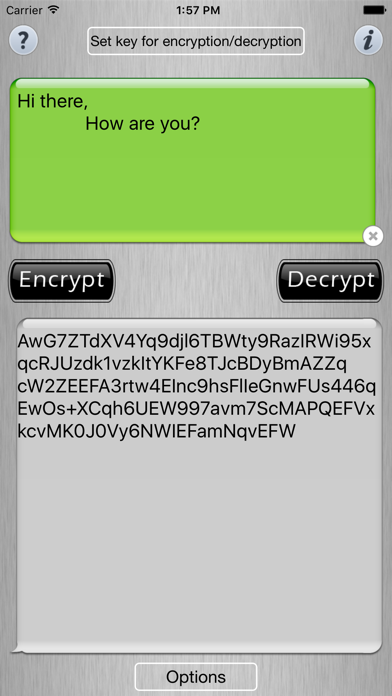
-- This iSecret Message app has been designed after consultation with network and information security experts. It converts plain text (the text that humans can understand) into a cipher text (encrypted message) that only the intended recipient can decode to a plain text.
-- With this app you will be able to send your personal/secret message to him/her and no one will able to understand it except you and him/her.
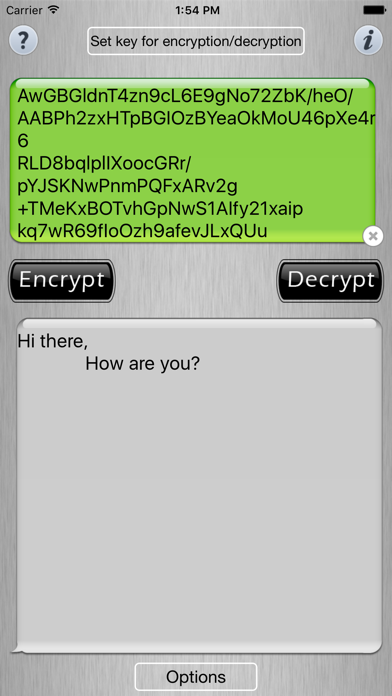
-- To decrypt/decode the message, the recipient will have to copy the received message into the iSecret Message app
-- Using the right value of shift the intended recipient can decode the cipher text (encrypted message) back into it's original message.
NOTE:
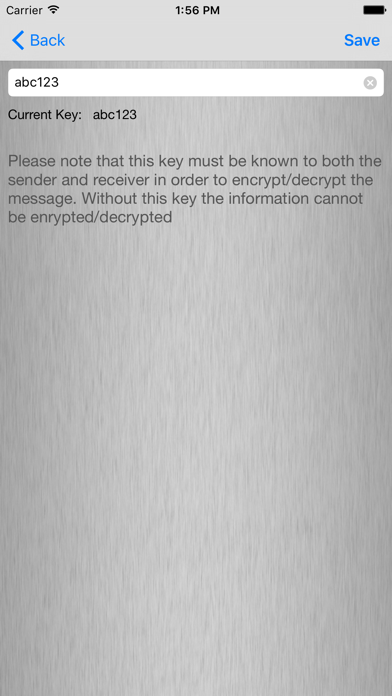
-- You must have the correct Encryption Key to decrypt a message (get it from the sender).
-- Keep sending us your feedback through the "Feedback and Bug Reporting" option in the Application. Because we love your feedback!
We would do our best to make this app as perfect as it could be.
We are working with some network and information security experts to make this app more user friendly and to introduce complex encryption algorithms to ensure more safety and convenience in using the app.
You can also try our free app "Smart Contacts - End Loneliness" that will add alot to your user experience with lots of features for your contacts app.