VoiceTra

VoiceTra Summary
VoiceTra is a mobile iOS app in Travel And Local by NICT. Released in Dec 2012 (13 years ago). It has 218 ratings with a 4.58★ (excellent) average. Based on AppGoblin estimates, it reaches roughly 552 monthly active users . Store metadata: updated Feb 24, 2026, version 20260217.0.
Recent activity: -1 new ratings this week View trends →
Data tracking: SDKs and third-party integrations were last analyzed on May 24, 2026.
Store info: Last updated on App Store on Feb 24, 2026 (version 20260217.0).
SDKs, Trackers & Permissions
VoiceTra was last scanned for SDKs 2026-05-24. Below is the overview of third party companies detected in the app. The full list of raw SDKs, app permissions and unknown SDKs is available here.
AppGoblin saw VoiceTra uses 1 Development Tools
 Flutter
App Details
App Store
Ads & App-Ads.txt
AppGoblin SDK Scans
4.58★
Ratings: 218
Screenshots

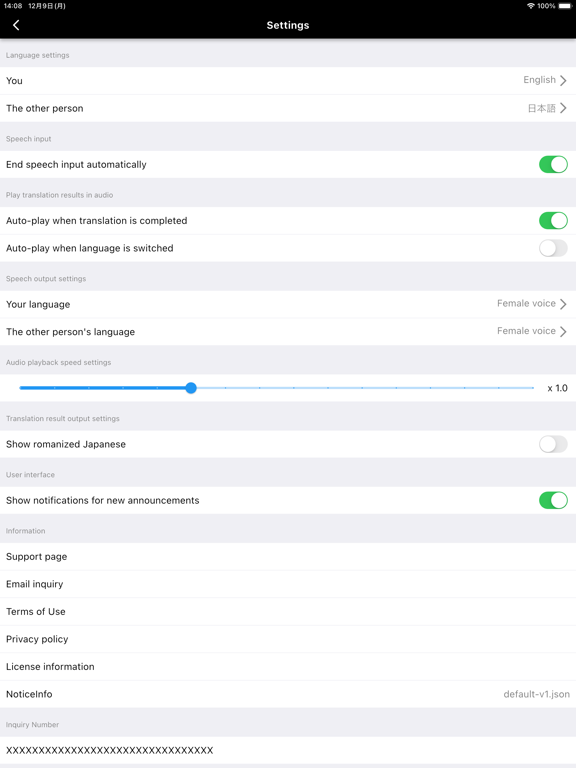
App Description
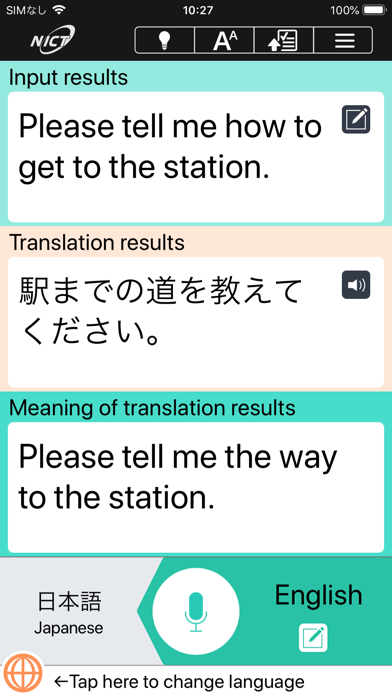
VoiceTra is a speech translation app that translates your speech into different languages.
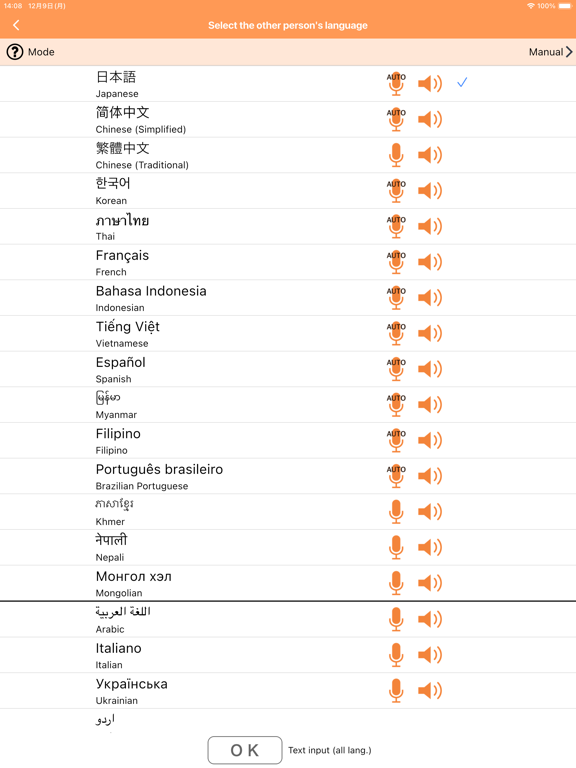
VoiceTra supports 33 languages and can be downloaded and used for free. With an easy-to-use interface, you can also check if the translation results are correct.
VoiceTra, whether to enhance your travel experience or to welcome visitors to Japan, will definitely come in handy as your personal speech translator.
■Features:
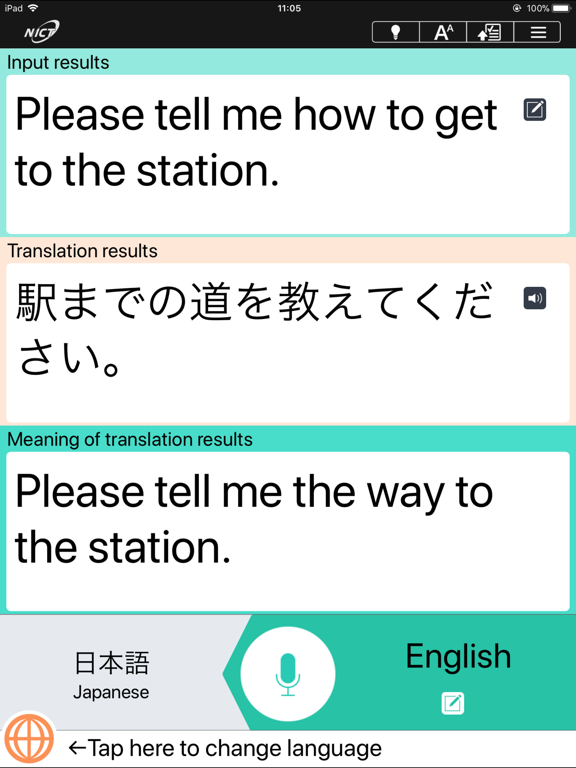
VoiceTra utilizes high-precision speech recognition, translation, and speech synthesis technologies developed by the National Institute of Information and Communications Technology (NICT). It translates your spoken words into different languages and outputs the results in a synthesized voice.
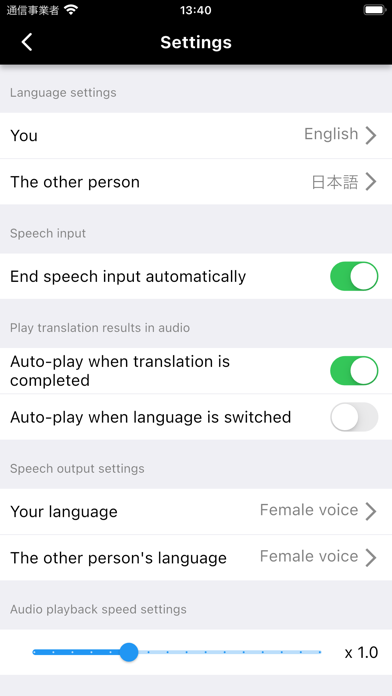
The translation direction can be instantly switched, allowing 2 people that speak different languages to communicate using a single device.
Text input is available for languages that do not support speech input.
VoiceTra is best suited for travel-related conversations and is recommended for situations and places such as below:
・Transportation: Bus, train, rent-a-car, taxi, airport, transit
・Shopping: Restaurant, shopping, payment
・Hotel: Check-in, check out, cancellation
・Sightseeing: Overseas travel, serving and supporting foreign customers
*VoiceTra has also been introduced as a disaster-prevention, disaster-related app.
While VoiceTra can be used as a dictionary to look up words, it is recommended to input sentences as it interprets the meaning from the context to output the translation results.
■Supported languages:
Japanese, English, Chinese (simplified), Chinese (traditional), Korean, Thai, French, Indonesian, Vietnamese, Spanish, Myanmar, Arabic, Italian, Ukrainian, Urdu, Dutch, Khmer, Sinhala, Tamil, Danish, German, Turkish, Nepali, Hungarian, Hindi, Filipino, Bengali, Polish, Portuguese, Brazilian Portuguese, Malay, Mongolian, Lao, and Russian
■Restrictions, etc.:
Internet connection is required.
It may take a while to display the translation results depending on the network connectivity.
Languages available for text input are those that the OS keyboard supports.
The characters may not be displayed properly if the appropriate font is not installed on your device.
Please note that some of the functions or the application itself may be disabled when the server is down.
Users are responsible for the communication fees incurred to use th