BNZ Mobile Business Banking

BNZ Mobile Business Banking Summary
BNZ Mobile Business Banking is a mobile iOS app in Finance by Bank of New Zealand. Released in Oct 2013 (12 years ago). It has 1.00 ratings with a 1.00★ (poor) average. Based on AppGoblin estimates, it reaches roughly 11 monthly active users . Store metadata: updated May 26, 2026.
Data tracking: SDKs and third-party integrations were last analyzed on Feb 13, 2025.
Store info: Last updated on App Store on May 26, 2026 .
1★
Ratings: 1.00
Screenshots
App Description
Banking should never get in the way of your business. Our app is a secure and easy way to manage your business’ finances on the go - you just need to be an Internet Banking for Business customer to use it.
MANAGE YOUR MONEY
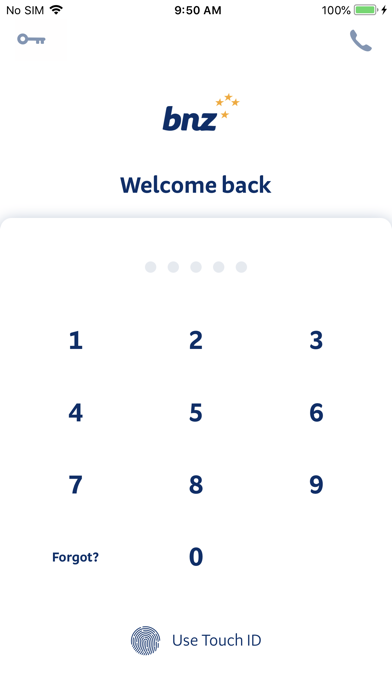
• Touch ID, PIN or password login (after initial set up)
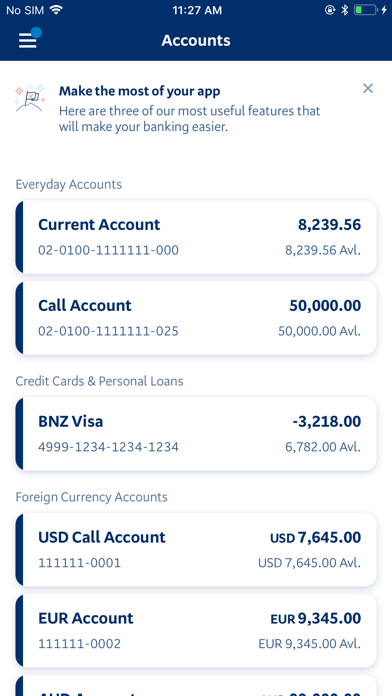
• Check balances, make transfers and pay existing bill payees
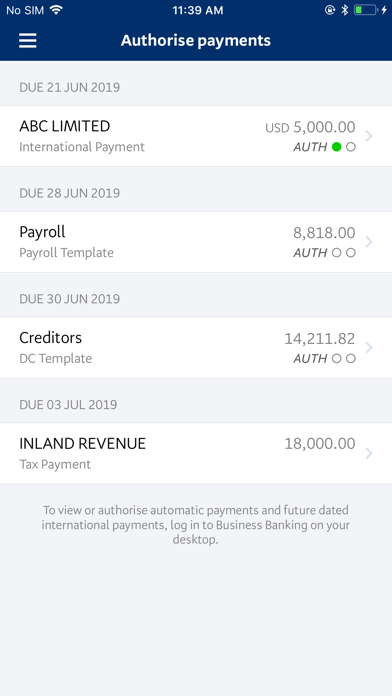
• Authorise same-day cleared payments, international payments and transfers, direct credit, direct debit, payroll and tax payments
• Create and authorise one off payments and edit statement details on the fly
• Edit a payment date on most payment types
• Make changes to payees
• Authorise domestic payments and transfers in advance of incoming funds
• View your foreign exchange (FX) rates
• Search transactions within accounts and check their details
• Find your nearest BNZ Partners Centre, store or ATM
GET STARTED NOW
• If you’re already a BNZ Internet Banking for Business customer, simply install this app and start managing your business’ finances on the go.
• If you’re not a BNZ Internet Banking for Business customer, visit bnz.co.nz to register.
iOS REQUIREMENTS
• To get the app for the first time you'll need iOS 16 or above.
• If you’ve downloaded the app before you’ll need iOS 15 or above.
SECURITY
Activate Mobile NetGuard the first time you setup the Mobile Business Banking app by getting codes sent to your mobile and email, and for future logins you’ll only need your Internet Banking for Business password, PIN or fingerprint.
Other security features include 128-bit encryption and lock-out and time-out safeguards, but you should log out as soon as you’ve finished your banking and never store your BNZ access number, PIN, password or NetGuard details on your device in any form. Access IDs, passwords and personal information won’t be stored on the app. If you lose your phone, contact your Internet Banking for Business Administrator to disable your access, log in with another device or call 0800 269 4242 (+64 4 931 8234 if you're overseas).
IMPORTANT INFORMATION
• Mobile data is required to access the Mobile Business Banking app.
• Use of the Mobile Business Banking app is subject to the Internet Banking for Business Terms and Conditions.
(https://www.bnz.co.nz/about-us/governance/terms-and-conditions/internet-banking-for-business)