Zoho Assist - Remote Desktop

Zoho Assist - Remote Desktop Summary
Zoho Assist - Remote Desktop is a with in-app purchases iOS app in Business by Zoho Corporation. Released in Dec 2012 (13 years ago). It has 1.6K ratings with a 4.73★ (excellent) average. Based on AppGoblin estimates, it reaches roughly 9.4K monthly active users and generates around $<10K monthly revenue (100% IAP / 0% ads). Store metadata: updated Jun 16, 2026, version 4.0.1.1.
Recent activity: 1.00 new ratings this week View trends →
Data tracking: SDKs and third-party integrations were last analyzed on Jun 14, 2026.
Store info: Last updated on App Store on Jun 16, 2026 (version 4.0.1.1).
SDKs, Trackers & Permissions
Zoho Assist - Remote Desktop was last scanned for SDKs 2026-06-14. Below is the overview of third party companies detected in the app. The full list of raw SDKs, app permissions and unknown SDKs is available here.
AppGoblin saw Zoho Assist - Remote Desktop uses 2 Development Tools
 Reachability
 Airbnb Engineering
AppGoblin saw Zoho Assist - Remote Desktop uses 1 Ad Networks
 Snap
SnapApp Details
App Store
Ads & App-Ads.txt
AppGoblin SDK Scans
4.73★
Ratings: 1.6K
Screenshots
App Description
Zoho Assist is a reliable remote desktop app that allows you to easily and securely connect to remote PCs from any location at anytime. One of the best aspects of Assist is that it works seamlessly across all major platforms.
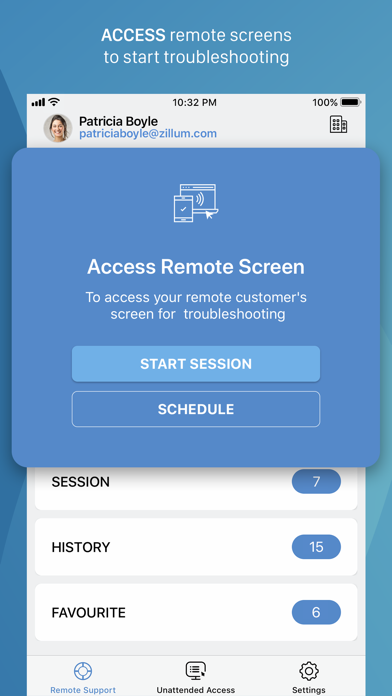
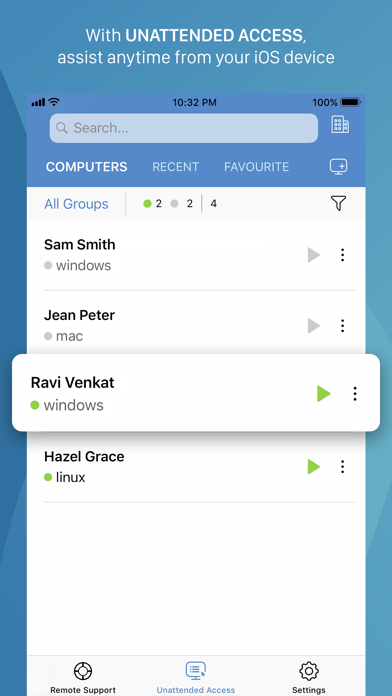
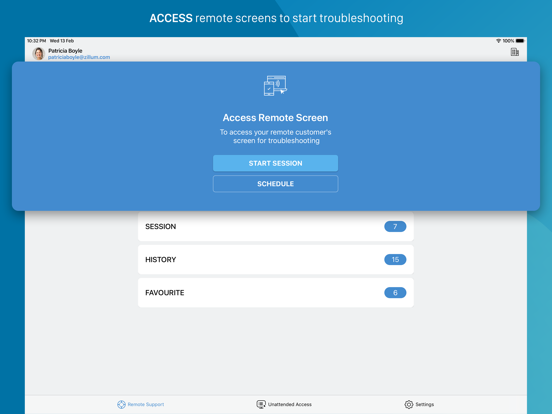
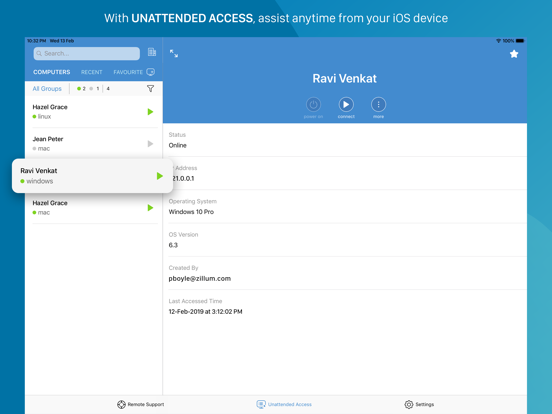
Technicians can use Zoho Assist to launch a remote support, screen sharing, or unattended access session to support customers and fix issues in real time.
Key Features
Siri shortcuts: Start sessions, search for and connect to distant machines, and more using voice commands.
iOS widgets: With the iOS widgets feature, you may save your favorite URS device and access it directly from the home screen.
App lock: App lock provides a biometric lock to secure unattended remote support device.
Dark Mode: Choose between dark and bright modes based on your preferences.
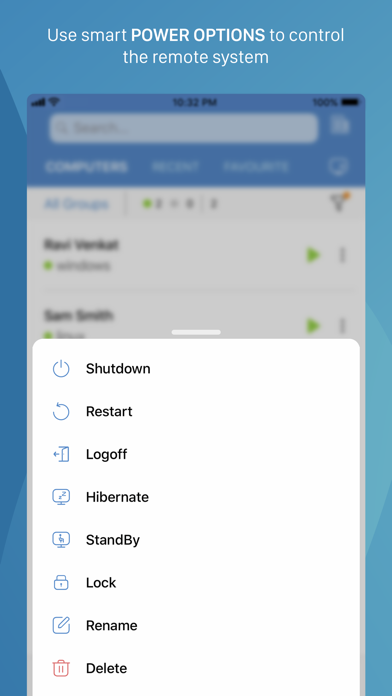
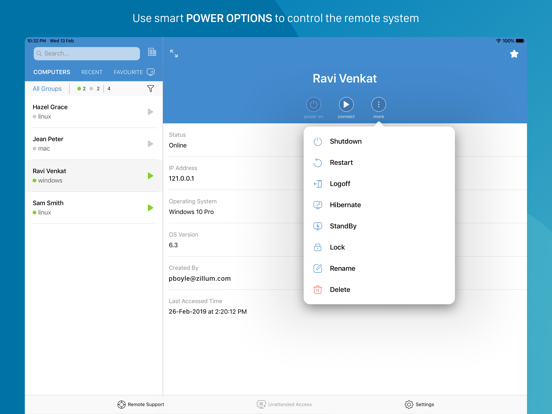
Power options at the remote end:
- Log off
- Reboot
- Shut down
Schedule a remote session with a specific time, date, and other details.
Use Assist's text chat option to communicate effectively with your customer during an active remote support session.
Multi-monitor navigation:
Technicians can access and control multiple monitors during a support session.
File transfer:
Send and receive files (up to 5 GB) from technician device to customer device during a remote session.
Session Notes: Take contextual session notes during a session without needing to switch between apps.
Screenshots sync:
Screenshots captured during a session may now be synced up to the cloud.
In-App purchases allow users to subscribe to Zoho Assist which enables these features for them:
-File Transfer
-Send Ctrl+Alt+Del
-Reboot and Reconnect
-Schedule Sessions
-Session Notes
Quick guide:
Install Zoho Assist Technician app.
Install the Zoho Assist customer app on the device you need to connect to.
Initiate a remote support session on your device and then prompt the customer to join the session using the customer app.
Privacy Policy and Terms & Conditions:
-https://www.zoho.com/privacy.html
-https://www.zoho.com/terms.html