Math Slide: tens & ones
Math Slide: tens & ones Summary
Math Slide: tens & ones is a with in-app purchases iOS app in Education by Math Adventures. Released in Dec 2012 (13 years ago). It has 23 ratings with a 4.04★ (good) average. Based on AppGoblin estimates, it reaches roughly 12 monthly active users and generates around $<10K monthly revenue (100% IAP / 0% ads). Store metadata: updated Aug 19, 2020.
Store info: Last updated on App Store on Aug 19, 2020 .
4.04★
Ratings: 23
Screenshots

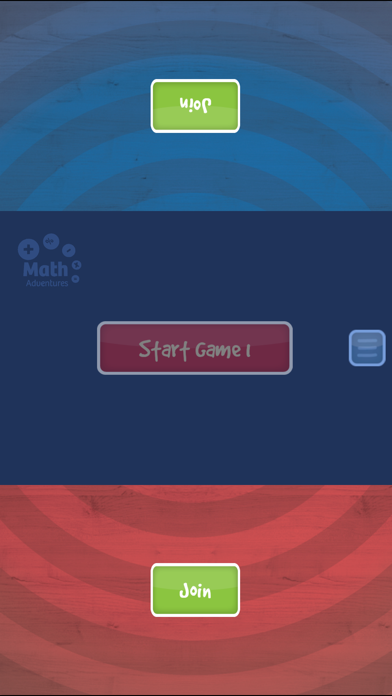
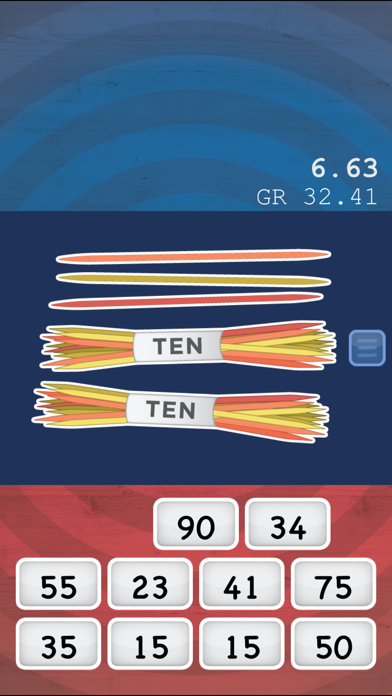
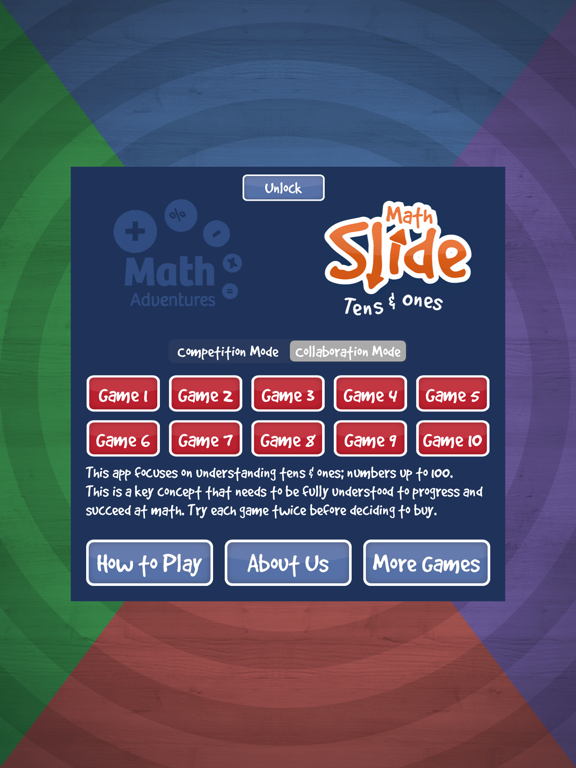

App Description
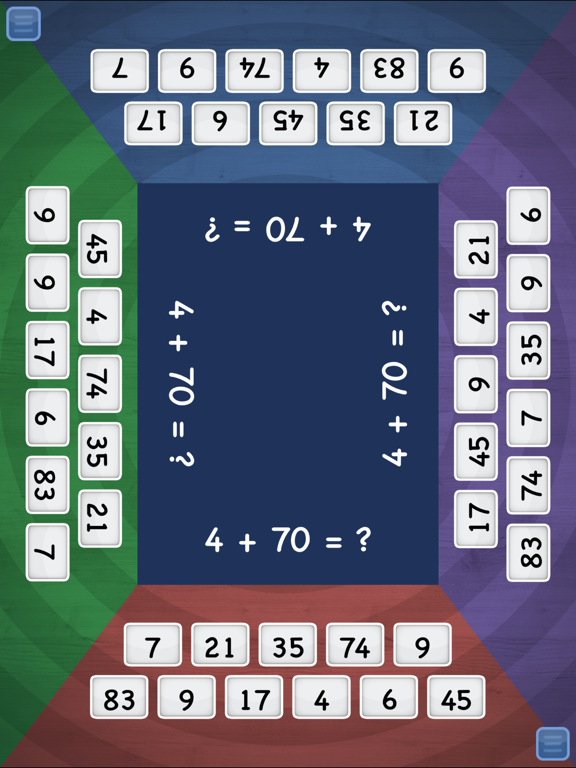
Math Slide: tens & ones is a multiplayer game helping children understand numbers up to 100: 'tens' and 'ones'. Players play and learn by sliding tiles into the center to match an image, answer or equation.
There are two modes or ways to play this game. Competition Mode is where the player who slides their tiles into the middle first wins, or Collaboration Mode where all players slide their tiles into the middle at the same time, working together and winning together.
Understanding tens and ones is a key math concept critical in a child’s development. Progressing from counting to using number facts and place value is difficult for many children. This app is specifically designed to help children make this critical progression, helping them ‘see’ and understand that 23 is 2 ‘tens’ and 3 ‘ones’ and that one more than 79 is 8 groups of ten.
Features
• Multiplayer game, suitable for one, two, three or four players
• Games can be played in Competition Mode or Collaboration Mode
• 10 games all focused on the same key math concept
• All games can be played twice for free
• Game 1 and Game 8 can be played unlimited times
• Each game is a little harder than the previous game
• The app focuses on a critical math concept vital for success
To work out if this app is at the right level of challenge try Game 1 and Game 8. If Game 1 is too hard or Game 8 is too easy this app is not at the right level.
The free version of this app allows each game to be played twice. Games 1 and Game 8 can be played unlimited times for free. A paid version which contains all these games and more, and can be used with Apple’s Volume Purchasing Program for Education VPP, it is called Math Slide: Place Value.
How to Play
1. Select Competition Mode or Collaboration Mode
2. Select a game to play
3. Players join the game by clicking on ‘Join’
4. Click ‘Start Game’, wait for the count down, and play
5. Slide a tile into the center to match an image, answer or equation
6. Once tiles are used the game ends
Math focus of each game
Game 1 – representing numbers up to 10
Game 2 – ‘ten and ...’ numbers: 10+1, 10+2, 10+3, ...
Game 3 – representing numbers up to 20
Game 4 – ‘ten and ...’ numbers: 10+1, 2+10, 10+3, ...
Game 5 – words: ten and four, sixteen, ten + 7, ...
Game 6 – representing numbers up to 100
Game 7