Power PDF - PDF Manager

Power PDF - PDF Manager Summary
Power PDF - PDF Manager is a free, ad-supported, with in-app purchases iOS app in Tools by ComcSoft Corporation. Released in Mar 2013 (13 years ago). It has 6K ratings with a 4.74★ (excellent) average. Based on AppGoblin estimates, it reaches roughly 16K monthly active users and generates around $<10K monthly revenue (24% IAP / 76% ads). Store last updated Nov 8, 2025
Power PDF - PDF Manager SDKs Summary
App not yet scanned for SDKs.
4.74★
Ratings: 6K
Screenshots
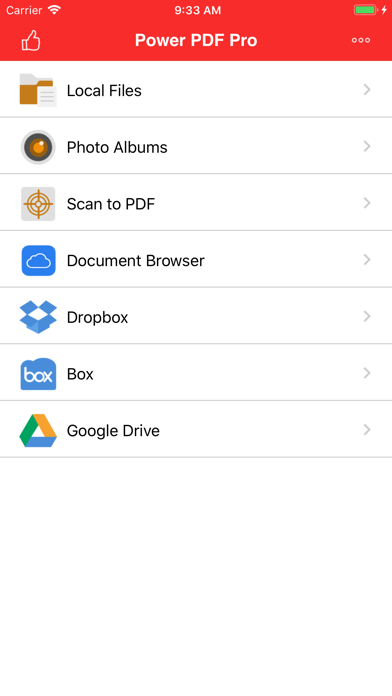
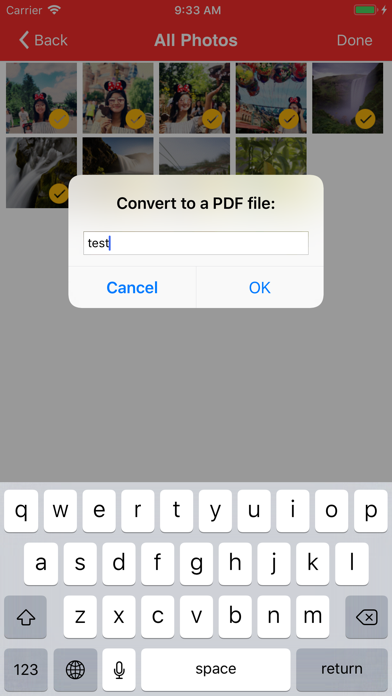

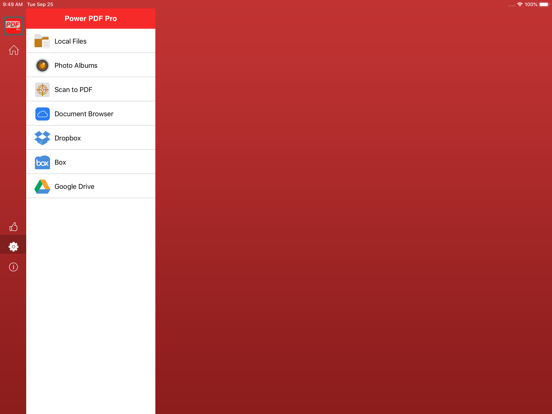


App Description
Power PDF is a powerful tool to create, secure and view PDF documents on iPad/iPhone.
Power PDF lets you create PDF documents on your iPhone/iPad with ease. It supports:
- Create PDF documents from many file types, including: DOC, XLS, PPT, TXT, RTF, XML, HTML and all text files.
- Convert photos to a PDF document.
- Scan to a PDF document using your Camera.
Power PDF lets you modify PDF documents on your iPhone/iPad with ease. It supports:
- Combine PDF documents.
- Split a PDF document into two or more documents.
- Delete pages in a PDF document.
- Re-arrange pages in a PDF document.
- Add password protection to a PDF document.
Power PDF lets you view PDF documents with ease. It supports:
- View PDF documents in thumbnail or full screen modes.
- Extract text from a PDF document.
- Add bookmarks on a PDF document.
- Search within a PDF document.
- Fast Navigate within a PDF document.
- Zooms in/Zooms out on a PDF document.
- Annotate in a PDF document.
Power PDF also has a File Manager, which supports the following features:
- Import files from your Camera Roll, Email or another App through “Open In”.
- Manage Files including: rename, delete, move, create folder and sort.
- Search file name in Local Files and Camera Roll.
- Open many document types, including: DOC, EXCEL, PPT, TXT, image files, and audio files.
With its simple interfaces, Power PDF provides the easiest way to manage PDF documents on iPhone and iPad.
If you have more questions, please visit: http://www.comcsoft.com/Portfolio/our_apps/PowerPDF/PowerPDF_overview.php.