Pocket Print
Pocket Print Summary
Pocket Print is a with in-app purchases iOS app in Business by KuO Inc.. Released in Feb 2013 (13 years ago). It has 2.00 ratings with a 1.50★ (poor) average. Based on AppGoblin estimates, it reaches roughly 5.00 monthly active users and generates around $<10K monthly revenue (100% IAP / 0% ads). Store metadata: updated Mar 28, 2021.
Store info: Last updated on App Store on Mar 28, 2021 .
1.5★
Ratings: 2.00
Screenshots



App Description
Pocket Print is intended for printing from mobile & label printer of Brother Industries, Ltd.
This application has been pursued functional and convenience as compared to [Mobile Print for brother].
Anytime, anywhere, you can print !
The Great combination of Brother Industries printers(PJ-673, PJ-773, PJ-763FMi, RJ-4040, RJ-3040, RJ-3150) and Pocket Print ,will assist you with your mobile printing.
You can print web pages and files to Brother Industries printers from iPad/iPhone with Pocket Print.
(A connection method is wireless LAN. )
PDF, JPEG, PNG, TIFF, BMP, TXT can be printed.
Furthermore, the file of MS Office can also be printed.
(doc, docx, xls, xlsx, ppt, pptx)
However, there are some caveats.
Look the Note (*1)
[Keyfeatures]
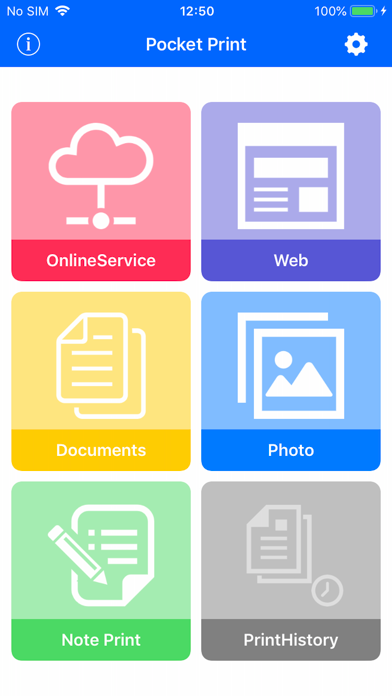
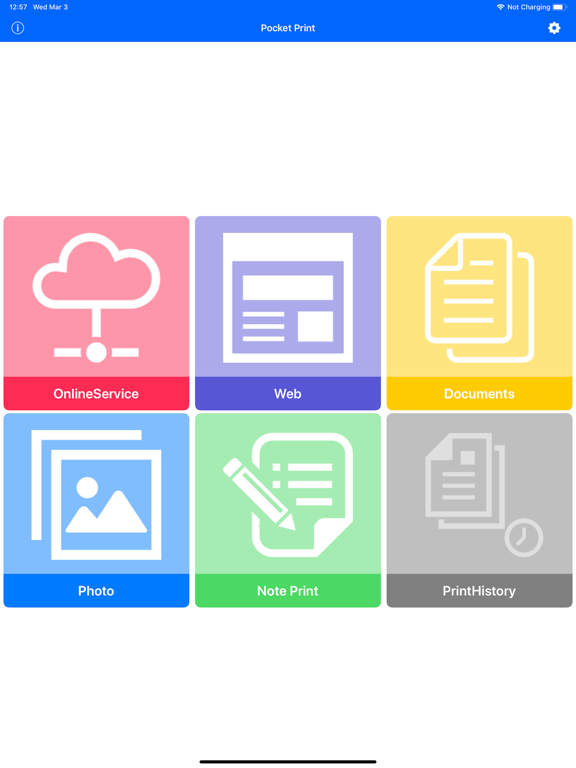
- Print files from iPad/iPhone
Supported file formats: PDF, JPEG , PNG, TIFF, BMP, TXT (Note *1)
- Print the file is being saved to the online service
Supported online service: iCloud, Dropbox, Google Drive
Supported file formats: PDF, JPEG, PNG, TIFF, BMP, TXT (Note *1)
- Print web page
Web authentication is supported. (SSL, Digest, Basic)
- Print photo
- Print note
Print of the input text.
(Does not have the ability to save notes.)
- Print P-touch Templete(RJ-4040、RJ-3050、RJ-3150)
The template created by P-touch Editor can be transmitted.
- Print history
- Print preview
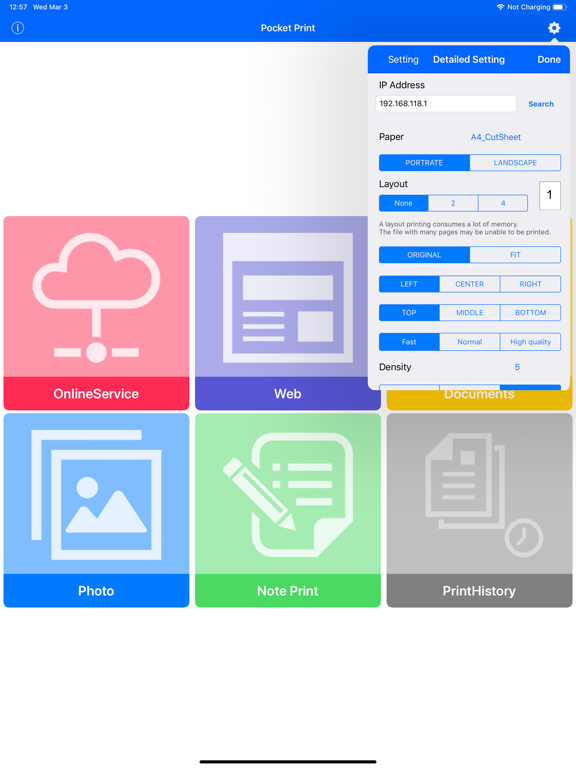
- Printer Setup
- Open-In Print
Print from other apps using Open-In.
- Simple Print (iOS 8 or later) (Note *2)
Print the file you have saved in other applications without launching the Pocket Print by utilizing
the Pocket Print simple print from other applications.
- Print function restriction and lock function
- Layout Print (PJ-673, 773, 763 only)
Supported A5 cut sheet. (PJ-673, 773, 763)
Note (*1)
doc, docx, xls, xlsx, ppt, pptx becomes the simple printing.
However, the file of MS Office may be unable to be printed correctly.
In that case, please print after changing into PDF.
By specification change of iOS, there is a case where it becomes impossible to use this function.
* Printing requires the add-on purchase.
Watermark will be printed if do not buy the add-on.
Please confirm that you can print in this state first before you buy.
* At the time of Adhoc connection, when it is a model without 3G or LTE, Web connection cannot be performed.
(In the case of Wi-Fi model, printer and Inte