File Manager 11 Lite

File Manager 11 Lite Summary
File Manager 11 Lite is a free, with in-app purchases iOS app in Business by LiveBird Technologies Private Limited. Released in Apr 2013 (13 years ago). It has 1.5K ratings with a 4.38★ (good) average. Based on AppGoblin estimates, it reaches roughly 8K monthly active users and generates around $<10K monthly revenue (100% IAP / 0% ads). Store last updated Oct 30, 2018
Recent activity: -1 new ratings this week View trends →
SDK intelligence: AppGoblin detected 2 development tools(e.g. Google),and 1 analytics: product integrated into File Manager 11 Lite. View full SDK list →
File Manager 11 Lite SDKs Summary
File Manager 11 Lite was last scanned for SDKs on 2026-08-29. Below is the overview of third-party companies detected in the app. The full list of SDKs, permissions and unknowns is available here.
 Google
 OpenID
 Firebase
4.38★
Ratings: 1.5K
Screenshots
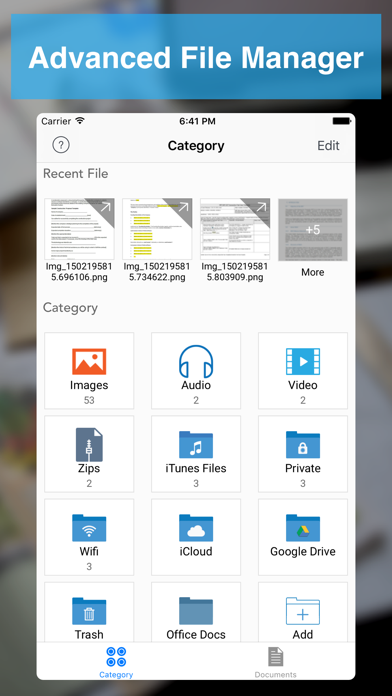


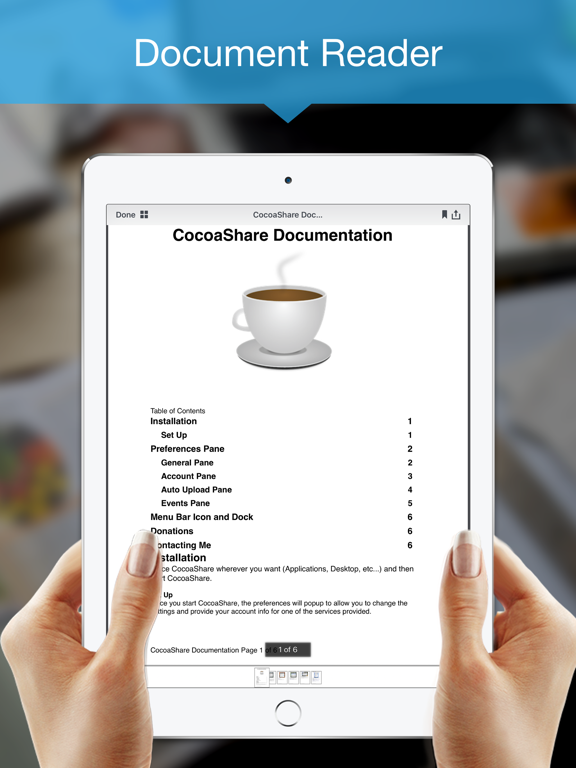

App Description
File Manager - Advance File Manager and Document Reader
Manage your Documents & Files with File Manager
# File Manager
- Create Folder - Create new folders and sub folders
- Copy - Copy files/folders between different folders
- Move - Move files/folders between different folders
- Delete - Select and Delete multiple files/folders
- Rename - Rename a file/folder
- Trash - Move files to trash recover them if required
- Get Info with General and More Info of all type of document.
# Read Files
- PDF Files
- MS Office Documents (Word, Excel and PowerPoint)
- iWork Documents (Pages, Numbers and Keynotes)
- Images Files (JPG, PNG, GIF, TIFF and others)
- Audio Files (MP3, AAC, Apple Lossless, AIFF, WAV)
- Video Files (standard iPhone format : H.264, MPEG-4)
- OpenOffice Documents (Text, Spreadsheet, Presentation) basic formatting only
- Plain Text and RTF (Rich Text Format)
- HTML Files
- ZIP Files (Uncompress Zip Archives)
# Advance Document Viewers
- Image Viewer - With thumbnail view
- Audio Player - Audio player with different playback controls, AirPlay support, Control with Ear Phone and Ear Pods, Support playing music in background
- Video Player - Air Play support and different playback controls
# Make Zip
- Select Multiple files/folders and make them zip
# Create PDF Files
- Create PDF - With Different Kind of Page Content
- Rich Text Pages - Create Rich Text Pages in File Manager Rich Text Editor
- Camera Snaps - Take Snap of your documents
- Photos from library - Pick photos from your iPhone/iPad/iPod touch Photo Library
- Map Snaps - Create Map Snap - With Address Annotation
- Hand Drawing - Create Hand Drawing and add it as PDF Page
# Create Protected PDF
- Create Password Protected PDF - (PDF file will require password when someone want to open PDF file in any software)
- Create Copy Protected PDF - End users will not be able to copy the content of PDF file.
- Create Print Protected PDF - End users will not be able to Print the content of PDF file.
# Text Files
- Create and Edit text files
# Audio Recorder
- Record Audio With different qualities
- Record Audio in background
# Hand Drawing
- Make Hand Drawing with different colors and save as image
# Secure Your Documents
- Private Documents Section
- Protect App With Password
- Touch ID Support
# WiFi Sharing
- Access Your FileManager Documents From Your Com