Speed Tracker: GPS Speedometer

Speed Tracker: GPS Speedometer Summary
Speed Tracker: GPS Speedometer is a free, with in-app purchases iOS app in Maps And Navigation by Oxagile LLC. Released in Nov 2013 (12 years ago). It has 21K ratings with a 4.47★ (good) average. Based on AppGoblin estimates, it reaches roughly 50K monthly active users and generates around $<10K monthly revenue (100% IAP / 0% ads). Store last updated Oct 17, 2026
Recent activity: 3.00 new ratings this week View trends →
SDK intelligence: AppGoblin detected 2 ad networks(e.g. Google), 2 development tools, 1 analytics: product,and 1 business tools integrated into Speed Tracker: GPS Speedometer. View full SDK list →
Speed Tracker: GPS Speedometer SDKs Summary
Speed Tracker: GPS Speedometer was last scanned for SDKs on 2026-10-20. Below is the overview of third-party companies detected in the app. The full list of SDKs, permissions and unknowns is available here.
 Google
 AppLovin
 nanopb
 Firebase
 RevenueCat
4.47★
Ratings: 21K
Screenshots


App Description
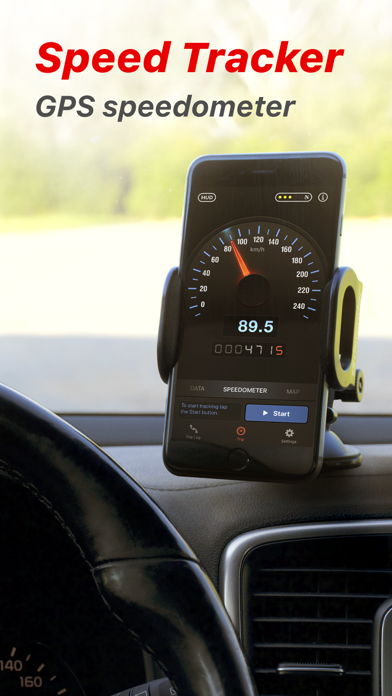
Speed Tracker is the most elegant and unique combination of GPS speedometer and Trip computer in just one application.
With lot of features built-in, Speed Tracker will help you to gather all the necessary trip statistics. Just start the application and it will let you record your speed, time, distance, heading, elevation and many more.
HUD
Head-up display – outstanding feature available in Speed Tracker application. Just enable HUD and put your iPhone or iPad under the windshield. Specially designed HUD interface will display the most accurate speed right on the windshield.
Map your trip.
Built-in GPS tracker will help you not to get lost. You can always switch to navigation mode and check your current position on the map together with the track you’ve already traveled in Satellite or Hybrid view.
Trip Log
Trip Log records and saves the information within the application. You can easily have the access to ALL the trips with just one click. Inside the Trip Log you can check the trip on the map, see the speed, average speed, maximum speed, distance, total time and the detailed speed graph. Don't want to get lost in all the trips you have? Just name them the way you like. Want to share your driving experience or just compare your every day trips? With Trip Computer it’s easy as A, B, C.
Export all the trips in available formats (CSV, KML, GPX) or even share with your friends on Facebook, Twitter or via email.
With free version of Speed Tracker only one trip can be saved to the trip log. Subscribers for PRO plan can save unlimited trips.
Trip Computer
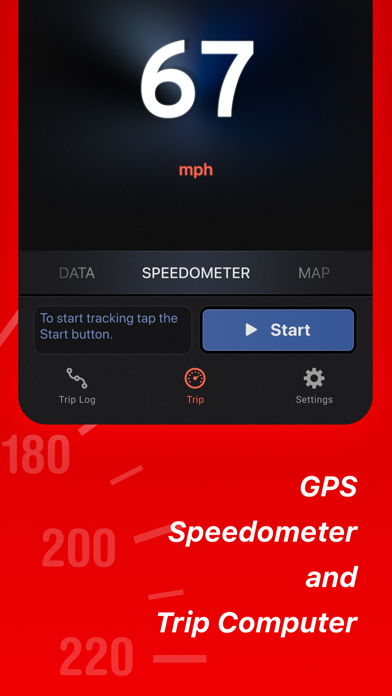
Track important trip statistics in real time. Average and Maximum speed, distance covered, moving and stopped time.
Dashboard Display Layout
Designed exclusively for iPad big screen it shows all the important trip information at a glance on a single screen and supports both portrait and landscape orientation. Full screen GPS Navigator Map mode is also available. Landscape mode allows you to mount your device horizontally on your car dashboard. If you prefer seeing things at wider angle then you find new landscape mode especially useful and practical.
Scalable Speedometer Dial
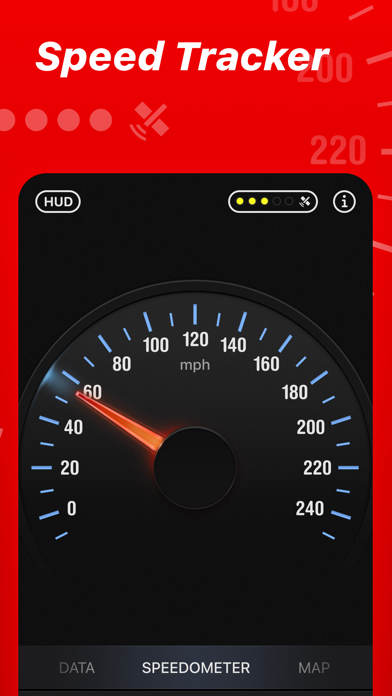
Speed Tracker features unique scalable speedometer dial. Select the maximum possible speed for you vehicle and watch your speed with greater precision either your are on a plain, train, car, bike, boat or bicycle
Statistics
A