Panasonic Stereo System Network Setup

Panasonic Stereo System Network Setup Summary
Panasonic Stereo System Network Setup is a mobile iOS app in Entertainment by PANASONIC ENTERTAINMENT & COMMUNICATION CO., LTD.. Released in Apr 2013 (13 years ago). It has 3.00 ratings with a 2.33★ (poor) average. Based on AppGoblin estimates, it reaches roughly 10 monthly active users . Store metadata: updated Sep 11, 2017.
Store info: Last updated on App Store on Sep 11, 2017 .
2.33★
Ratings: 3.00
Screenshots
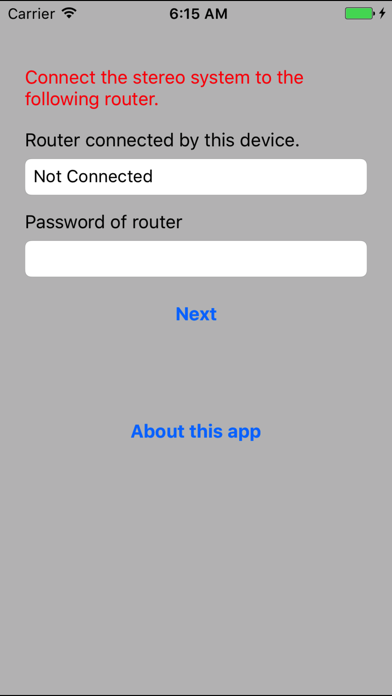
App Description
Network Setup is an application to connect the Panasonic network compatible stereo system to your home wireless router.
By using this application, such as SSID input and setup in browser are not necessary and you can easily connect the stereo system to your home wireless network.
The procedure to use Network Setup.
1. Connect your iPhone/iPod touch/iPad to your home wireless network.
(Check the password for the home wireless network.)
2. Turn the stereo system on, and enter NET SETUP mode.
3. Start this app.
4. Enter the password for the home wireless network.
5. Press the home button to close the app.
6. Select "00 Setup ______" from [Settings] -> [Wi-Fi].
7. When a message indicating the completion of the connection to the stereo system is displayed, press home button and restart the app.
8. Complete the setup when "SUCCESS" is displayed on the stereo system.
Supported devices are as follows.
[Supported devices]
SC-NE3, SC-NE5
(As of April 1st, 2013)