Barcode Scan to Web

Barcode Scan to Web Summary
Barcode Scan to Web is a with in-app purchases iOS app in Business by Berry Wing LLC. Released in Mar 2013 (13 years ago). It has 211 ratings with a 4.30★ (good) average. Based on AppGoblin estimates, it reaches roughly 1K monthly active users and generates around $<10K monthly revenue (100% IAP / 0% ads). Store metadata: updated Aug 25, 2025.
Store info: Last updated on App Store on Aug 25, 2025 .
4.3★
Ratings: 211
Screenshots

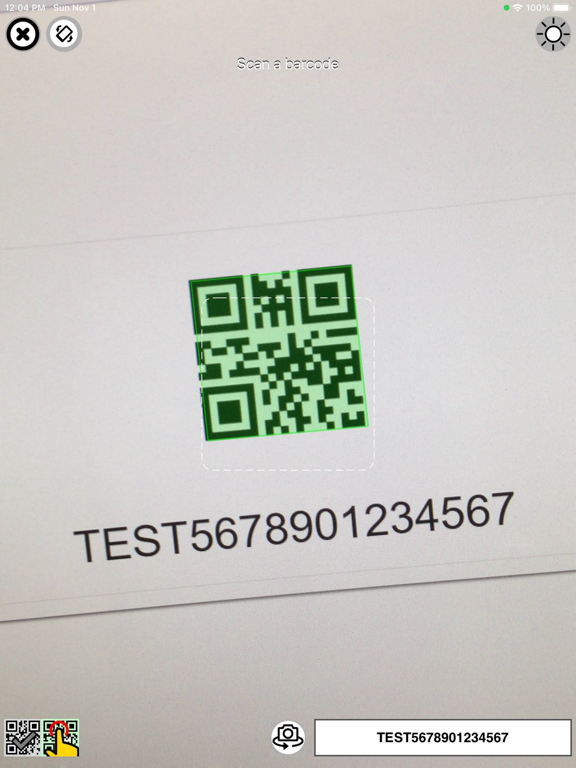
App Description
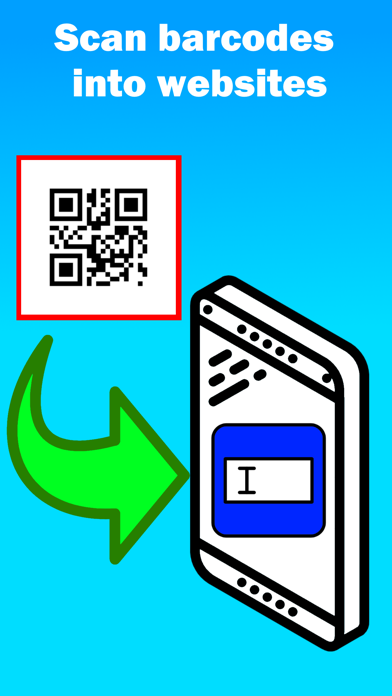
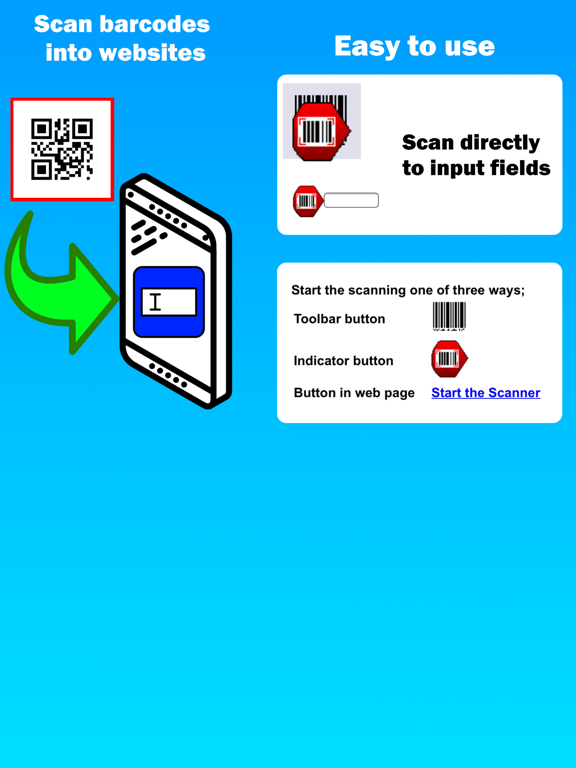
Thousands of business like yours are using Scan to Web to scan barcode information into websites and fill out web forms hands free! Stop manual updates and start using Barcode Scan to Web.
BEDS Plus use this app to save them time on their inventory. They saved so much time that they are starting a community garden. They gave our app and our app support five stars! “It’s been working great. Someone called the other day and suggested we do a drive for toothbrushes. I can check in my office in real time and I immediately know that we have over 700. That saves me the drive to get to the building, and now we know we can focus on other things.” –Molek, Volunteer Coordinator, BEDs Plus
Scan barcodes into:
- Google Drive Forms (Google Sheets)
- Your own intranet website
- Any website
Features:
• Speak to web - Voice to text in your forms!
• Tab to next - Cursor moves to next field after scan.
• Duplicate scan check - to ensure reliable information.
• Javascript after scan - For web developers who want complete control after scan.
Scan to Web provides the iOS device user with a basic web browser and the ability to scan into web fields on web pages the user has browsed to. No external hardware is needed. Scan to Web uses the camera scanner in your iOS device to scan barcodes so it’s a great option for bring your own device (BYOD).
Use your own website for scanning inventory, check in/out sheets, attendance; any number of business related problems can be solved with Scan to Web.
Open any web page or search engine and scan any barcode instead of typing.
+17 required as this is a fully functional web browser.
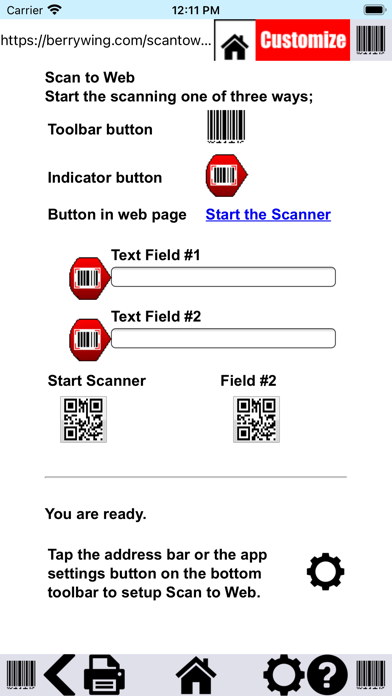
To scan into a web page:
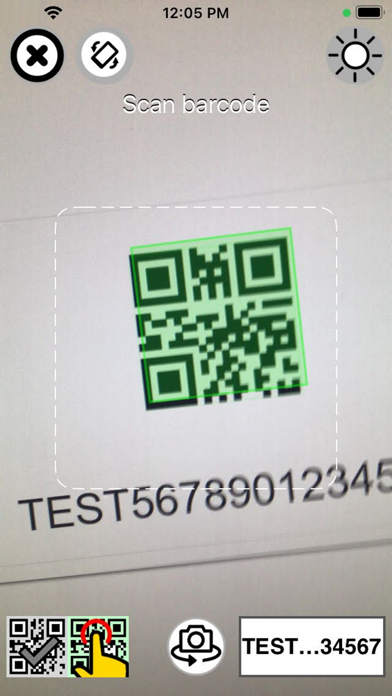
- Scan to place barcode result wherever cursor is on the web page.
- If text field is not active, scan result will be entered in first text field available
- If Submit on Scan setting is ON, the web page will “Submit” after the scan result
Settings:
- Scan Suffix: Submit on Scan or Do nothing. Determines what the web site will do after a scan
- Home page: URL of the home page in the app
- Hide address bar: Hides or displays the address bar when the app starts. Use [ Show/Hide ]
Subscription Model:
The app is free to download and test out, but after a number of scans, the app will ask you to subscribe. We are continually supporting and upgrading Scan to Web. Please let us know what options and updates you’