iPlayTo - Media Cast

iPlayTo - Media Cast Summary
iPlayTo - Media Cast is a mobile iOS app in Tools by 俊红 柴. Released in Apr 2013 (13 years ago). It has 3.8K ratings with a 4.34★ (good) average. Based on AppGoblin estimates, it reaches roughly 10K monthly active users . Store last updated Nov 12, 2025
iPlayTo - Media Cast SDKs Summary
App not yet scanned for SDKs.
4.34★
Ratings: 3.8K
Screenshots

App Description
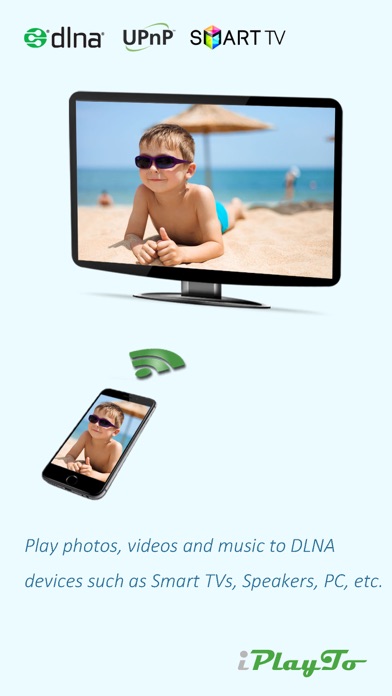
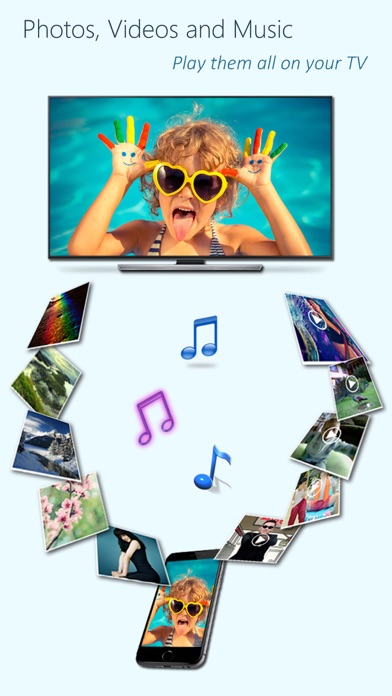
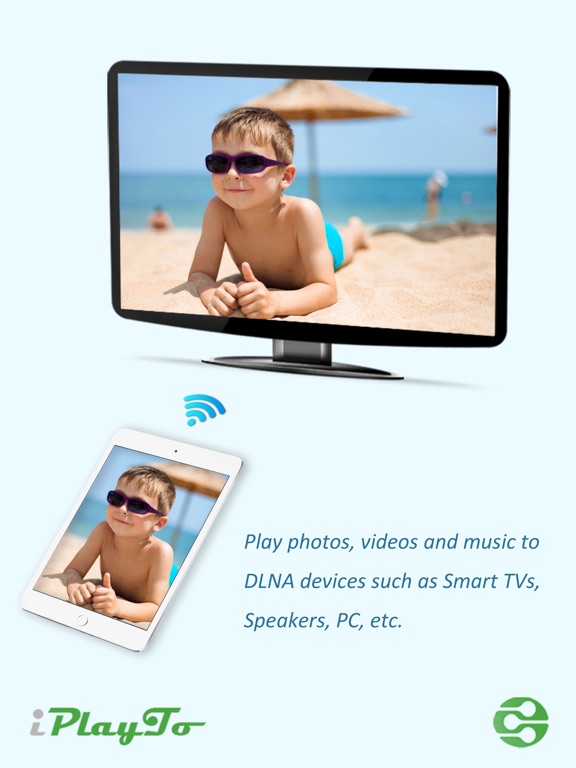
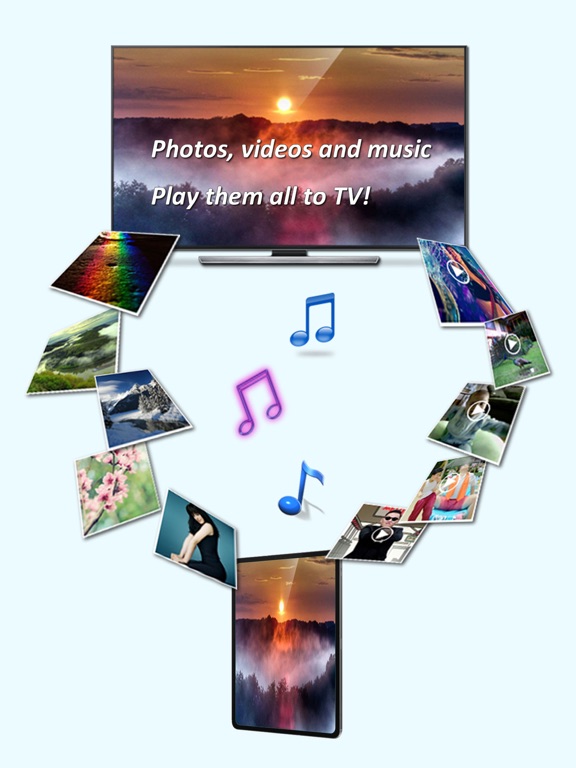
Play photos, videos, and music from your iPhone/iPad to DLNA-compatible devices such as smart TVs, AV systems, speakers, PCs, and other mobile devices.
Easy to use - Just pick your media and tap to play, only one single step to play it on your TV!
Anytime, anywhere, across devices - Enjoy sharing photos, videos, and music with friends and family. Stream content to a nearby TV or other devices for everyone to view or listen together.
iPlayTo also lets you browse media on other DLNA devices and play them directly on your iPhone/iPad or another compatible device.
Getting photos, videos and music from friends is easy - Use iPlayTo as a media receiver (renderer) to accept media streamed from other DLNA devices (e.g., another iPhone/iPad running iPlayTo).
Key Features:
- Display photos on other devices in multiple sizes for the best viewing experience;
- Play videos on other devices in all supported qualities;
- Play music on other devices with metadata;
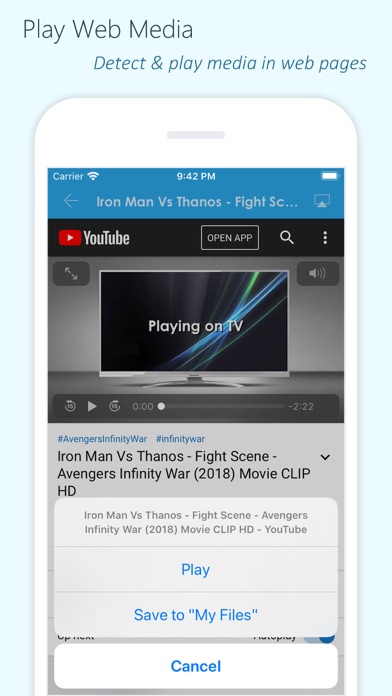
- Detect and play media content from web pages;
- Access and play media files stored on other DLNA devices;
- Upload files to your iPhone/iPad and play them;
- Draw on your TV screen interactively;
- Record videos or audio and stream them directly to TV;
- Work as a renderer: Receive media from other DLNA devices;
- Work as a server: Share your device's media with other DLNA devices.
Supported Devices:
- TVs from Samsung, LG, Sony, Panasonic, Sharp, Philips, Thomson and many others;
- AV systems from DENON, Onkyo, Marantz, Bose, Pioneer and many others;
- Game consoles such as Xbox 360, PlayStation 3;
- Media Players: Apple TV, Sony Blu-ray players, TV boxes and others;
- PCs/Mac: Twonky, Windows Media Player, Plex, and others;
- All DLNA/UPnP-certified devices.
Important Notes:
- iPlayTo relies on DLNA technology and requires a WiFi connection;
- Ensure your TV/device is DLNA-compatible and connected to the same local network;
- Some iPhone/iPad media formats may not be supported by your TV/device;
- iPlayTo cannot access media from other iOS apps (e.g., the native Videos app). Upload files to iPlayTo for playback.