WiFi Mouse(keyboard trackpad)

WiFi Mouse(keyboard trackpad) Summary
WiFi Mouse(keyboard trackpad) is a free, with in-app purchases iOS app in Tools by 士猛 王. Released in Apr 2013 (13 years ago). It has 1.9K ratings with a 4.13★ (good) average. Based on AppGoblin estimates, it reaches roughly 5.4K monthly active users and generates around $<10K monthly revenue (100% IAP / 0% ads). Store last updated Apr 26, 2018
WiFi Mouse(keyboard trackpad) SDKs Summary
App not yet scanned for SDKs.
4.13★
Ratings: 1.9K
Screenshots
App Description
Transform your phone into a wireless mouse, keyboard and trackpad for your computer, it enables you to control your PC/Mac/Linux effortlessly through a local network connection. WiFi Mouse can replace your real mouse, keyboard or controller when they are broken.
Now you can relax on the sofa and control playing movie in the comfort of your own home.
Key features:
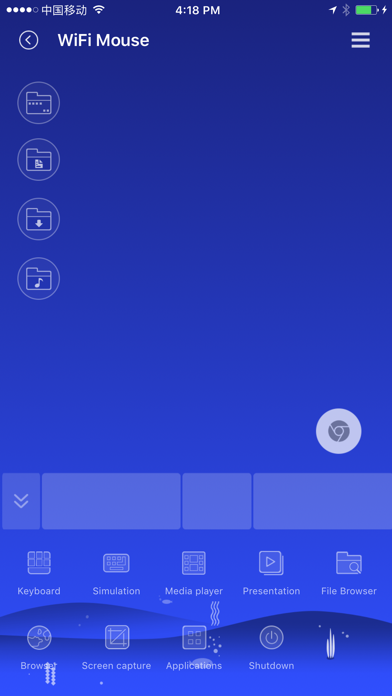
● Fully Simulated Mouse
● System keyboard input text
● Simulated Computer Keyboard
(support combination keys)
● Magic touchpad
● Multi-Touch Gestures
● Shutdown / Sleep / log off / restart PC/MacBook Remotely
● Remote media controller
(support YouTube, VLC, Spotify and etc)
● Voice Input Remotely
● Application Launcher
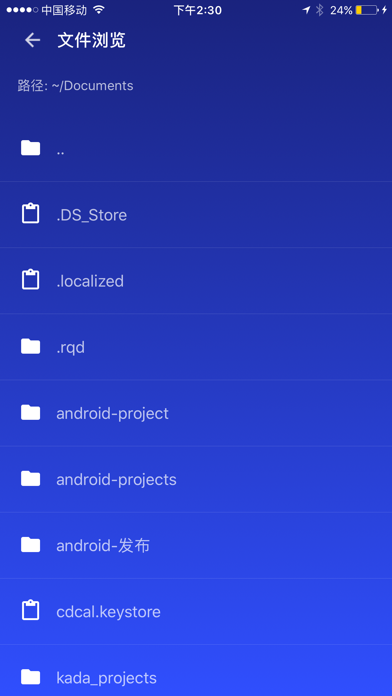
● Browse and open computer files.
● Screen capture
● Game controller
● Password protection
● Control PPT / Keynote Presentation Remotely
● Compatible with Windows 7/8/10, macOS/Linux
Quick setup:
● Download & install mouse server from website http://wifimouse.necta.us
● Make sure your phone and computer at the same network.
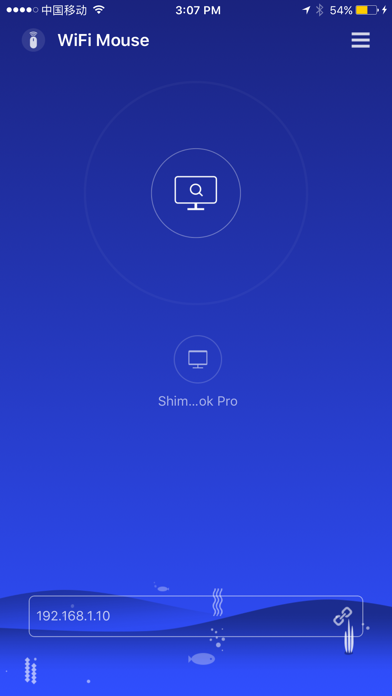
● Start app to connect one computer
● Now you can control your computer with mouse, keyboard, touchpad and more features.