Trend Micro Mobile Security

Trend Micro Mobile Security Summary
Trend Micro Mobile Security is a free, with in-app purchases iOS app in Tools by Trend Micro, Incorporated. Released in Jan 2014 (12 years ago). It has 83K ratings with a 4.67★ (excellent) average. Based on AppGoblin estimates, it reaches roughly 216K monthly active users and generates around $<10K monthly revenue (100% IAP / 0% ads). Store last updated Oct 29, 2026
Recent activity: 29 new ratings this week View trends →
SDK intelligence: AppGoblin detected 3 development tools(e.g. Google), 1 ad networks,and 1 analytics: product integrated into Trend Micro Mobile Security. View full SDK list →
Trend Micro Mobile Security SDKs Summary
Trend Micro Mobile Security was last scanned for SDKs on 2026-05-15. Below is the overview of third-party companies detected in the app. The full list of SDKs, permissions and unknowns is available here.
 Google
 nanopb
 OpenID
 Facebook
 Firebase
4.67★
Ratings: 83K
Screenshots
App Description
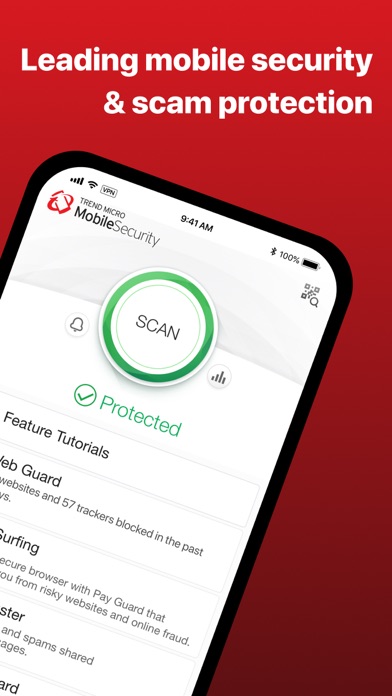
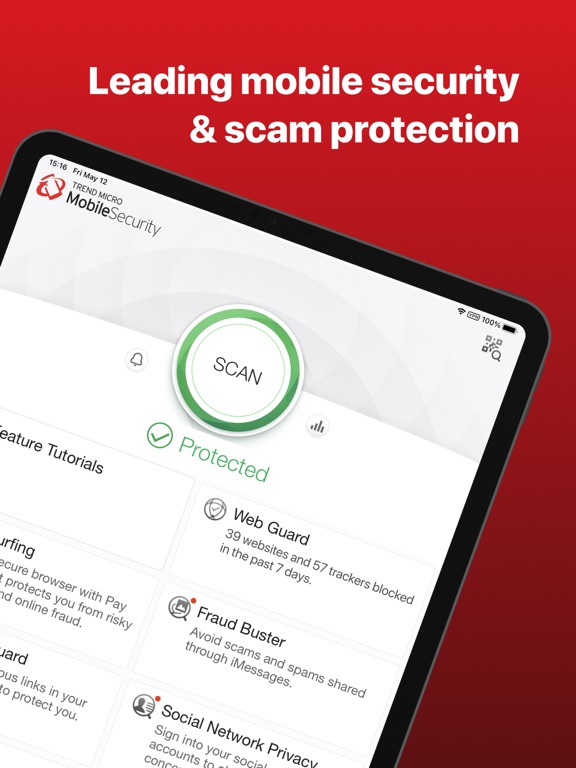
Trend Micro™ Mobile Security helps protect your personal information from phishing websites and scam messages, reduce unwanted tracking, and check for security risks before they interrupt your day.
Key features
Web Guard
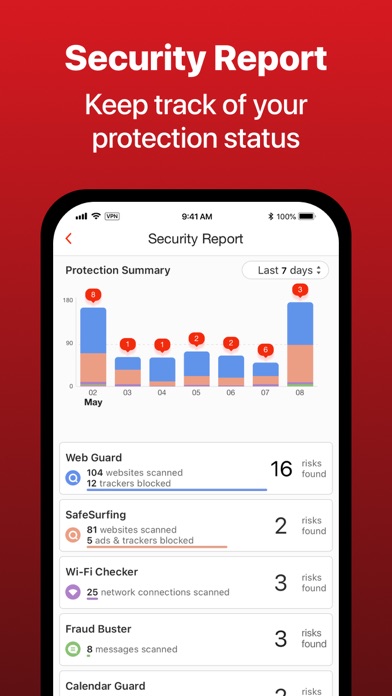
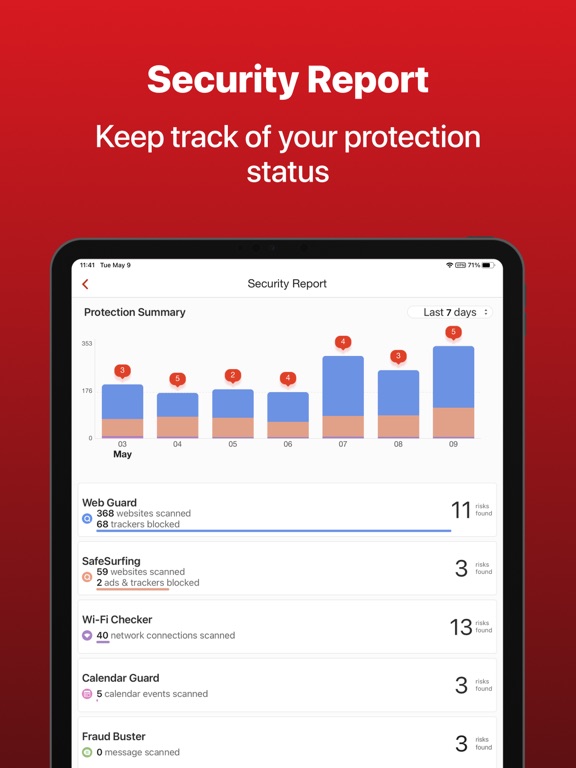
Blocks malicious websites and identity-stealing scams in your preferred browser and other apps that open websites. Turn on Block Trackers to limit unwanted online tracking. Review blocked websites and manage exceptions with your Approved List.
SafeSurfing with Pay Guard
Provides a built-in secure browser that blocks unsafe websites, intrusive ads, and trackers. When you visit shopping or banking websites, Pay Guard checks for fraudulent sites and scans your Wi-Fi connection and device status for security risks.
Fraud Buster
Checks messages from unknown senders for suspicious links and scams. Enable SMS Filtering to keep risky messages out of your inbox, and report spam messages to Trend Micro.
Calendar Guard
Automatically scans your calendar events for suspicious links and warns you about potential security risks. Use it alongside Web Guard to help block malicious links.
Wi-Fi Checker
Checks your Wi-Fi connection for potential security risks and alerts you to help make informed decisions about the networks you use.
Secure QR Code Scanner
Scans QR codes and checks their links for risks before opening them.
Device Access Status
Checks whether a passcode is set, your iOS software is up to date, and your device shows signs of unauthorized iOS modifications.
Data Usage
Monitors your cellular and Wi-Fi data usage. Set up your cellular data plan and billing period to track usage and avoid overage charges.
Try premium protection
Start your free trial to explore premium features. After the trial ends, a paid subscription or valid premium license is required to continue using them.
The free version includes:
Secure QR Code Scanner
Device Access Status
Choose from available subscriptions and license options in the app. Review current pricing and plan details there.
Some features require setup and permissions. Web Guard uses a VPN to filter website connections. Feature availability may vary by device, region, and plan.
Subscription information
For purchases through the App Store, payment is charged to your Apple Account at purchase confirmation or after any applicable free trial.
Subscriptions renew