Xerox DocuShare

Xerox DocuShare Summary
Xerox DocuShare is a free iOS app in Productivity by Xerox Corporation. Released in May 2013 (13 years ago). It has 1.00 ratings with a 5.00★ (excellent) average. Based on AppGoblin estimates, it reaches roughly 1.00 monthly active users . Store last updated May 26, 2026
Xerox DocuShare SDKs Summary
App not yet scanned for SDKs.
5★
Ratings: 1.00
Screenshots


App Description
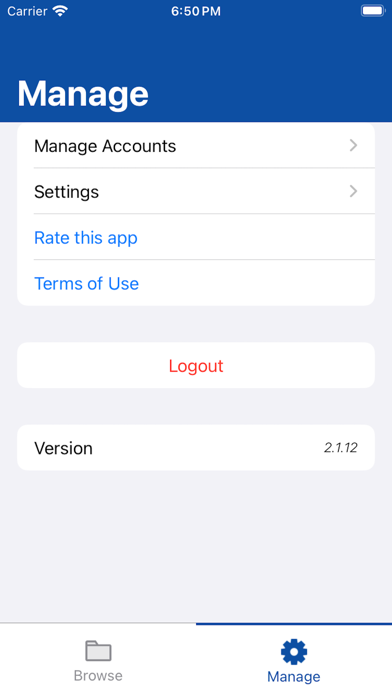
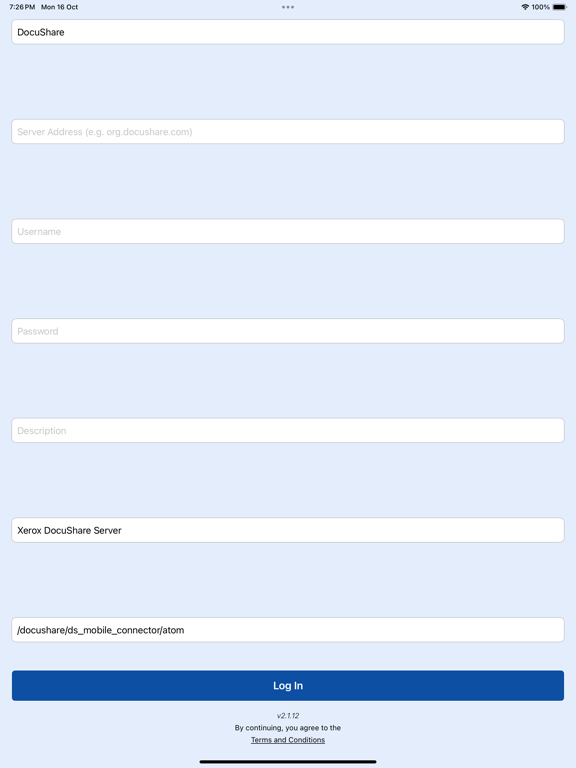
The Xerox® Mobile Client for DocuShare® makes it a snap to find, access, and work with mission-critical business information from wherever you are, while ensuring that content stays securely under your organization’s IT governance. The Mobile Client, iOS version, leverages the touch screen, photo, and storage capabilities of the Apple® iPad®, iPhone® or iPod Touch®, allowing you to capture pictures, meeting notes, document images, and business content, and publish it all to a secure DocuShare collection, or efficiently share documents as part of a business process such as Accounts Payable or expense approval.
The Xerox Mobile Client for DocuShare also works with Xerox® Mobile Print® and Cloud Print®, letting you quickly find and print many important files at once from a location anywhere, so you’re as efficient on the road as in the office.
Features:
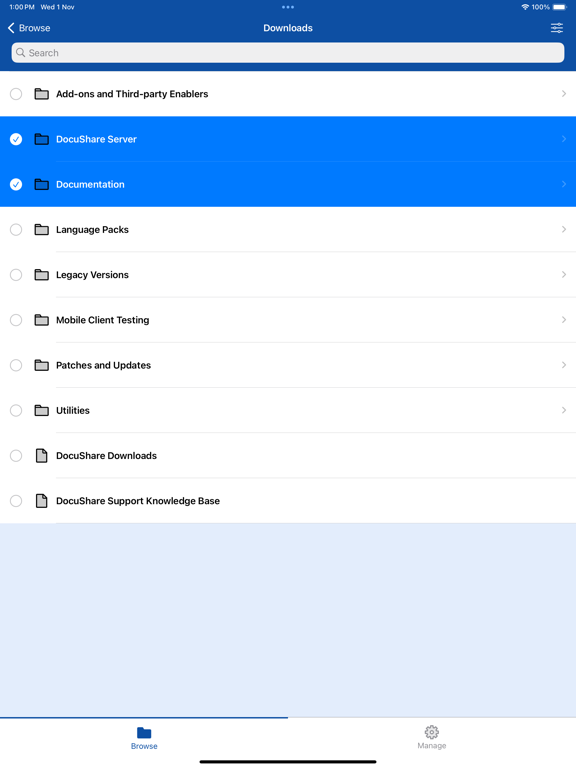
• Find, access and view documents in multiple formats (PDFs, images and Microsoft Office formats)
• Search for content across the entire DocuShare site, multiple sites, or by folder
• Perform full text search over millions of documents, including PDFs (not just searching by title)
• Instantly capture and upload photos, meeting notes, mobile-scanned documents, audio and video files, and other business content
• Email one or many documents directly from DocuShare as attachments or links, saving time and network bandwidth (no need to download to the device, or send them one by one)
• Create folders to organize your content
• Download documents to on-device storage to view, edit and re-upload, or view when iOS device is offline
• Open documents in other iOS applications
• Upload new versions of documents, and edit properties such as title
• Support A/P, HR, and other processes by downloading and reviewing content, and re-publishing it into a workflow
• Delete documents, folders, and any other content
• Open URLs in DocuShare to websites, or to an eForm (to initiate a business process)
• Print documents using your installed print driver or Apple AirPrint®
• Print documents efficiently with powerful Xerox® Mobile Print® or Xerox® Cloud Print® capabilities:
* Perform mobile printing in locations such as a remote office, service bureau, hotel, airport, or other place of business (no need to install print drivers)
* Select from a DocuShare