iSmart DV

iSmart DV Summary
iSmart DV is a ad-supported iOS app in Photo And Video by iCatch Technology Inc.,. Released in Jun 2013 (12 years ago). It has 61K ratings with a 4.21★ (good) average. Based on AppGoblin estimates, it reaches roughly 30.4K monthly active users and generates around $<10K monthly revenue (0% IAP / 100% ads). Store metadata: updated Mar 7, 2022.
Recent activity: 10 new ratings this week View trends →
Data tracking: SDKs and third-party integrations were last analyzed on Apr 5, 2025.
Store info: Last updated on App Store on Mar 7, 2022 .
4.21★
Ratings: 61K
Screenshots

App Description
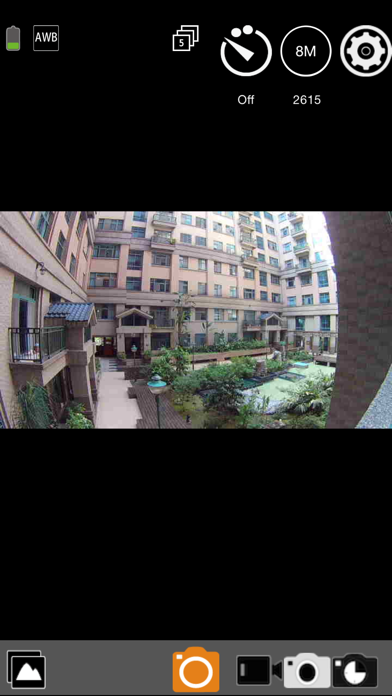
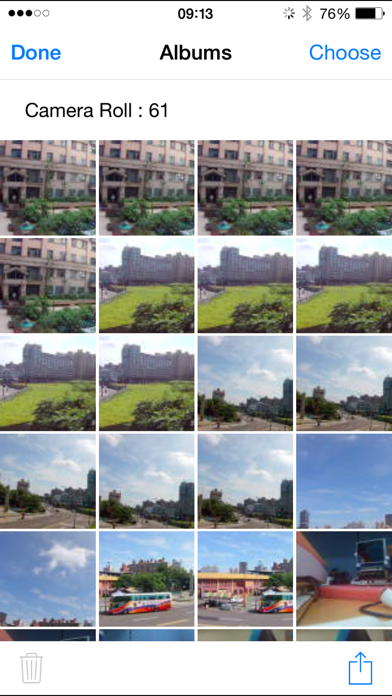
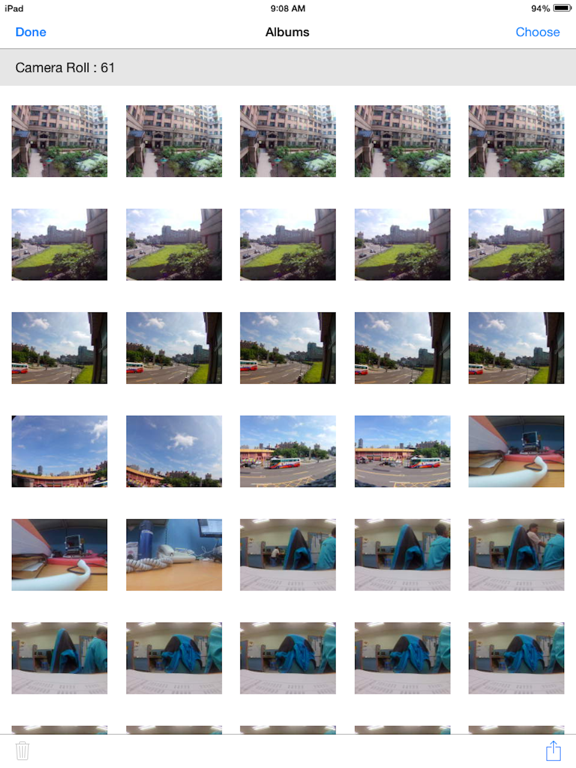
With iSmartDV, you could control the iCatch Technology's based DSP camera by using your iPhone or iPad. Like remote viewfinder/preview, view photo album.
Any APP question you can contact us via https://www.facebook.com/ismartdvuser
Connection Steps.
1. Turn on the Camera Wi-Fi, it will act as a Wi-Fi AP.
2. in iPhone/iPad, Setting->Wi-Fi turn it on and find out camera SSID then connect. the SSID & password should be on your manual or contact servce.
3. Open the APP
Now you can streaming the preview, take a picture or video.
Q&A
Q: Why cannot create a new camera?
A: First make sure you have follow connection step and established the connection, second, try to pding 192.168.1.1 by other Apps, like Ping Lite, make sure the wireless signal was strong enough for work.
Q: Why cannot download the video?
A: Before download, you should make sure the video format is compatible with iPhone/iPad, and allow iSmart DV to access Photo Library.
Features:
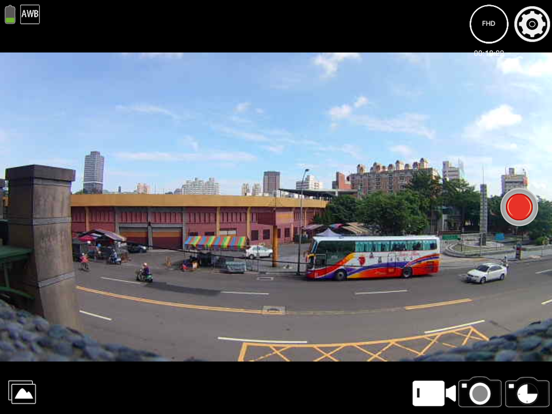
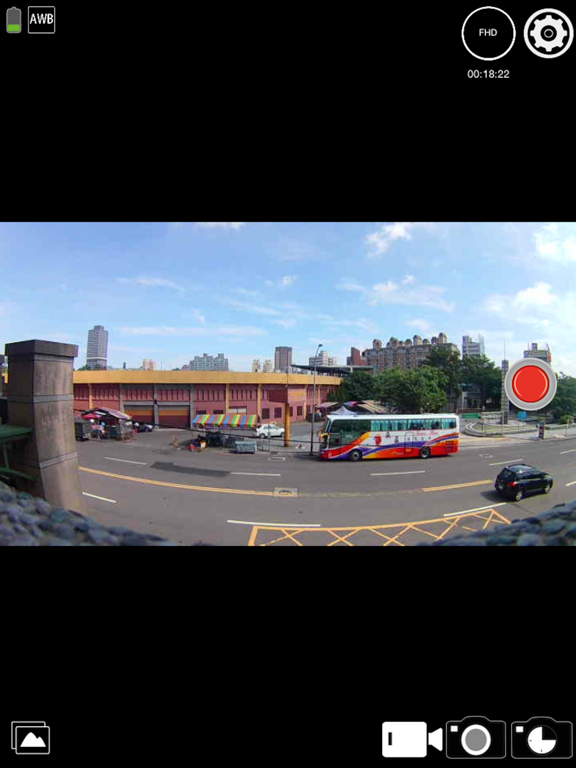
1. Preview stream, Live streaming from camera.
2. Trigger action, In the preview stream, you can trigger camera to take a video or picture.
3. Support burst shot
4. Support delay capture.
5. Support video quality change.
6. Support image size change.
7. Support white-balance change
8. Format the camera SD card.
*9. Listing photo & video files and download or delete files.
10. Single photo playback.
11. Automatic time correction with iPhone or iPad when established the connection.
12. Preview streaming is more smoothing.
*13. Support video playback with audio before download.
14. Support upside down.
15. Support slow motion.
16. Support social network sharing (by cell network)
17. Support change camera SSID & password ( remember turn off/on camera wifi)
18. Support Date-Time Stamp setting in video mode
*1. Make sure the camera file format is compatible with iOS, the AVI not support.
*2. Make sure the camera is designed by iCatch SPCA6330 or SPCA6350 chip.
*3. Play video without download feature is base on camera.
We are looking for your feedback, if you have any problem please leave camera name, app version and error message on our website.
http://www.icatchtek.com/fae.asp
We will improved it and enhance new function in the future.
Enjoy.
2016.8.24 updated.
Some people feedback us they cannot download the big video files (more than 2GB), thanks for your feedback, we are check much more camera and found th