piZap: Design & Edit Photos

piZap: Design & Edit Photos Summary
piZap: Design & Edit Photos is a with in-app purchases iOS app in Art And Design by Digital Palette LLC. Released in May 2013 (13 years ago). It has 27.1K ratings with a 4.71★ (excellent) average. Based on AppGoblin estimates, it reaches roughly 67.8K monthly active users and generates around $<10K monthly revenue (100% IAP / 0% ads). Store metadata: updated Apr 15, 2026.
Recent activity: 3.00 new ratings this week View trends →
Store info: Last updated on App Store on Apr 15, 2026 .
4.71★
Ratings: 27.1K
Screenshots
App Description
Create a photo layout that’s sure to turn some heads with piZap. Whip up a viral post, stories and memes, edit and enhance photos, put together an amazing photo grid and so much more! piZap has loads of fonts, stickers, borders, filters, and stock images to choose from to help you create a design that’s uniquely your own. Best of all, most of our tools and features come at no cost to you.
Professional-grade photo editing is at your fingertips with piZap. Say goodbye to complicated design and photo layout software and say hello to your all-in-one picture editor that’s just as easy to use as it is fun! What will you create next?
PIZAP FEATURES
DESIGN ANYTHING – SOCIAL POSTS, COLLAGES, MEMES & MORE
- There are literally thousands of ways you can create an image with piZap’s Design Tools in a snap!
- Photo Collage Maker: Create a custom photo grid with 1000’s of unique layouts to choose from
- Social Media Photo Editor: Edit photo masterpieces for all of your favorite social channels
- Meme Maker: Memes are fun! Why not create your very own? With piZap, you can!
- Everything from Instagram to LinkedIn, you can design posts for all social media formats
- Design photos & graphics for flyers, websites, presentations, or create your own emojis with ease
INTUITIVE PHOTO EDITING
- You don’t need to be a Photoshop expert to get up and running quickly with piZap
- Use photo crop tools to capture all you want and get rid of everything you don’t
- Apply unique filters for a perfect social media photo layout
- Smooth over imperfections with touch up & photo retouching
- Adjust the colors & tones of your photos with just a few taps
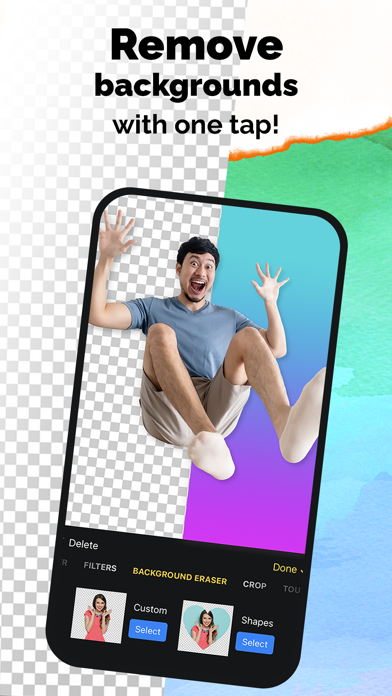
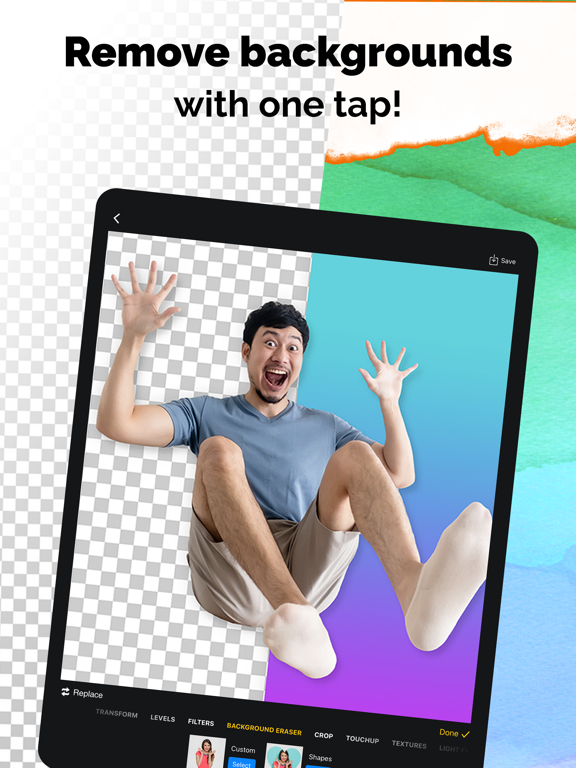
- Use cut-out tools to create
DESIGN PHOTOS & LAYOUTS
- Apply frames & borders to your photos for a personalized touch
- Use the paint tool & graphics to create a masterpiece
- Adding dimension to your photos is a breeze with our photo layering tool
- Choose from over 1.8 million royalty free stock images
- Discover over 100 photo filters & effects
PROFESSIONAL GRADE GRAPHIC DESIGN MADE EASY
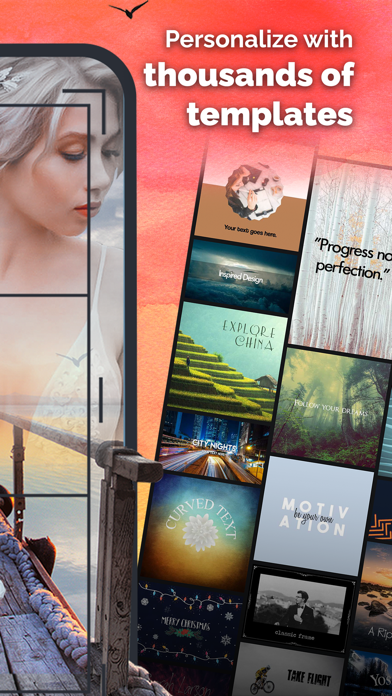
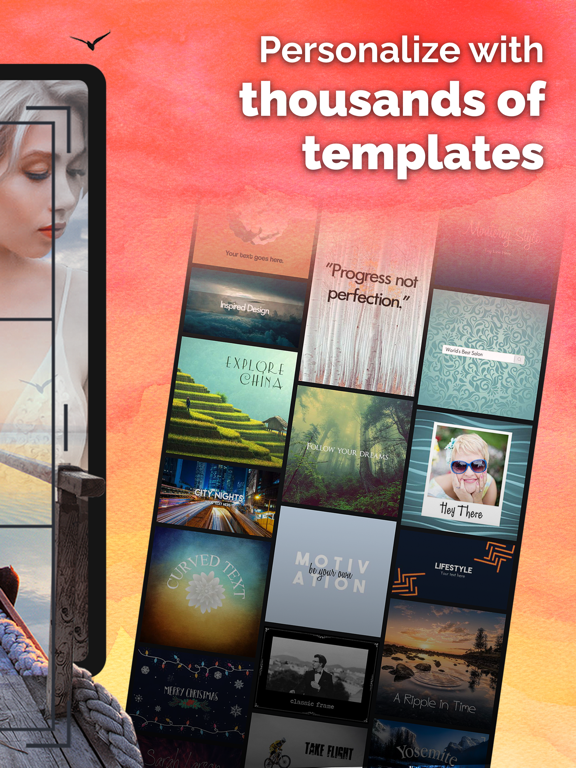
- With 1000’s of premade templates you can get started fast and skip the blank paper stage
- Create flyers, social media posts and so much more!
- Choose from hundreds of fonts and text styles to customize your creation
- Print your designs in a snap with print ready layouts
- Resize your projects to fit all popular social media & pri