Fluss - Granular Playground

Fluss - Granular Playground Summary
Fluss - Granular Playground is a mobile iOS app in Music And Audio by Bram Bos. Released in Dec 2022 (3 years ago). It has 82 ratings with a 4.84★ (excellent) average. Based on AppGoblin estimates, it reaches roughly 143 monthly active users . Store last updated Mar 22, 2025
Fluss - Granular Playground SDKs Summary
App not yet scanned for SDKs.
4.84★
Ratings: 82
Screenshots
App Description
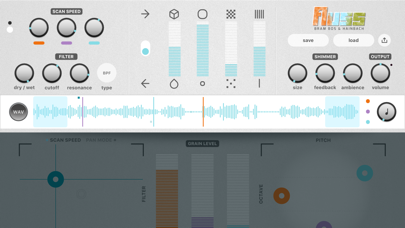
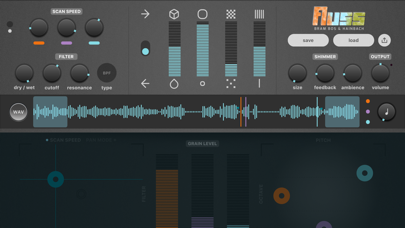
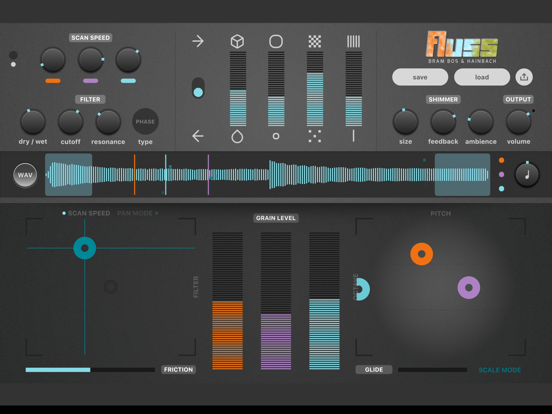
Fluss is a sonic playground designed by Bram Bos and Berlin-based musician Hainbach to let you explore granular synthesis in a hands-on way. The playful touch UI invites anything from live performance, experimentation to learning and mastering the granular concept.
Multiple plugins: Import, Record or Live Process
You can import your own WAVs (standalone & AUv3 Instrument plugin), Record audio (Record effect plugin) or live-process sound (Process effect plugin) to create anything from drones and granular echoes to moving microtonal audio textures.
Designed for touch: Kinetic Sliders
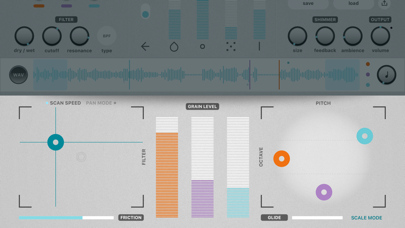
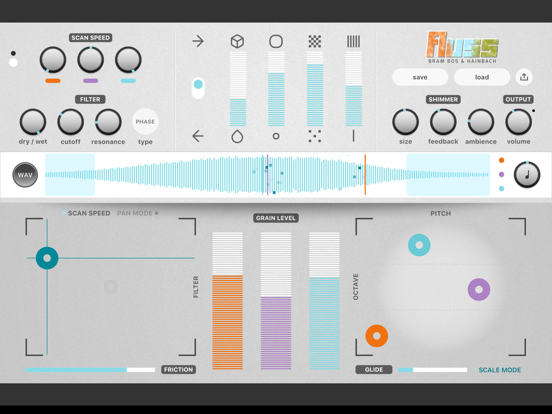
All sliders and XY pads are linked to a physics model which lets you flick and throw them around. Minimise the friction for endless bouncing motion, as an innovative substitute for traditional LFOs and modulation. There was never a better reason for using a touchscreen for music.
Shimmer Feedback effect
Like a shimmer reverb, except it feeds the processed audio back into the grain engine. This lets you create an endless loop of pitch-shifting spaciousness, turning even the simplest of sounds into massive woolly mammoths.
- 3 Voice grain engine, each with an independent playhead
- Playable via MIDI (since version 1.1)
- Filter inspired by the Oberheim Xpander, including its resonant Phase filter
- Kinetic sliders and pads for playful interaction with the sound
- Universal design (iPhone and iPad; iPad Air 2 or higher recommended)
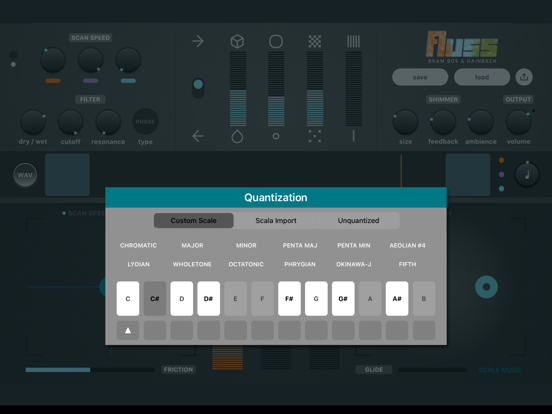
- Custom scales, unquantised mode and even Scala-import for microtonal experiments
- Use WAVs (or other audio files), record audio or load the app as a live-processing audio effect
- Real world tested as an instrument in numerous live performances by Hainbach
- Offers light mode and dark mode UI