PDF Editor: Read Scan Convert

PDF Editor: Read Scan Convert Summary
PDF Editor: Read Scan Convert is a free, with in-app purchases iOS app in Business by Rhophi Analytics LLP. Released in Sep 2022 (4 years ago). It has 17K ratings with a 4.60★ (excellent) average. Based on AppGoblin estimates, it reaches roughly 85K monthly active users and generates around $<10K monthly revenue (100% IAP / 0% ads). Store last updated Oct 8, 2026
Recent activity: 136 new ratings this week View trends →
SDK intelligence: AppGoblin detected 7 development tools(e.g. Google), 3 analytics: attribution, 2 ad networks, 2 business tools,and 1 analytics: product integrated into PDF Editor: Read Scan Convert. View full SDK list →
PDF Editor: Read Scan Convert SDKs Summary
PDF Editor: Read Scan Convert was last scanned for SDKs on 2026-08-18. Below is the overview of third-party companies detected in the app. The full list of SDKs, permissions and unknowns is available here.
 Google
 Facebook
 Airbnb Engineering
 nanopb
 Alamofire
 AppsFlyer
 Branch
 AppMetrica
 Firebase
 Intercom
 Adapty
4.6★
Ratings: 17K
Screenshots


App Description
Edit, Read, Scan, Convert, Annotate & Sign Your PDF Documents With A1 PDF EDITOR!
A1 PDF EDITOR is your all-in-one PDF converter, reader and editor app. It allows you to view, scan, edit, annotate, convert, draw and sign PDFs, allowing you to handle your important documents in an easy, breezy and safe way!
KEY FEATURES:
→ PDF EDITOR:
Edit & Annotate Documents Easily:
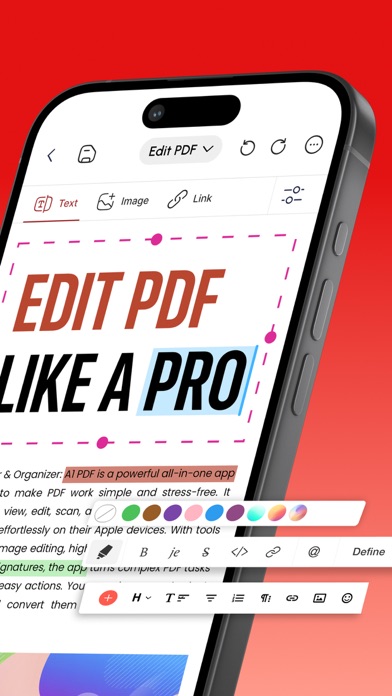
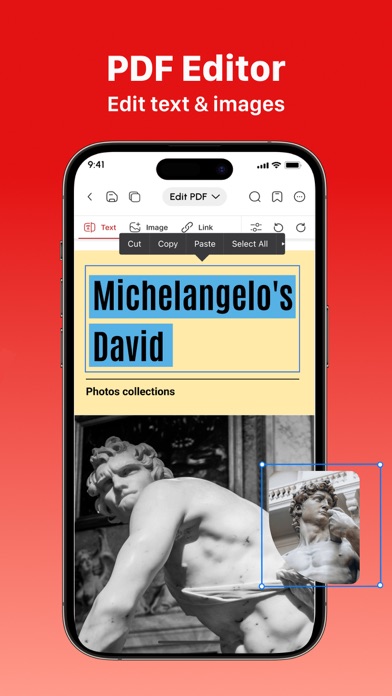
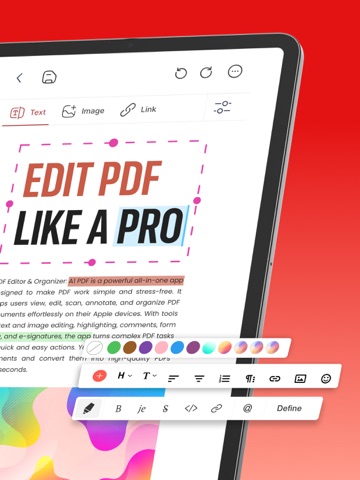
• Edit PDF, write, annotate and leave comments easily on your doc with our customizable sticky notes and intuitive drawing tools.
• Highlight key passages, add text boxes for in-depth comments, and respond to existing annotations. (Apple Pencil support on iPad Pro for enhanced precision).
→ PDF READER:
View & Read PDF Documents:
• Received a document you need to view and read? Our app lets you view any type of document which is easy to read with our high quality PDF opener app.
→ PDF SCANNER:
Scan Physical Documents:
• Scan your physical documents and convert them into universally readable documents using your phone’s camera.
• Our advanced scanning technology ensures your scanned PDFs look professional with automatic perspective correction, color adjustments, and intelligent cropping tools.
→ PDF CONVERTER:
Convert to PDF from different Documents:
• Word Document → PDF
• Excel Spreadsheets → PDF
• Presentations → PDF
• Images (JPG, PNG) → PDF
• Plain Text (TXT) → PDF
→ PDF to FILES:
Convert PDF to any document easily:
• PDF → Word Document
• PDF → Excel Spreadsheets
• PDF → Presentations
→ PDF SIGNATURE:
Sign Documents Without Hassle:
• Fill out your forms and sign without any hassle using your finger or Apple pencil.
• Our electronic signature system makes sure your original signatures look just as good and accurate on your PDF documents.
→ SHARE & EXPORT & COLLABORATE:
• Invite colleagues or clients to collaborate by effortlessly sharing PDF files via email, link, or text message.
• Set permission levels for recipients, allowing them to view, edit, or sign the PDF document according to your needs.
• Print, fax, or convert any doc to PDF - Word, Excel, and PowerPoint formats for maximum flexibility
→ MORE TOOLS:
• Insert Images & Draw Effortlessly
• Unleash your creative side by inserting images, editing images and using our multiple PDF tools to draw and beautify your documents.
Why Should You Choose A1 PDF E