Camera Scan - PDF Files Scan

Camera Scan - PDF Files Scan Summary
Camera Scan - PDF Files Scan is a free, ad-supported iOS app in Productivity by Karthik Bakshi. Released in Oct 2022 (4 years ago). It has 965 ratings with a 4.33★ (good) average. Based on AppGoblin estimates, it reaches roughly 2.4K monthly active users and generates around $<10K monthly revenue (0% IAP / 100% ads). Store last updated Oct 14, 2022
Recent activity: -1 new ratings this week View trends →
Camera Scan - PDF Files Scan SDKs Summary
App not yet scanned for SDKs.
4.33★
Ratings: 965
Screenshots
App Description
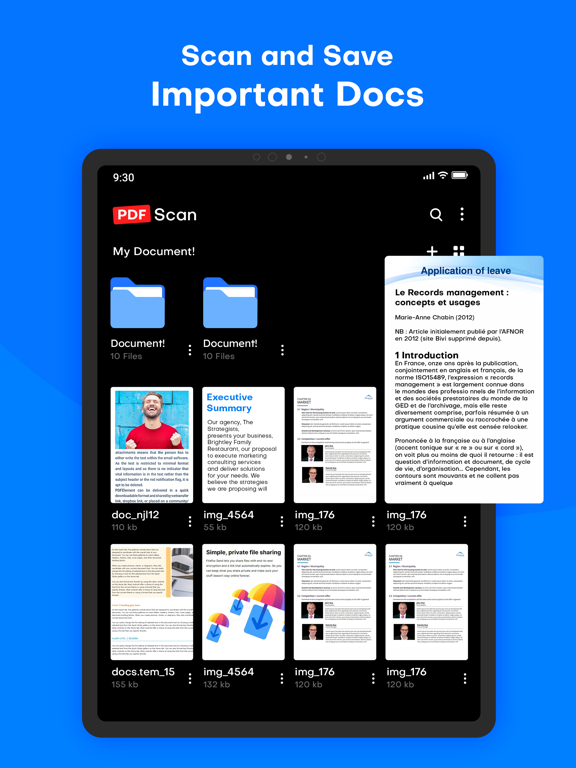
The new home of all your paper documents.
Cam Scan - PDF Scanner, Editor is a powerful document scanning application.
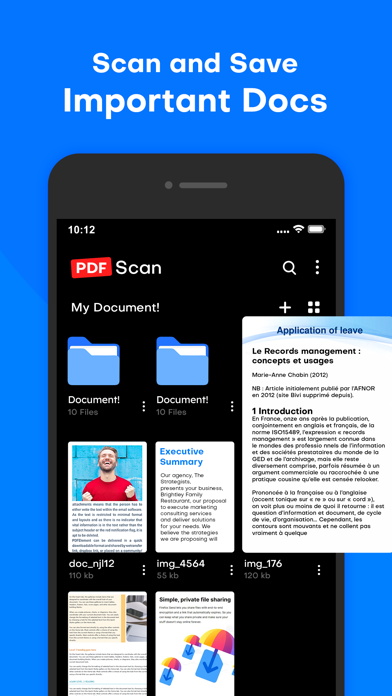
Scan, save, and archive from anywhere and at any time.
Management and searching have never been easier.
Scan, Print & Share any document to PDF.
Now you can simply scan, import and share right inside this portable scanner app. Access everything you’ve previously scanned with the Cam Scan app.
◆ HighLight Features ◆
• Dedicated multipage scanning mode
• Automatic capture of your documents
• Custom naming template saves you the hassle of naming each scan
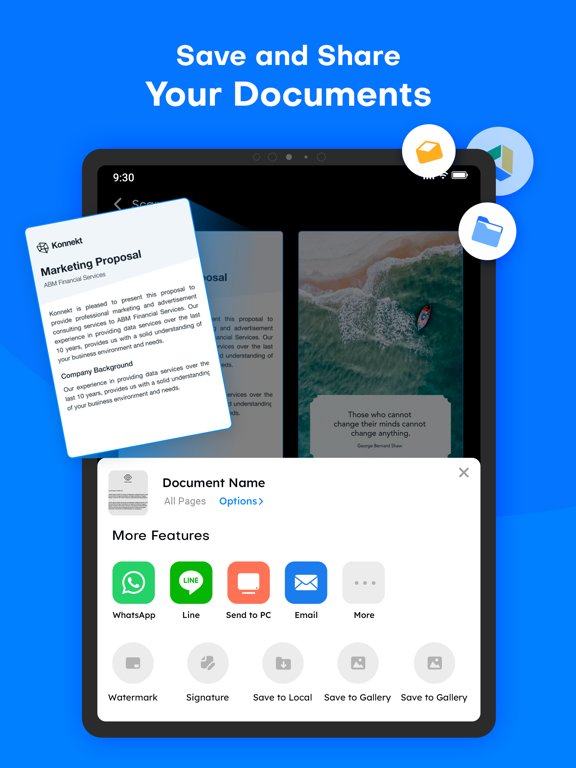
• Ample sharing (PDF, JPEG, TXT)
• Choose documents from your gallery or scan/click photos from the camera.
• Works completely offline - no online servers.
• Convert multiple images into a single PDF.
• Open the PDF with any PDF viewer.
• Enhance the visibility of your documents after scanning using built-in effects
• Easily share your PDF file via email.
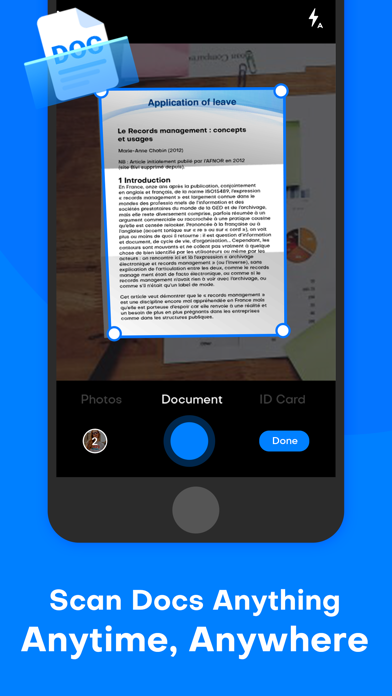
• Smart auto-enhancing and cropping for clear and sharp image quality
◆ Get the perfect scan - Enhance with Filters ◆
• Filters that will make your scanned documents look professional
• Remove shadows and artifacts to enhance your scans
• Clean your scans - Remove watermarks
• Port to black and white or adjust contrast and brightness
◆ Scan to PDF ◆
• Scan any document and convert it to PDF with your mobile device.
• Cam Scan - PDF Scanner, Editor has got you covered with our pdf maker and pdf reader. Receipts, documents, business cards, whiteboards, IDs, books, and photos - From image to pdf immediately
◆ We do the work for you with Auto Border detection ◆
• Scanning made easy
• Get your documents auto-cropped and sorted in the way you need them
• Save time cropping each document
◆ Finish your paperwork from anywhere ◆
• Use this document scanner to attach an E-signature using pdf sign tools.
• Mark and edit fields to add everything you need with an intuitive pdf viewer.
◆ Edit text from your scans ◆
• Convert image to text - Edit your scans with OCR
• Recognize text for easy text editing
• Export accurate text straight from your docs
• Read QR codes with the built-in QR scanner which supports links, text ISBN and emails - simply access the Qr code reader in the cam scan module
◆ PDF Editor ◆
• Pdf splitter - simply import a pdf file and Cam Sc