Text Box - Handwriting convert
Text Box - Handwriting convert Summary
Text Box - Handwriting convert is a ad-supported, with in-app purchases iOS app in Tools by 余 张. Released in Oct 2022 (3 years ago). Store metadata: updated Jan 21, 2024.
Store info: Last updated on App Store on Jan 21, 2024 .
0★
Ratings: 0
Screenshots


App Description
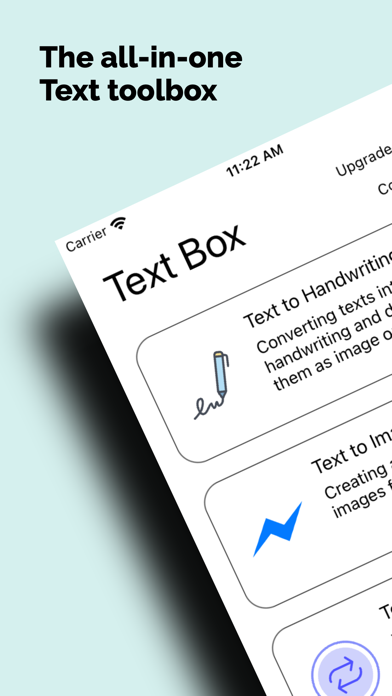
Text Box is a 'all-in-one toolbox' of useful text processing utilities. All text tools are simple and easy to use.
Text to Handwriting Converter :
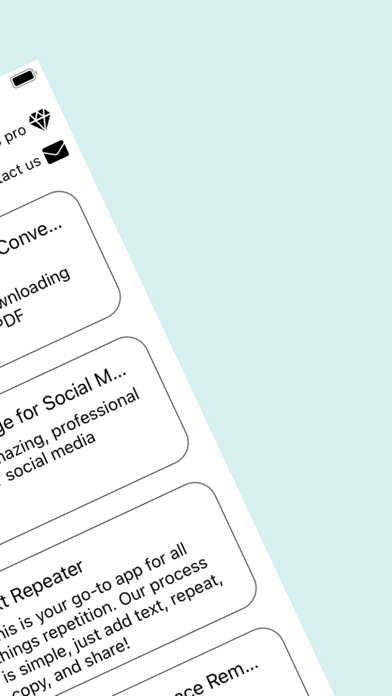
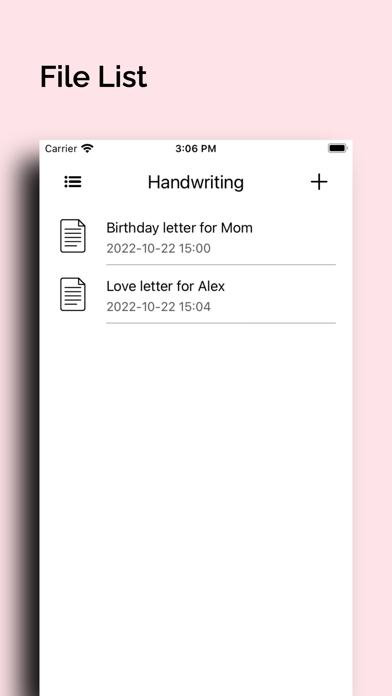
This tool made for converting texts into handwriting and downloading them as image or PDF for different handwriting font types, ink colors and papers. It looks like real handwriting on a real paper. If you need handwriting images or documents which looks real, you can use this tool.
You can choose font, ink color and paper type from the list and get the handwritten output in Image and PDF format. All font families are suitable for creating handwritten texts while all has different characteristics. There are 3 ink types, black, blue, and red where all has its light and dark versions.
There's over hundred sample letters for you, personal letters can be written for many reasons. It can be a difficult task to draft a letter a new every time you need to send a message. Fortunately, you can avoid this hassle by using a personal letter template.
Text to Image for Social Media:
Creating amazing, professional images for social media.
Text Repeater:
Text Repeater is your go-to app for all things repetition. Our process is simple, just add text, repeat, copy, and share! Whether you want to entertain your friends with endless emojis or drop a full-fledged text bomb, our easy-to-use app is here for all your needs.
Multiple Whitespace Remover :
This tool made for removing all unwanted multiple whitespaces and line breaks from a text. If you have a long text which includes many double or multiple whitespaces, unwanted multiple line breaks and untrimmed lines, this tool will make your life easier for you.
Sometimes, people need to edit long texts before they publish them. If these texts have unnecessary spaces and line break.
Case Converter:
If you have a wrongly formatted text you want to convert it to a specific case, case converter will assist you to perform it immediately.
• Sentence Case: First letter of all sentences will be uppercase while remaining will be lowercase. Sentences will be identified with punctuations which ends a sentence such as dot, question mark or exclamation mark.
Example: "This is the first sentence. This is the second one."
• Title Case: First letters of each word are uppercase while remaining will be lowercase.
Example: "This Is An Example For Title Case"
• Uppercas