Video Subtitle Generator

Video Subtitle Generator Summary
Video Subtitle Generator is a with in-app purchases iOS app in Photo And Video by Amer Alomari. Released in Feb 2026 (3 months ago). Store metadata: updated Mar 20, 2026.
Store info: Last updated on App Store on Mar 20, 2026 .
0★
Ratings:
Screenshots

App Description
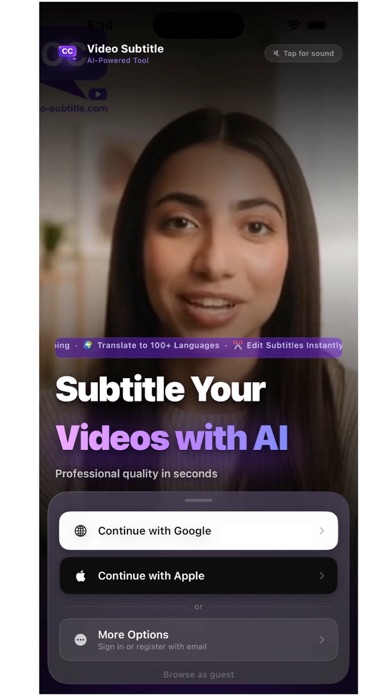
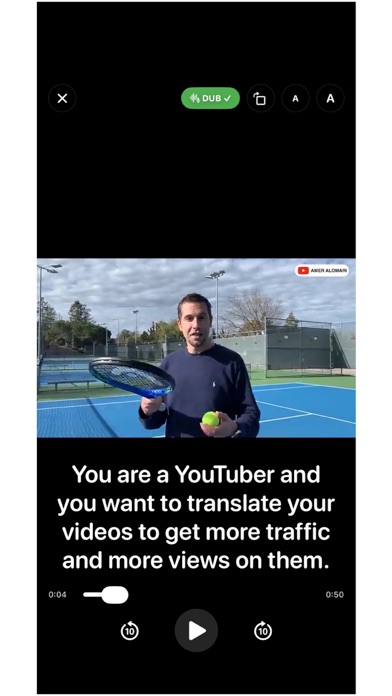
Video Subtitle Generator is an AI-powered app that helps you translate, subtitle, and dub your videos into multiple languages. Import a video from your device or from the internet, choose a language, and generate subtitles and optional voice dubbing in a few simple steps.
Features
- Translate videos with AI-generated subtitles
- AI voice dubbing in multiple languages
- Edit subtitles and export in VTT format
- Customize subtitle font, size, and position
- Stream translated videos to TV
- Download videos with subtitles
- Save and manage your translated videos
How it works
1. Upload or import a video
2. Choose the target language
3. Generate subtitles and optional dubbing
4. Edit, customize, and export the result
Subscription and Top-Up Information
You can subscribe to receive monthly translation minutes and cloud storage based on your selected plan. Subscriptions are auto-renewable and can be canceled anytime in your Apple ID account settings.
If you use all included monthly minutes before your renewal date, you can purchase optional top-up credits to continue immediately without changing your monthly subscription plan.
Top-ups are limited to your plan level. For example, if you are on the $10/month plan, you can top up $5 or $10 credits without upgrading your monthly plan.
Auto-renewal and billing
- Payment is charged to your Apple ID account at confirmation of purchase.
- Subscriptions automatically renew unless canceled at least 24 hours before the end of the current period.
- You can manage or cancel your subscription in your Apple ID account settings.
Privacy Policy: https://video-subtitle.com/?action=privacy&webLang=en
Terms of Use (EULA): https://www.apple.com/legal/internet-services/itunes/dev/stdeula/