HEIC to JPEG : image converter

HEIC to JPEG : image converter Summary
HEIC to JPEG : image converter is a mobile iOS app in Productivity by NextPixel apps. Released in Nov 2022 (3 years ago). It has 301 ratings with a 4.63★ (excellent) average. Based on AppGoblin estimates, it reaches roughly 1.1K monthly active users . Store metadata: updated Oct 1, 2025.
Store info: Last updated on App Store on Oct 1, 2025 .
4.63★
Ratings: 301
Screenshots


App Description
HEIC to jpg image converter app is all in one photo converter app that can help you to convert.
Are you tired of not being able to view HEIC images on your device? Look no further than our HEIC to JPG app!
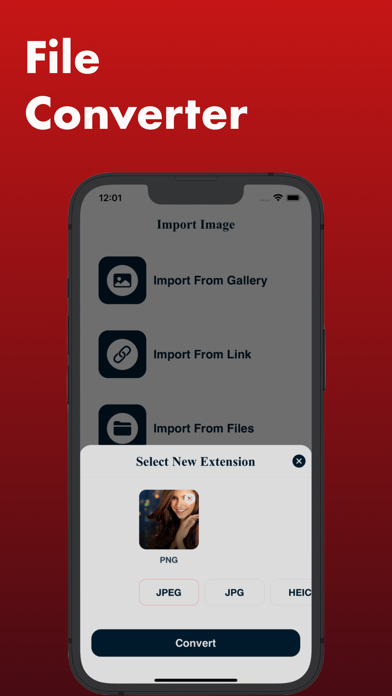
With our app, you can easily convert HEIC files to the more widely supported JPG format. Simply upload your HEIC images to the app and let our powerful conversion engine take care of the rest.
Our app offers a range of customization options, allowing you to choose the image quality and output folder for your converted files. You can even convert multiple files at once, saving you time and effort.
Whether you're a professional photographer or just looking to view HEIC images on your device, our app is the perfect solution
The app is suitable for all kind of purpose. The main features are
1. Convert image with one format to another
2. Support JPEG
3. Support JPG
4. Support PNG
5. Support HEIC
6. Convert to GIF
7. Convert to BMP
8. Convert to ICO
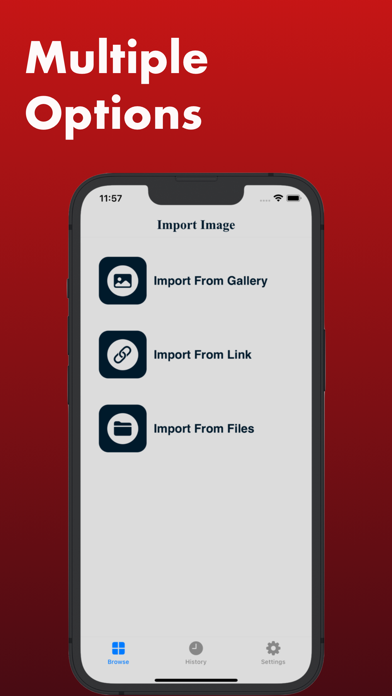
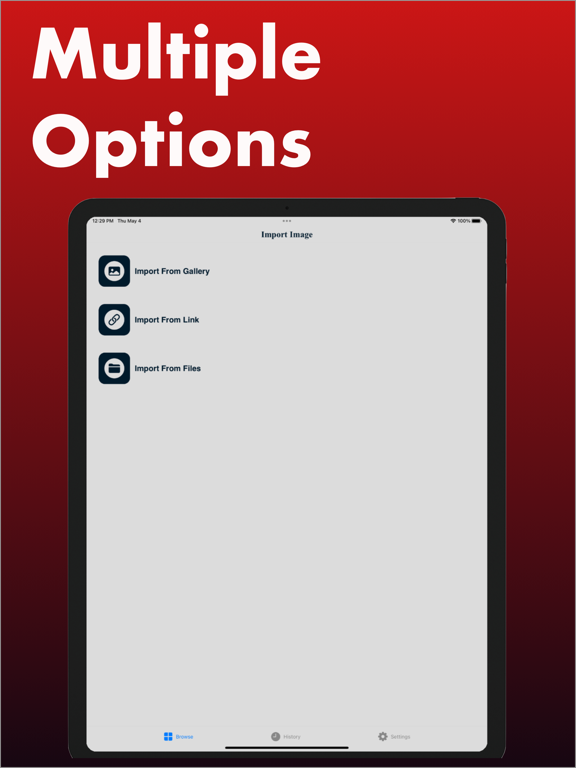
9. Pick from files
10. Pick from link and convert
We support image convert for
1. HEIC to JPG
2. HEIC to JPEG
3. JPG to HEIC
4. JPEG to HEIC
5. PNG to JPG
6. PNG to JPEG
7. PNG to HEIC
8. PNG to ICO
9. PNG to BMP
10. JPEG to GIF
11. JPG to GIF
And much more
This app can help you to convert multiple images together also