PureStatus: ByeBye Blur Status

PureStatus: ByeBye Blur Status Summary
PureStatus: ByeBye Blur Status is a free, ad-supported, with in-app purchases iOS app in Photo And Video by DamTech Designs. Released in Dec 2022 (3 years ago). It has 67K ratings with a 4.53★ (excellent) average. Based on AppGoblin estimates, it reaches roughly 105K monthly active users and generates around $10K+ monthly revenue (72% IAP / 28% ads). Store last updated Oct 11, 2026
Recent activity: 197 new ratings this week View trends →
SDK intelligence: AppGoblin detected 3 development tools(e.g. Google), 2 ad networks, 1 analytics: product,and 1 business tools integrated into PureStatus: ByeBye Blur Status. View full SDK list →
PureStatus: ByeBye Blur Status SDKs Summary
PureStatus: ByeBye Blur Status was last scanned for SDKs on 2026-10-07. Below is the overview of third-party companies detected in the app. The full list of SDKs, permissions and unknowns is available here.
 Google
 Facebook
 nanopb
 Alamofire
 Firebase
 RevenueCat
4.53★
Ratings: 67K
Screenshots


App Description
PureStatus: HD WhatsApp Status, plus AI Studio
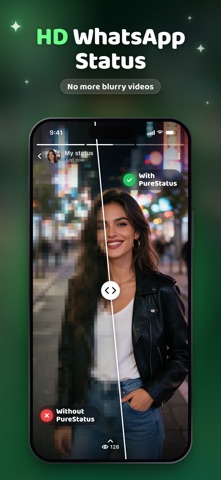
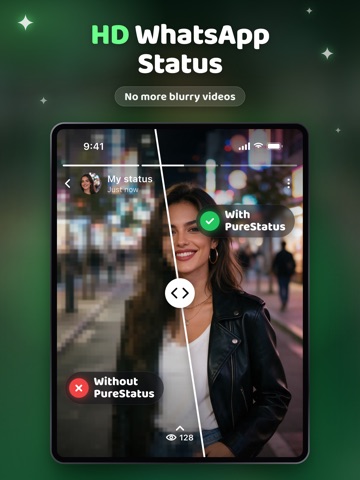
Tired of blurry, low-quality videos and photos in your WhatsApp status? When you post a video, WhatsApp shrinks it and the quality drops. PureStatus compresses your video precisely for WhatsApp first, so what you post stays as sharp as HD status allows.
Crystal-clear status in four steps
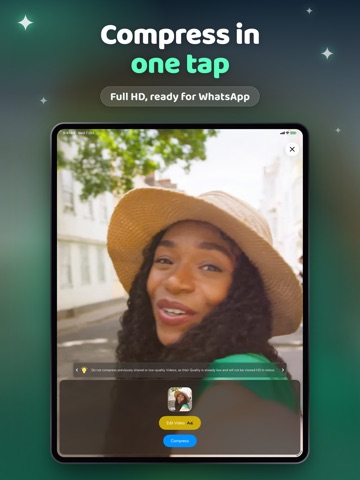
Open PureStatus and select a video or photo.
Compress it.
Share to your WhatsApp status.
Enjoy crystal-clear HD.
New: AI Studio
Create the post itself, right inside PureStatus.
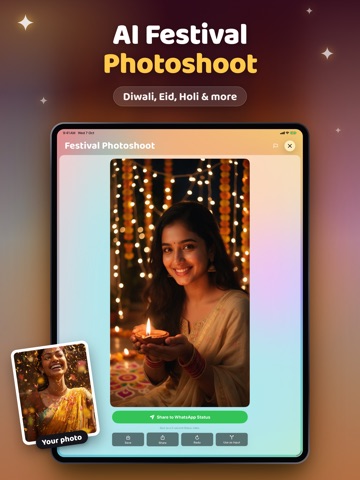
• Festival Photoshoot: put yourself in 175 festivals and 460 poses, from Diwali, Eid and Holi to Christmas and Chinese New Year. Couple poses take a photo of each person. Add a greeting in your language, written into the picture.
• WhatsApp Stickers: make stickers from text or your own photo, a 6 or 9 sticker pack of you in one go, and animated stickers. Add them to WhatsApp with one tap.
• Photo Restore: fix old, faded and blurry photos and bring back natural colour.
• AI Styles: cartoon, anime, oil painting, watercolour, sketch and 3D looks.
• Object Eraser, Passport Photo, Upscale, Background Remover and Fit to Status.
• AI Image: describe anything and get a picture.
• Photo to Video: give a still photo natural motion. Video HD: upscale old clips. Video Reframe: fit or crop any video to the 9:16 status size, free and on your phone. Photo Slideshow: photos into a status video with six transitions.
Pick a model for each tool, from fast to top quality, and see the price in tokens before you generate. Every result lands in My Creations and posts to Status in one tap. You get 200 free tokens when you activate and 100 free tokens every month; buy packs when you need more.
Get the best results
• Don't edit or crop a video after compressing; the status will lose quality again.
• Compress the original file, not a video that was already shared. Quality that is already gone can't be restored by compression. Use Photo Restore or Video HD for that.
• Compare for yourself: post the compressed and the original version and look at both.
• Vertical videos and photos give the largest viewing area and are the most popular on phones.
Please keep in mind
• Compression stops your HD video from turning blurry on WhatsApp; it does not improve the original.
• The photo function is for HD status only. Sent in a chat, it arrives as a video.
• T