PlayNav - No ads in videos!

PlayNav - No ads in videos! Summary
PlayNav - No ads in videos! is a with in-app purchases iOS app in Entertainment by MARCELA VEGA. Released in May 2023 (3 years ago). It has 89 ratings with a 4.00★ (good) average. Based on AppGoblin estimates, it reaches roughly 159 monthly active users and generates around $<10K monthly revenue (100% IAP / 0% ads). Store metadata: updated Nov 3, 2025.
Store info: Last updated on App Store on Nov 3, 2025 .
4★
Ratings: 89
Screenshots

App Description
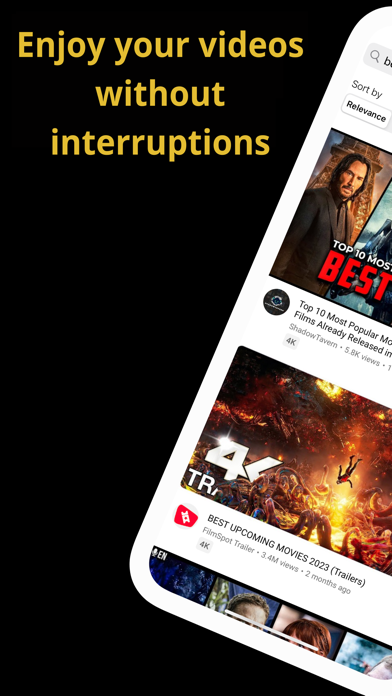
Are you tired of interruptions caused by ads on your YouTube videos?
The new YouTube video browser, YouTube PlayNav, will block all intrusive ads that appear while you watch your videos, so you can enjoy your favorite content smoothly and without interruptions.
In addition, our app offers features you’ll love:
• Picture-in-Picture Playback: Watch YouTube videos while using other apps.
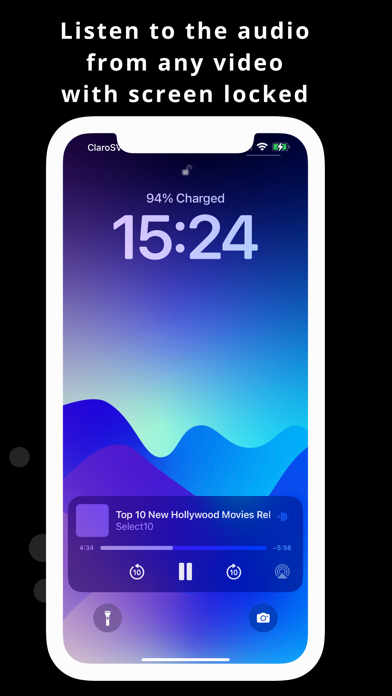
• Audio-Only Mode: Listen to any YouTube video with your iPhone screen locked.
• Automatic Shutdown: Set a sleep timer. (Premium)
• Loop Mode: Automatically repeat your favorite videos. (Premium)
• Playlist Playback: Play your favorite video or music playlists. (Premium)
It also includes essential features like speed adjustment (enhanced), related videos, AirPlay, a search engine with suggested search terms (new), and much more to enhance your video-watching experience.
» HOW TO USE PLAYNAV
PICTURE-IN-PICTURE PLAYBACK (PIP) (Premium)
Watch YouTube videos while using any other app. Once activated, the player will shrink on your screen, allowing you to move or hide it with a double tap.
» How to activate it:
1. While a video is playing, tap the PIP icon in the top-left corner (two small screen icons).
2. While the video is playing, swipe up from the bottom of your iPhone screen, and the player will appear on your screen.
AUDIO-ONLY MODE
Listen to the audio of your favorite YouTube videos with your iPhone screen locked. Use it while exercising, walking, or before bed. Combine it with the automatic shutdown feature to relax while listening to your favorite videos!
» How to activate it:
1. Enable Picture-in-Picture playback.
2. Then, lock your iPhone, and the audio will continue playing.
AUTOMATIC SHUTDOWN
Time for bed? Find your favorite video or playlist on YouTube, set the sleep timer, and let your favorite audio accompany you as you fall asleep.
» How to activate it:
1. Tap the sleep (moon) icon in the player.
2. Select the desired time for automatic shutdown.
3. You can combine it with Audio-Only Mode.
LOOP MODE (REPEAT VIDEO)
Want your video to repeat? Use Loop Mode to play your video as many times as you like. You can also combine it with Audio-Only Mode.
» How to activate it:
1. Tap the Loop icon. Your video will continue repeating until you turn it off.
PLAYLISTS
Do you love watching videos from playlists? W