MyFlasher

MyFlasher Summary
MyFlasher is a mobile iOS app in Education by Daichi Kato. Released in Sep 2023 (2 years ago). It has 5.00 ratings with a 3.80★ (average) average. Based on AppGoblin estimates, it reaches roughly 8.00 monthly active users . Store metadata: updated Nov 29, 2025.
Store info: Last updated on App Store on Nov 29, 2025 .
3.8★
Ratings: 5.00
Screenshots



App Description
Create your own original question sets and efficiently study with a spaced repetition schedule tailored to the forgetting curve.
◆ Creating Question Sets ◆
● In addition to questions and answers, you can also add explanations and pronunciation.
In addition to the basic question-answer format of flashcards, you can also add explanations and pronunciations. You can toggle their visibility based on the situation.
● Images can also be added.
By adding images, you can create questions that cannot be expressed in words alone. It's also useful for visual memorization.
● Supports adding multiple answers
Unlike the typical flashcard one-question-one-answer format, you can add multiple answers to a single question. This is convenient when a single word has multiple meanings.
● Supports automatic voice reading
If you want to have items read aloud automatically, you can select a language, and it will read aloud the questions during the presentation. This can be useful for listening practice and more.
◆ Enhancing Learning Efficiency ◆
● Three learning modes
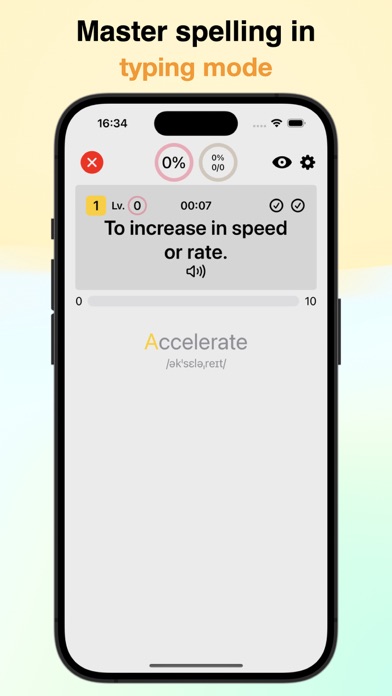
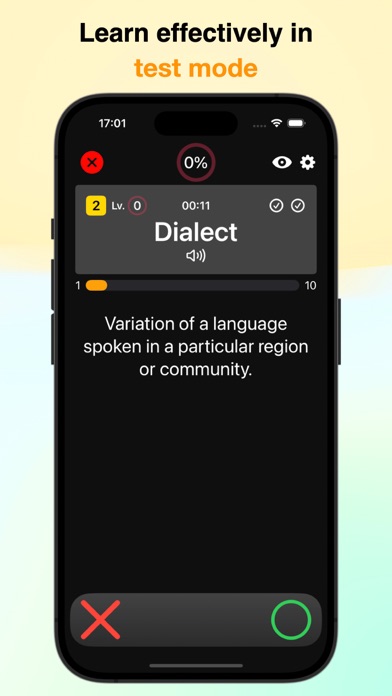
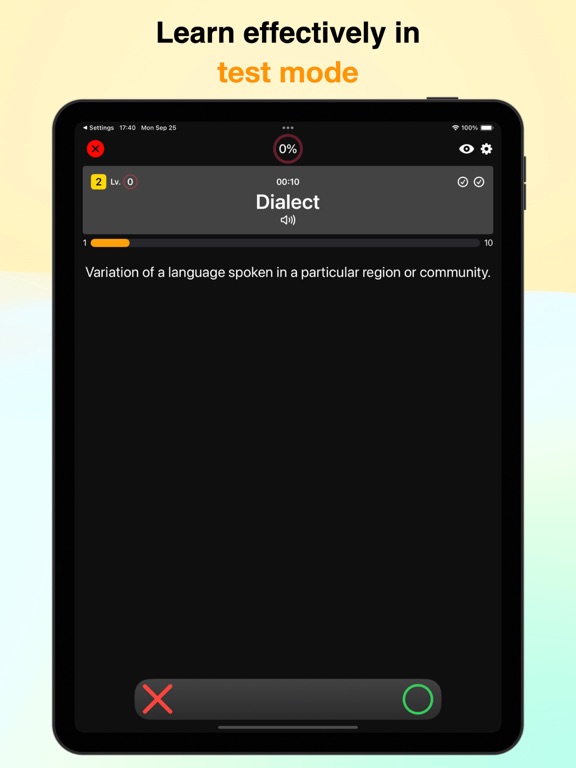
There are three modes: Choice Mode, Typing Mode, and Test Mode. You can change them according to your learning progress and preferences.
● Learning management by mode
Instead of having one schedule per item, learning progress is managed separately based on question orientation and presentation method. This ensures more effective memorization.
● Customizable question scope
You can set the range and number of questions to be presented from your flashcards. You can also change the order and orientation of presentation.
● Automatic learning progress tracking
Learning progress is automatically tracked just by solving problems. It can avoid presenting items that you already know to some extent. In review mode, you can also schedule reviews according to the forgetting curve for longer-term retention.
● Manual learning progress management
You can manually mark cards you want to check individually. Of course, you can use this information to set the items to be presented during the quiz.
● Setting spaced repetition schedules according to the forgetting curve
Shortly after learning, forgetting tends to happen relatively quickly. However, through review, you can correct the forgetting curve. After a certain period, the rate of forgetting slows down. It is said that reviewing around the time