Video Compressor App

Video Compressor App Summary
Video Compressor App is a free, ad-supported iOS app in Tools by SWAINFO SOLUTIONS. Released in Apr 2023 (3 years ago). It has 4.00 ratings with a 3.00★ (mixed) average. Based on AppGoblin estimates, it reaches roughly 11 monthly active users and generates around $<10K monthly revenue (0% IAP / 100% ads). Store last updated Dec 26, 2023
Video Compressor App SDKs Summary
App not yet scanned for SDKs.
3★
Ratings: 4.00
Screenshots

App Description
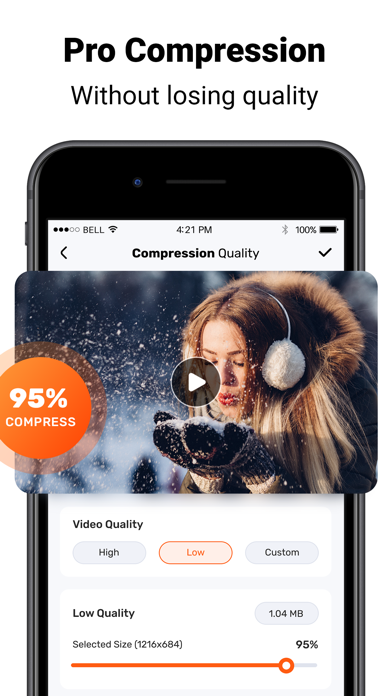
With the Video Compressor App, you can compress your videos in just a few simple steps. Whether you’re looking to reduce the file size of your videos for faster uploads or to save storage space on your device, the Video Compressor App has you covered.
The reduce video app is incredibly easy to use. Simply select the video you want to compress, choose the desired output format and quality, and hit “Compress”. The app will take care of the rest, compressing your video in no time.
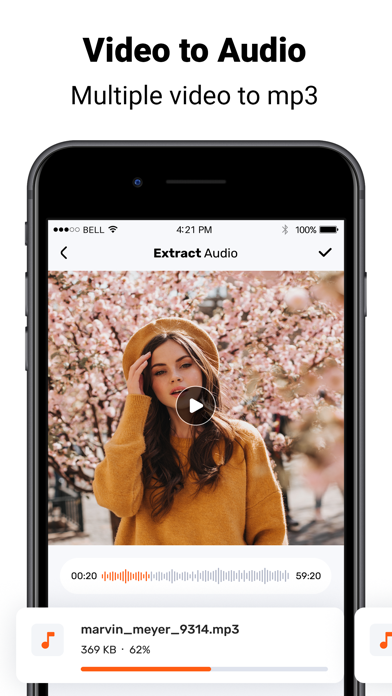
The Video Compressor App also offers a range of advanced features, such as batch processing, which allows you to compress multiple videos at once. You can also trim and crop your videos, adjust brightness and contrast, and add text or watermarks.
Key features of Compress Video and photo size:
1. Compress videos and photos quickly and easily: The app allows users to compress videos and photos quickly and easily, with no loss of quality.
2. Support for multiple file formats: The app supports a wide range of file formats, including MP4, MKV, AVI, 3GP, FLV, MTS, MPEG, MPG, WMV, M4V, MOV, VOB and more.
3. Customizable compression settings: Users can customize the compression settings to their own preferences, allowing them to choose the best quality/file size ratio for their needs.
4. Batch processing: The app allows users to compress multiple files at once, making it easier to process large batches of files quickly.
5. Preview before compression: The app allows users to preview their files before compressing them, ensuring that they get the desired results.
6. Share compressed files easily: shrinkvid allows users to share their compressed files easily via email, messaging apps, or social media platforms.
7. Cloud Storage Integration: The app integrates with popular cloud storage services, allowing users to store their compressed media files in the cloud for easy access from any device.
Video Compress is an app that allows you to compress videos on your mobile device. It is a great tool for reducing the size of large video files so that they can be shared more easily. Here’s how to use it:
1. Download and install the Video Compress app.
2. Open the app and select the video you want to compress.
3. Select the compression settings you want to use. You can choose from a range of options, including resolution, bitrate, and frame rate.
4. Once you’ve chosen your setting