Resume Maker & CV Builder App

Resume Maker & CV Builder App Summary
Resume Maker & CV Builder App is a with in-app purchases iOS app in Business by Sedona Tech Belgium. Released in May 2023 (3 years ago). It has 2.1K ratings with a 4.59★ (excellent) average. Based on AppGoblin estimates, it reaches roughly 13K monthly active users and generates around $<10K monthly revenue (100% IAP / 0% ads). Store metadata: updated May 19, 2026, version 1.6.1.
Recent activity: -1 new ratings this week View trends →
Data tracking: SDKs and third-party integrations were last analyzed on May 28, 2026.
Store info: Last updated on App Store on May 19, 2026 (version 1.6.1).
SDKs, Trackers & Permissions
Resume Maker & CV Builder App was last scanned for SDKs 2026-05-28. Below is the overview of third party companies detected in the app. The full list of raw SDKs, app permissions and unknown SDKs is available here.
AppGoblin saw Resume Maker & CV Builder App uses 1 Analytics: Product
 AppHud
AppGoblin saw Resume Maker & CV Builder App uses 2 Development Tools
 ReactiveX
 Airbnb Engineering
AppGoblin saw Resume Maker & CV Builder App uses 1 Business Tools
 Adapty
AppGoblin saw Resume Maker & CV Builder App uses 1 Ad Networks
 Snap
SnapApp Details
App Store
Ads & App-Ads.txt
AppGoblin SDK Scans
4.59★
Ratings: 2.1K
Screenshots
App Description
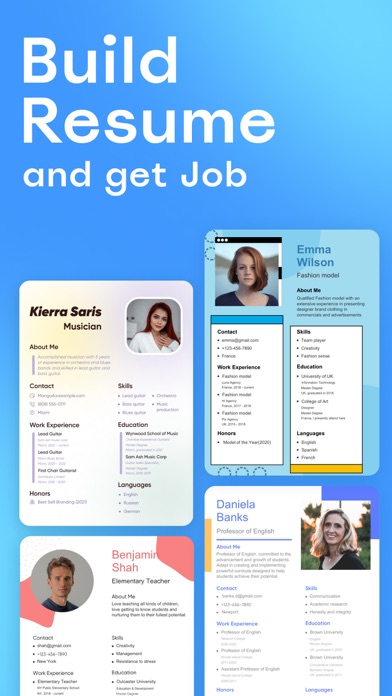
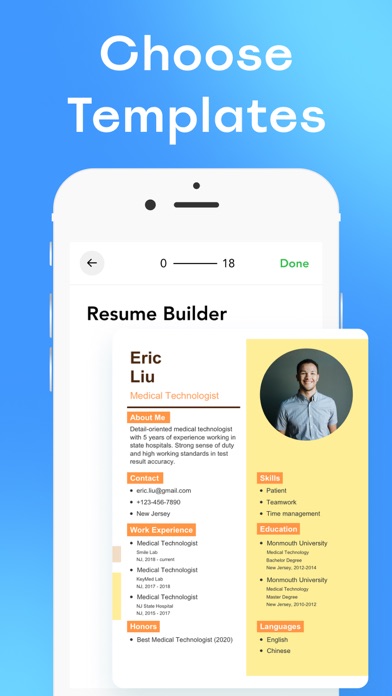
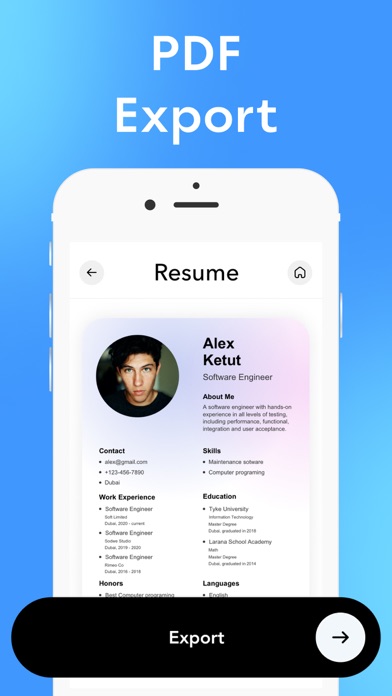
Create professional resume and make your CV stand out from the crowd in few minutes with variety of templates built-in! Nice and easy-to use but works how you expect: choose template you prefer, fill in information about yourself and export! Take your career to the next level!
Read more about our terms and conditions below.
Privacy Policy:
https://docs.google.com/document/d/1P6IpRha-UZTHiQSgeYJlozAdV-9npaU9KjyaJnOk9m4/edit?usp=sharing
Terms of Use:
https://docs.google.com/document/d/1DvVemNbIcS7Mf1HgLWytC_I6B-v6JgjRngol2gJd-dE/edit?usp=sharing
Contact:
seda13d@gmail.com
*Pricing in countries may vary and actual charges may be converted to your local currency depending on the country of residence.
*Payment will be charged to iTunes Account at confirmation of purchase.
*Subscription will be automatically renewed. Auto-renew can be turned off at least 24 hours before the end of the current period.
*Your account will be charged for renewal within 24 hours prior to the end of the current period, and identify the cost of the renewal.
*Subscriptions may be managed by you and auto-renewal may be turned off by going to the user's iTunes Account Settings.
For more information please visit one of the following links:
- https://support.apple.com/en-us/HT202039
- https://support.apple.com/en-us/HT204084