PDF Editor - Merge & Split

PDF Editor - Merge & Split Summary
PDF Editor - Merge & Split is a free, with in-app purchases iOS app in Tools by Moon Technolabs Pvt Ltd. Released in May 2023 (3 years ago). It has 3.00 ratings with a 5.00★ (excellent) average. Based on AppGoblin estimates, it reaches roughly 51 monthly active users and generates around $<10K monthly revenue (100% IAP / 0% ads). Store last updated Jun 17, 2026
PDF Editor - Merge & Split SDKs Summary
App not yet scanned for SDKs.
5★
Ratings: 3.00
Screenshots
App Description
The complete PDF toolkit in your pocket.
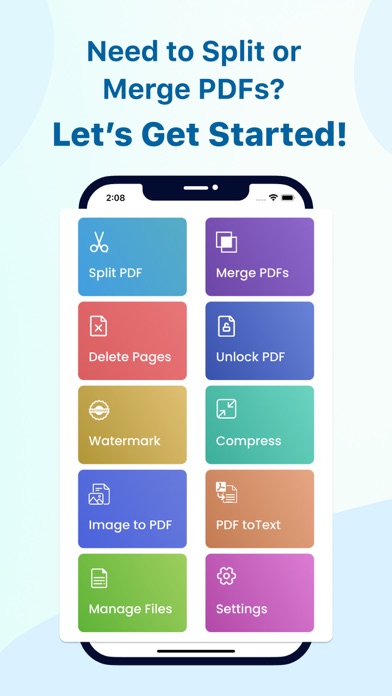
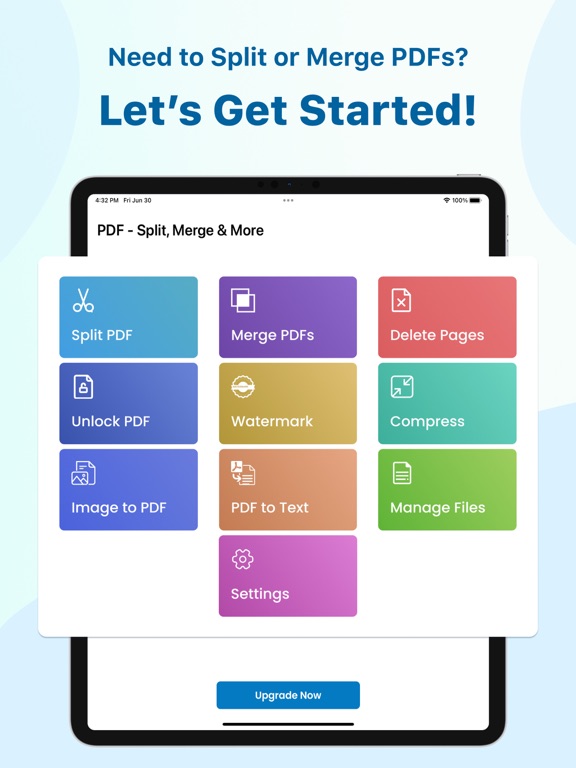
Merge, split, compress, watermark, unlock, and convert PDFs. Whether you're a student, professional, or business user, PDF Editor gives you full control over every PDF on your iPhone, iPad, and Mac.
WHAT YOU CAN DO
Merge PDFs
Combine multiple PDF files into one clean document in seconds. Supports password-protected PDFs.
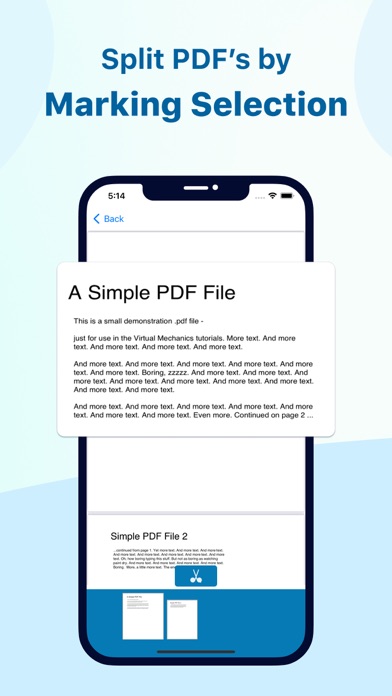
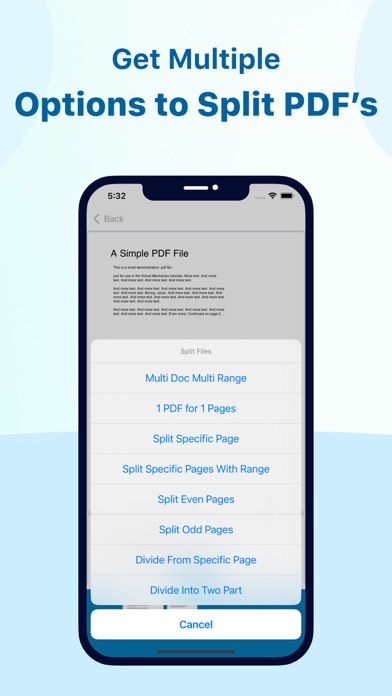
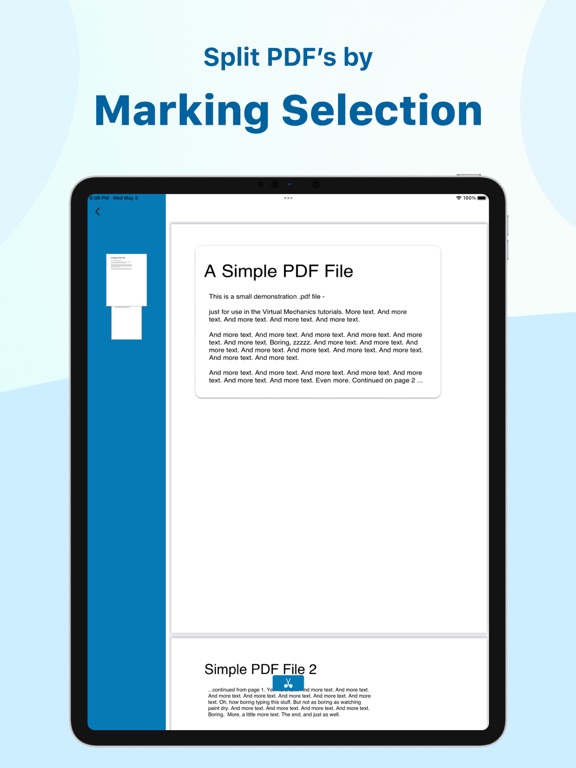
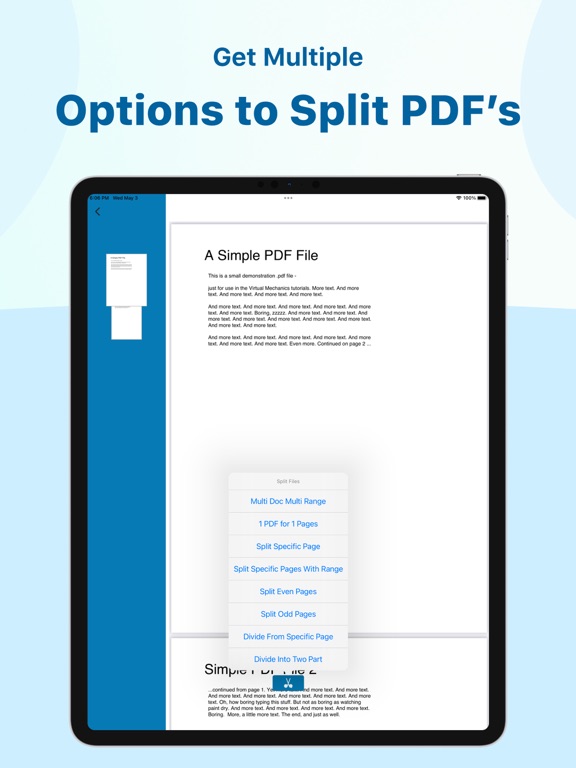
Split PDF
Divide any PDF into individual pages or custom page ranges. Fast and precise.
Compress PDF
Reduce PDF file size without sacrificing quality. Perfect for email attachments and uploads.
Delete Pages
Remove unwanted pages from any PDF. Simple page picker, instant results.
Unlock PDF
Remove password protection from your PDFs so you can edit, share, and work freely.
Watermark
Add custom watermarks to any page or entire document. Protect and brand your PDFs.
Image to PDF
Convert JPG, PNG, and other images into high-quality PDF files instantly.
PDF to Text
Extract text from any PDF document for editing or copying.
WHY CHOOSE THIS APP
- Works on iPhone, iPad, Mac, and Apple Vision
- No internet required for most features
- Clean, fast, and easy to use
- Regular updates with new features
Get started in seconds — no account required.
Questions or feedback? Email us: support@moonapps.io