SASHA App

SASHA App Summary
SASHA App is a mobile iOS app in Education by Ajay Vaidya. Released in May 2023 (3 years ago). It has 1.00 ratings with a 1.00★ (poor) average. Based on AppGoblin estimates, it reaches roughly 2.00 monthly active users . Store metadata: updated Apr 18, 2026.
Store info: Last updated on App Store on Apr 18, 2026 .
1★
Ratings: 1.00
Screenshots


App Description
The Student Academic Schedule Handling Application is a mobile app that serves as an operational interface for students to access information and manage operations within the ERP system. It provides instant access to crucial and important academic information, allowing students to efficiently handle their day-to-day activities. The app functions as the user interface for the ERP system, enabling students to view notifications and operate all functions available in the Student web portal.
Key Features:
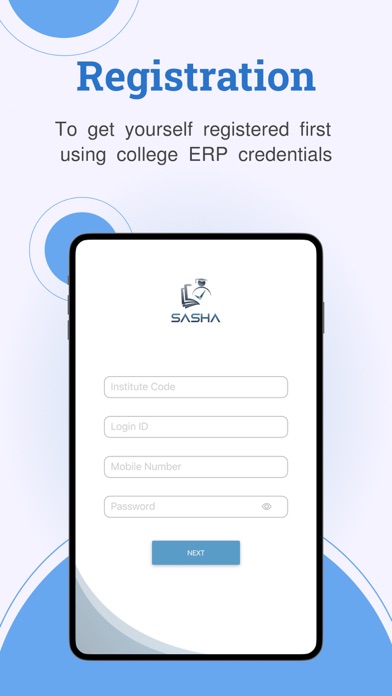
Registration: The application allows students to register using their ERP credentials, ensuring secure login access.
Dashboard: The app provides a comprehensive dashboard displaying essential information.
It includes:
a. Self Profile: Students can view their personal profile.
b. Attendance: Gives an overview of net classroom attendance, subject-wise attendance, total syllabus coverage status, and subject-wise syllabus coverage status.
c. Exam Scores/Grade Points: Shows the student's scores or grade points for exams.
d. Fees Status: Displays the payable and paid status of fees across all curriculum sectors.
Menu Options (Left Panel):
a. Attendance: Allows detailed viewing of classroom attendances through three options:
Day-wise Attendance: Displays attendance for all subject classes on a selected day according to the timetable.
Course-wise/Subject-wise Attendance: Provides total attendance for each subject in the current semester.
Clicking on a subject shows day-wise attendance with the teaching faculty's name and their profile.
Semester-wise Attendance: Presents statistical and graphical views of each completed semester's attendance.
b. Syllabus: Enables students to access the list of courses/subjects for the current semester, including compulsory, elective, and open-elective subjects. Clicking on a subject name displays detailed unit-wise syllabus, weightage, and contact hour details. The Action Plan button provides information on teaching faculty, teaching plan, completion status, and referred book details.
c. Schedule: Allows viewing of the academic weekly day-wise timetable for class and recess schedules.
d. Fees: Provides information on payable fees, outstanding details, and generated fee receipts. Students can download fee receipts and access the fee transaction log to check payment statuses.
e. Profile: Offers a detailed self-profi